SEAT Plus: Car Connectivity Companion
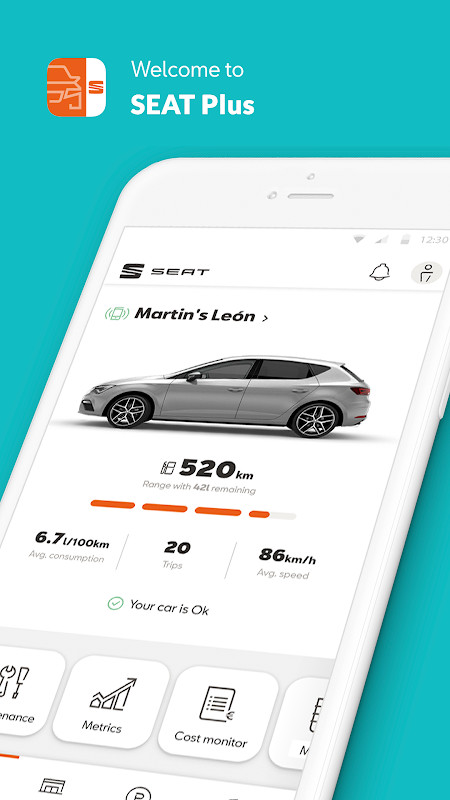
SEAT Plus is a free auto and vehicles app by SEAT S.A. that lets you monitor your car's status, fuel consumption, and maintenance needs.
Get SEAT Plus · v2.12.2SEAT Plus is a 61 MB app that requires Android 6.0 or higher. It offers real-time vehicle monitoring, cost tracking, parking location, and maintenance alerts, and it supports up to four cars. The app is intended for SEAT owners who want to manage their car's health and expenses from their smartphone.
Screen gallery
- Version
- 2.12.2
- Size
- 61 MB
- Requires Android
- 6.0
- Updated
- Nov 12, 2025
- Installs
- 100K+
- Category
- Auto & Vehicles
- Developer
- SEAT S.A.
- Content rating
- Everyone
- Package
- com.seat.myseat
- Free
- ✓
SEAT Plus is an automotive companion app by SEAT S.A. that connects your SEAT vehicle to your smartphone, enabling remote monitoring and management of car-related data. It solves the problem of fragmented car information by consolidating real-time metrics, fuel costs, maintenance schedules, and parking locations into a single interface. The app relies on a SEAT DataPlug, a Bluetooth device that bridges the car's telemetry to the phone, allowing features to work even without an internet connection. With a focus on convenience, it offers a dark mode and a garage where up to four vehicles can be managed.
Key features
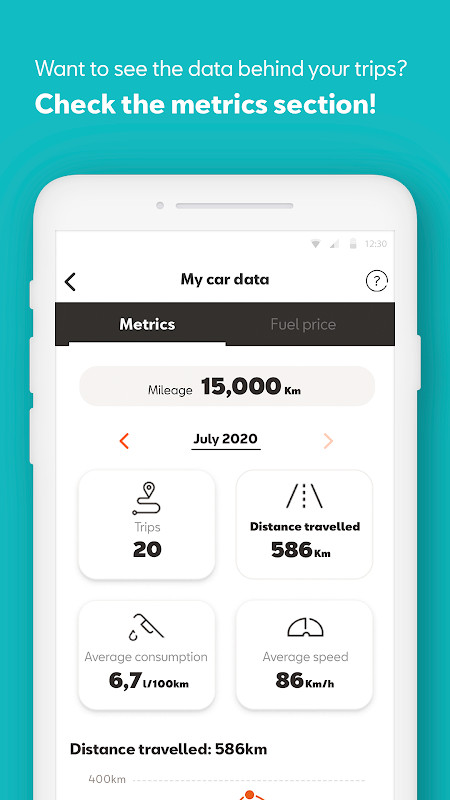
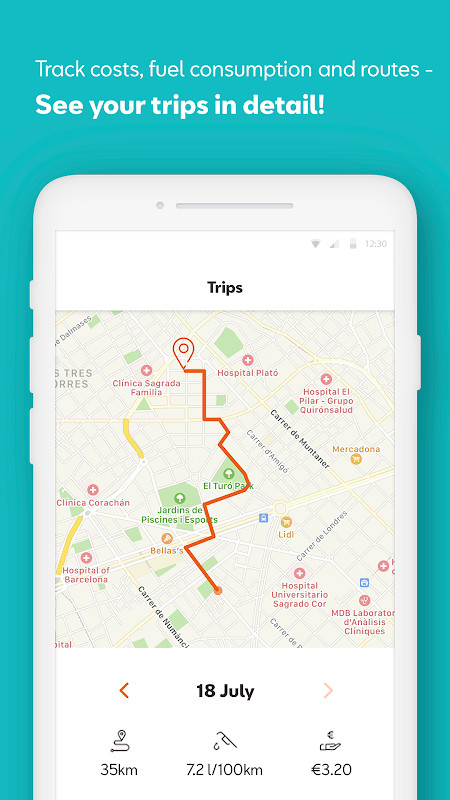
- Real-time monitoring of fuel consumption, mileage, fuel level, and trip times, with completed routes displayed on a map
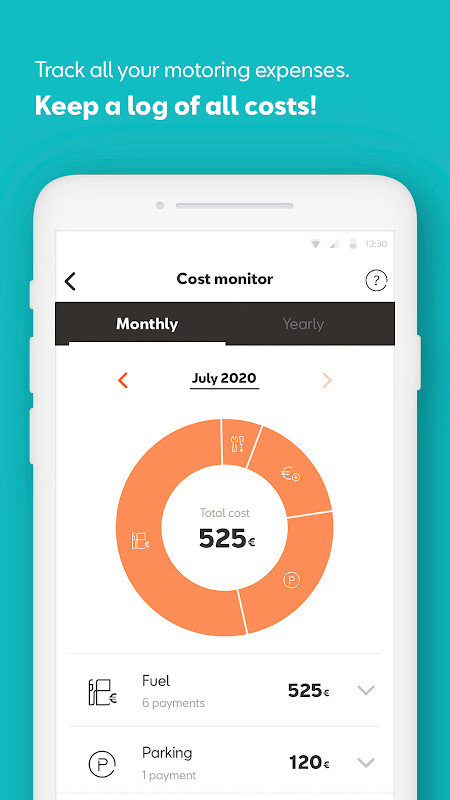
- Cost Monitor to calculate fuel costs and record all car-related expenses
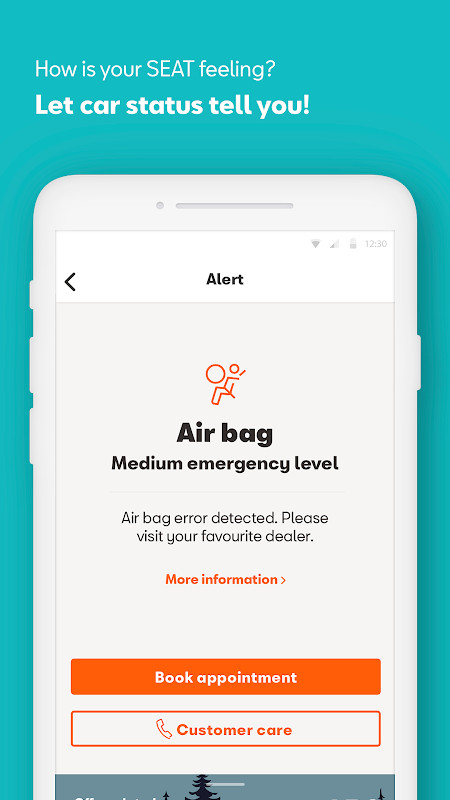
- Vehicle status alerts for potential health issues, with proactive notifications
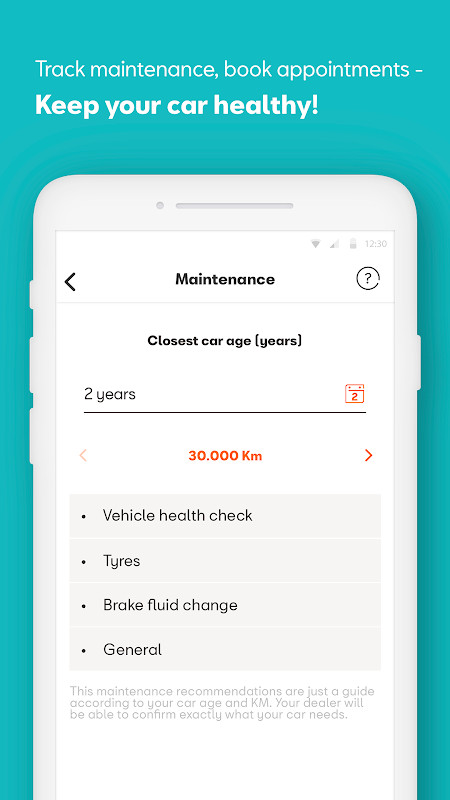
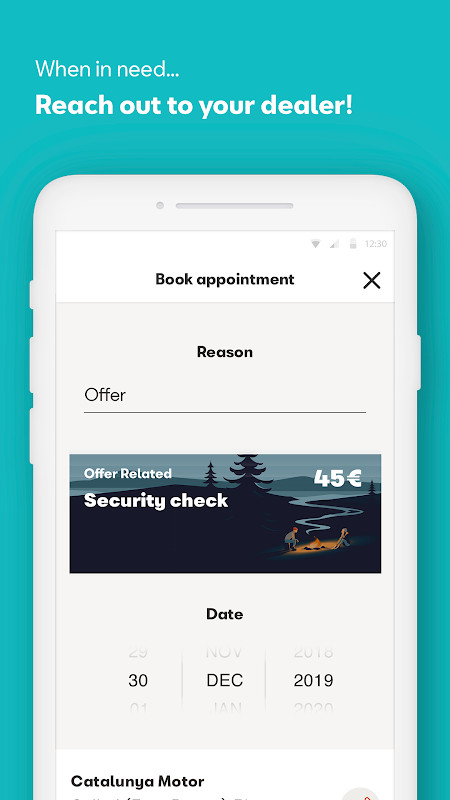
- Maintenance scheduling based on mileage, including oil change recommendations and dealer booking
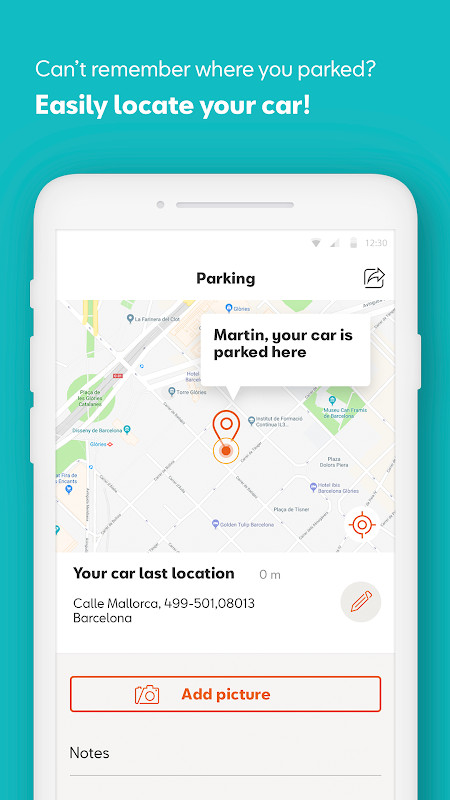
- Parking location memory with map guidance to find your car
- Interactive car manual and detailed vehicle information
- Garage feature to add, delete, edit, and group up to 4 SEAT cars
- Access to personalized offers and benefits in the 'For me' section
How to install
- Tap the download button on this page to get the APK file, which is about 61 MB in size.
- When Android prompts, allow your browser or file manager to install apps by enabling the 'Install unknown apps' setting.
- Open the downloaded APK file from your notifications or file manager.
- Tap Install and wait for the process to complete.
- Open SEAT Plus from your app drawer. The app requires Android 6.0 or higher.
Pros
- Works offline for core features when paired with the DataPlug
- Comprehensive vehicle data in one place, from fuel to maintenance
- Supports up to four cars, useful for multi-vehicle households
- Dark mode for comfortable nighttime use
- Free to download with no subscription mentioned
Cons
- Requires a physical SEAT DataPlug for full functionality, which is an extra purchase
- Extensive location permissions (background and fine) could raise privacy concerns
- Bluetooth and storage permissions are broad, though typical for this kind of app
- In-app purchases are unknown, but the app is free; potential for hidden costs
- Limited to SEAT vehicles, so not useful for other car brands
What's new · 2.12.2
Version 2.12.2 of SEAT Plus, updated November 12, 2025, delivers minor bug fixes. The app size is 61 MB and requires Android 6.0 or newer. No new features are listed in this update.
Version history
| Version | Size | Requires Android | Updated |
|---|---|---|---|
| 2.12.2 | 61 MB | 6.0 | Nov 12, 2025 |
| 2.12.1 | 61 MB | 6.0 | Jun 2, 2025 |
| 2.12.0 | 61 MB | 6.0 | Dec 17, 2024 |
This app is designed for SEAT owners who want to keep a close eye on their vehicle's health, expenses, and maintenance needs. It's particularly useful for those who appreciate having detailed metrics and cost tracking at their fingertips, and who are willing to use a physical DataPlug to enable connectivity. The multi-car garage and dealer integration make it a fit for households with multiple SEATs or for those who service their car at authorized dealerships. Experienced users who value offline access and a dark mode will find the interface accommodating.
To get the most from SEAT Plus, ensure your DataPlug is properly paired via Bluetooth and grant the requested location permissions to enable parking location and trip mapping. Regularly check the maintenance screen to stay ahead of service intervals and avoid unexpected issues.
Permissions
Frequently asked questions
Is SEAT Plus free to download?
Yes, the app is free to download. You can install it without any upfront cost.
What Android version is required?
SEAT Plus requires Android 6.0 or higher. Make sure your device runs at least that version before installing.
How big is the app file?
The app package is about 61 MB in size. Ensure you have enough free storage space on your device.
Do I need an account to use SEAT Plus?
An account is not strictly required for basic use, but the app does request permission to access and authenticate accounts. This is typically used to sync your data and provide personalized offers.
What permissions does SEAT Plus ask for?
The app requests permissions for location (background, coarse, fine), Bluetooth (connect, scan, privileged), storage, notifications, and network access. These are needed for features like parking location, DataPlug connection, and receiving alerts.
How do I update SEAT Plus?
To update, simply download the latest version from this page and install it over your current version. The most recent update, version 2.12.2, includes minor bug fixes.
SEAT Plus offers a practical, feature-rich solution for SEAT owners to manage their car digitally, especially when paired with the DataPlug. While it demands specific hardware and broad permissions, its offline capability and comprehensive tools make it a strong choice for dedicated SEAT drivers.
Similar apps




Updated: Oct 25, 2026