
Drift // Audio for Android
Drift // Audio is an ambient sound mixer from oxy for layering nature and deep-space recordings to aid sleep and focus.
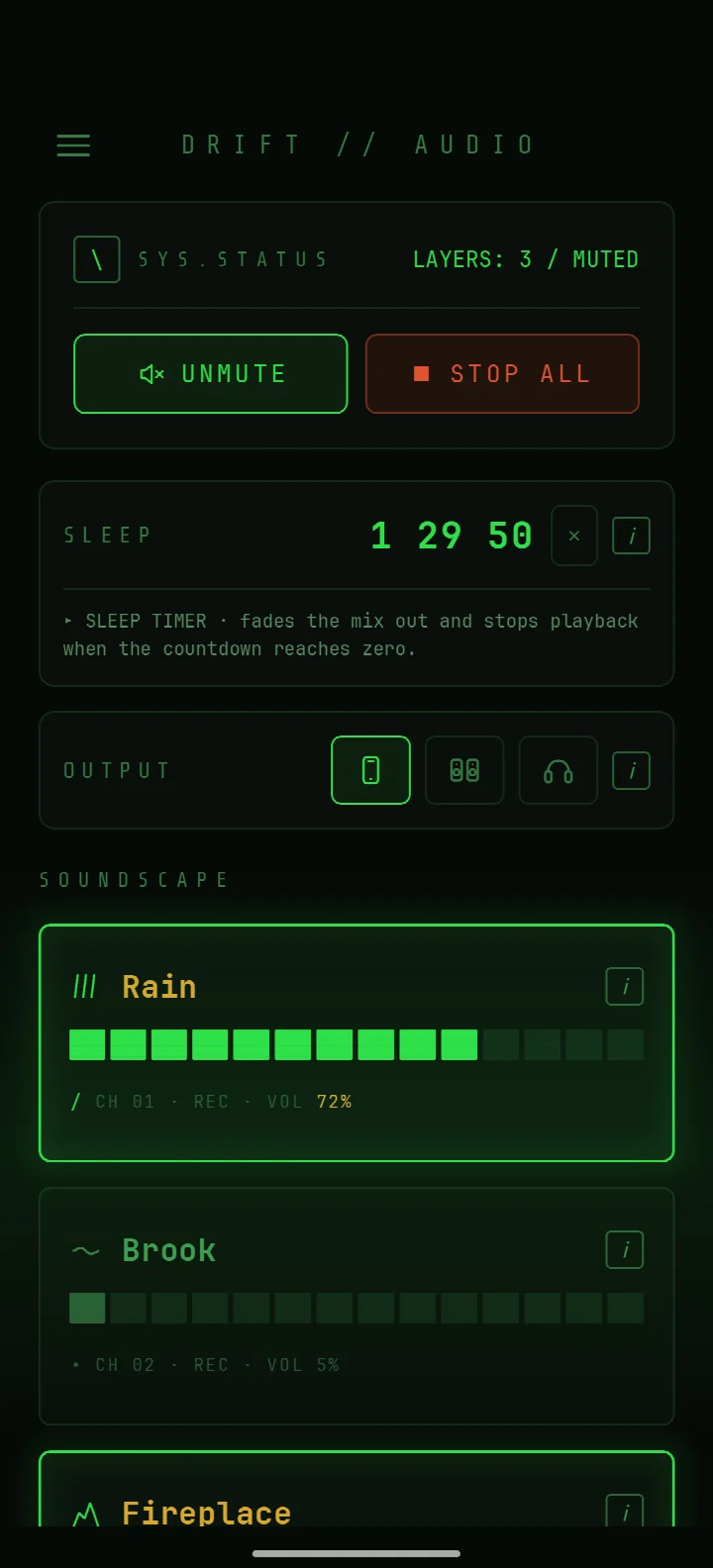
Download Drift // Audio · v0.5.1Drift // Audio suits anyone who needs calming background sound for sleep or concentration on long nights and flights. The app mixes rain, fire, wind, and Martian wind layers at independent volumes, runs fully offline, and includes a sleep timer with 15, 30, 60, and 90 minute options.
Screen gallery
- Version
- 0.5.1
- Size
- 16 MB
- Requires Android
- 8.0
- Updated
- Oct 22, 2026
- Category
- Entertainment
- Developer
- oxy
- Package
- io.github.probably_oxy.drift
- Free
- ✓
Drift // Audio is an ambient soundscape mixer by oxy that layers nature and deep-space field recordings at independent volumes for sleep and focus. Unlike typical noise generators that lock you into a single preset, this tool treats every sound as a separate track you can blend freely — rain over thunder, wind with Martian drift, or a quiet fire beside flowing water. Everything processes on-device with no network dependency, so a long flight or a cabin in the woods never interrupts your mix. The 0.5.1 update, released October 2026, refines the importing workflow and adjusts the sleep timer behavior so fade-outs feel more natural at the 15-minute mark. Version 0.5.0 earlier that month introduced the DAYLIGHT theme and schedule-based switching; the current build builds on that without adding bloat. You get four dark themes plus the light one, and the interface avoids relying on colour alone, which matters if you work in low light or have any form of colour vision deficiency. The library draws from CC0 or public-domain recordings, and full attribution sits in the Credits menu — a nice touch for anyone who cares about provenance. Because there are no ads, no tracking, and no account, the app stays predictable and quiet, which is exactly what you want from a tool that exists to fade out your day.
Key features
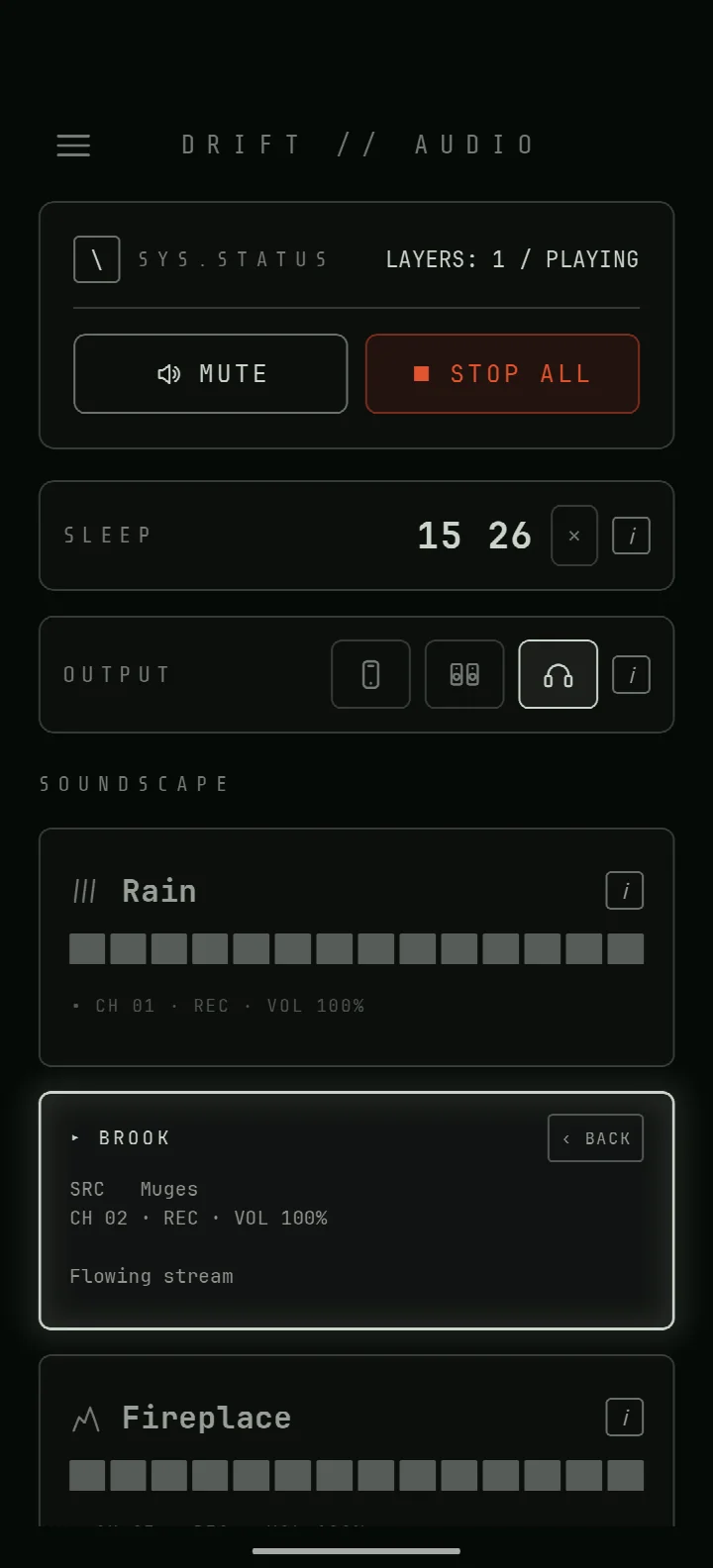
- Mix any number of sound layers at independent volumes, with each layer remembering its level
- Import your own audio files as extra layers, with a per-sound loudness trim
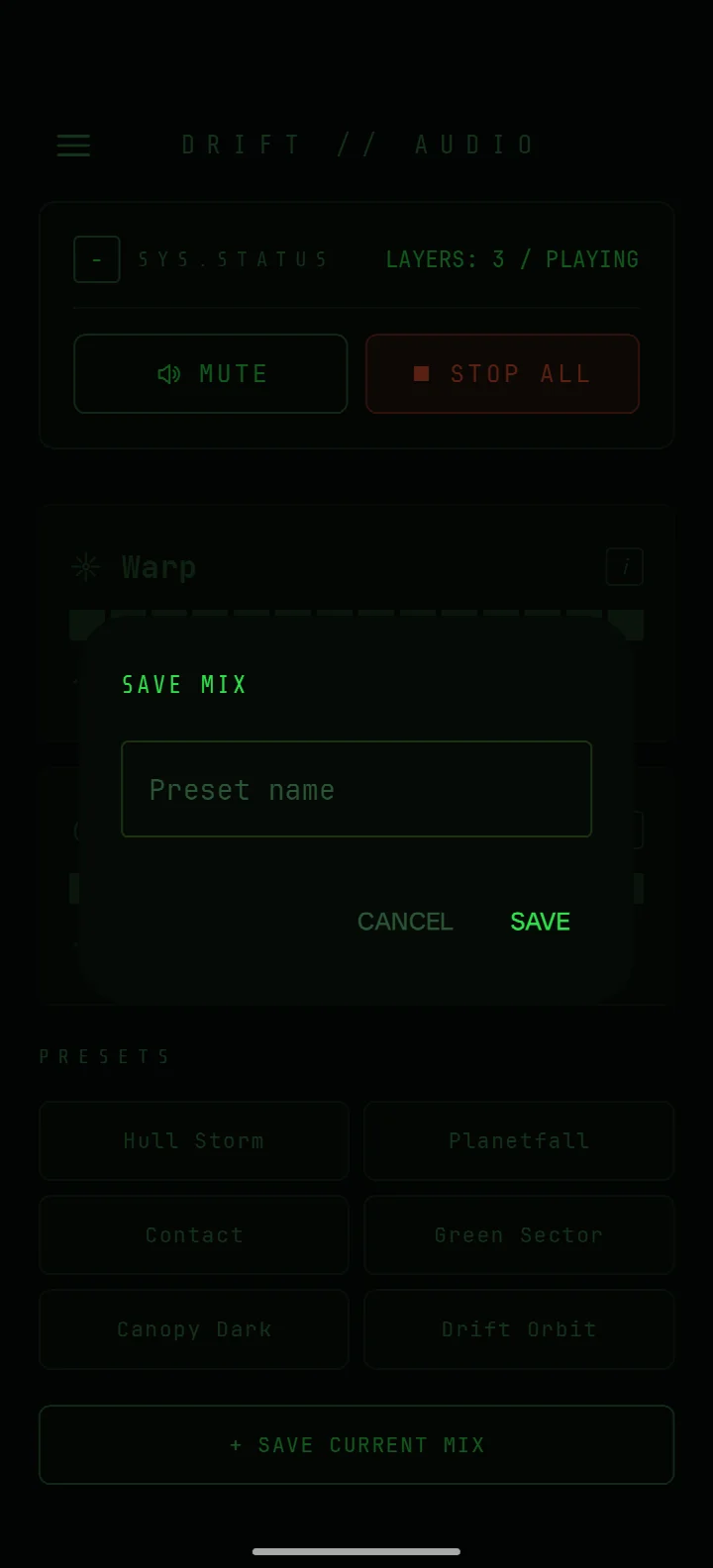
- Built-in presets, plus save, recall, and delete custom mixes
- Sleep timer with 15, 30, 60, and 90 minute options
- Background playback with lock-screen and notification media controls
- Voicing options for phone speaker, external speakers, or headphones
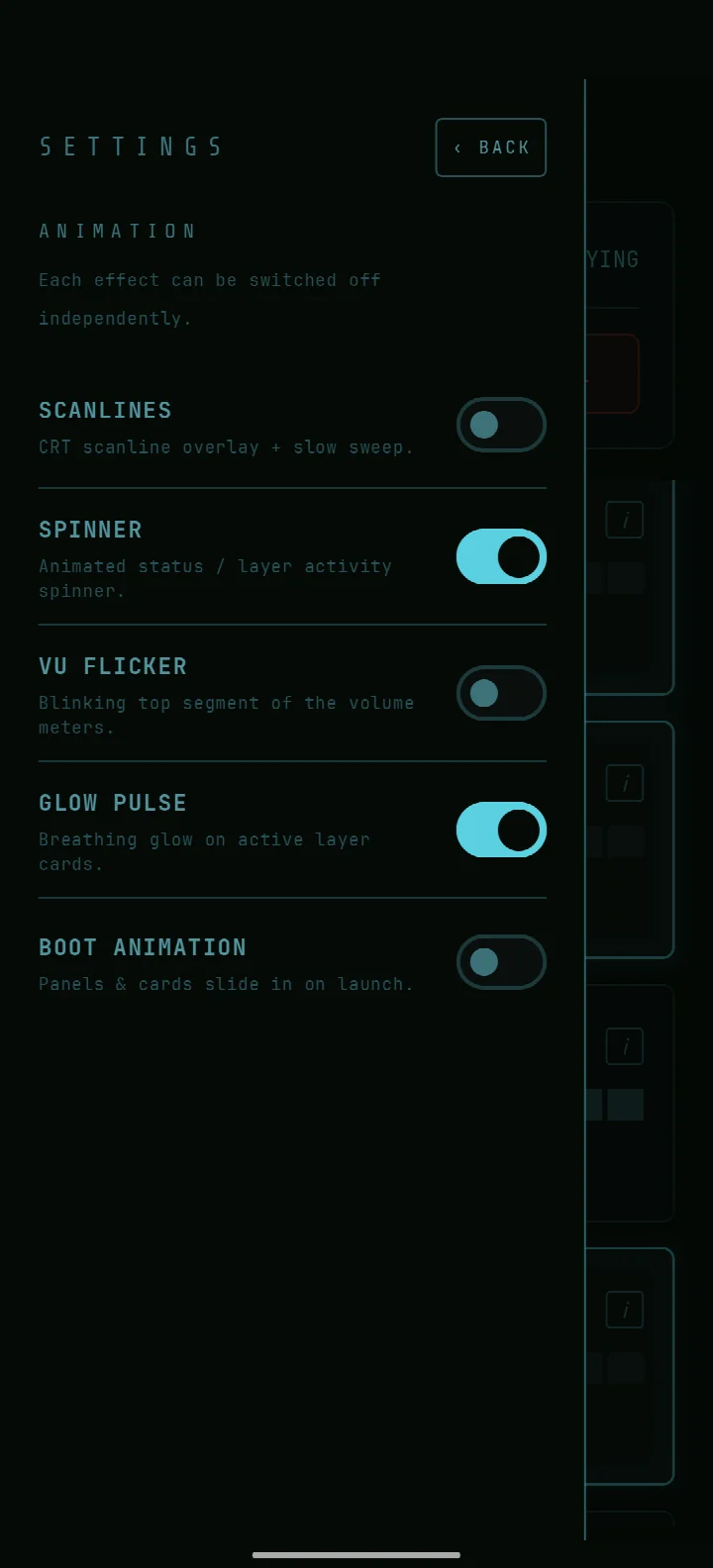
- Four dark themes and a light DAYLIGHT theme with automatic or scheduled switching
- Colourblind-safe interface — state is never shown by colour alone
- Fully offline operation after install, with no network access required
How to install
- Tap the download button on this page to get the APK file (16 MB).
- When Android asks, allow your browser or file manager to install apps from that source — the 'Install unknown apps' setting.
- Open the downloaded APK file from your notifications or file manager.
- Tap Install and wait for the process to finish.
- Open the app from your app drawer or the Install confirmation screen.
Pros
- Truly offline — no network calls after install, which is rare for sound apps
- Colourblind-safe design and four dark themes plus a light theme
- Import your own audio and trim loudness per layer
- Sleep timer with multiple durations and fade-out behavior
- No ads, no tracking, no account, and open source under MIT
Cons
- Library is niche — deep-space field recordings won't suit everyone
- No explicit equalizer or per-layer EQ controls
- Version 0.5.1 is still early; some edge cases in import may exist
Version history
| Version | Size | Requires Android | Updated |
|---|---|---|---|
| 0.5.1 | 16 MB | 8.0 | Oct 22, 2026 |
| 0.5.0 | 16 MB | 8.0 | Oct 14, 2026 |
| 0.4.3 | 16 MB | 8.0 | Sep 15, 2026 |
| 0.4.1 | 16 MB | 8.0 | Jul 28, 2026 |
| 0.4.0 | 16 MB | 8.0 | Jul 26, 2026 |
This suits insomniacs who want a layered soundscape that fades out on its own, frequent flyers who need offline ambient audio on long flights, and tinkerers who enjoy building and saving their own mixes from imported audio files.
Try layering a steady sound like rain with a rarer texture like plasma waves at low volume — the contrast often masks irregular background noise better than a single dense sound.
Frequently asked questions
Can I combine Martian wind with rain and thunder in one mix?
Yes. Drift lets you layer any number of its built-in soundscapes at independent volumes. That includes rain, flowing water, fire, wind, thunder, plasma waves, Martian wind, and a large singing presence, so you can create unusual combinations like Martian wind alongside rain and thunder.
Does Drift keep working when I have no network connection?
Yes. The app is fully offline and requires no network access after installation. All sound processing and playback happens locally on your device, so you can use it on long flights or anywhere without a connection.
How does the sleep timer behave, and what durations are available?
The sleep timer offers 15, 30, 60, and 90 minute options. When the timer ends, it fades out your mix automatically, which is useful for falling asleep without abrupt sound cutoffs.
Can I import my own audio files as extra layers?
Yes. You can import your own audio files and add them as extra layers in your mix. Each imported sound also has a per-sound loudness trim, so you can balance it against the built-in field recordings.
How does the app handle theme switching for colourblind users?
Drift includes four dark themes and a light DAYLIGHT theme. These switch automatically with the system or on a schedule. The interface is colourblind-safe, meaning state is never conveyed by colour alone, so you can rely on other visual cues.
Drift // Audio is a thoughtful, privacy-respecting ambient mixer that rewards experimentation. It won't replace a full-featured audio editor, but for sleep, focus, and travel, its offline reliability and colourblind-safe design make it a solid choice — especially if you value control over your sound layers and want zero tracking.
Similar apps






Updated: Nov 13, 2026