
Invitation Maker-Card Creator for Android
Invitation Maker-Card Creator is a card design app from Battery Stats Saver for creating digital invitations for birthdays, weddings, and more.
Download Invitation Maker · v2.1.3Invitation Maker-Card Creator is for anyone planning events who wants to avoid paper waste by sending digital invitations. The app is free, requires Android 8.0 or higher, and its latest version 2.1.3 was updated on December 2, 2025. It supports adding your own images, customizing fonts and layouts, and sharing cards via email or social media.
Screen gallery
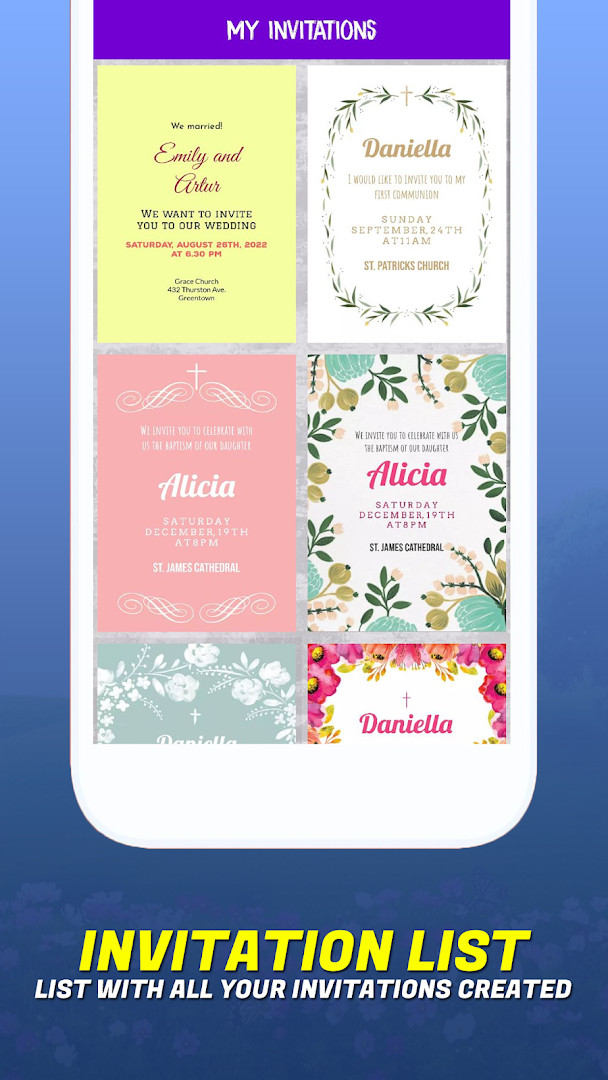
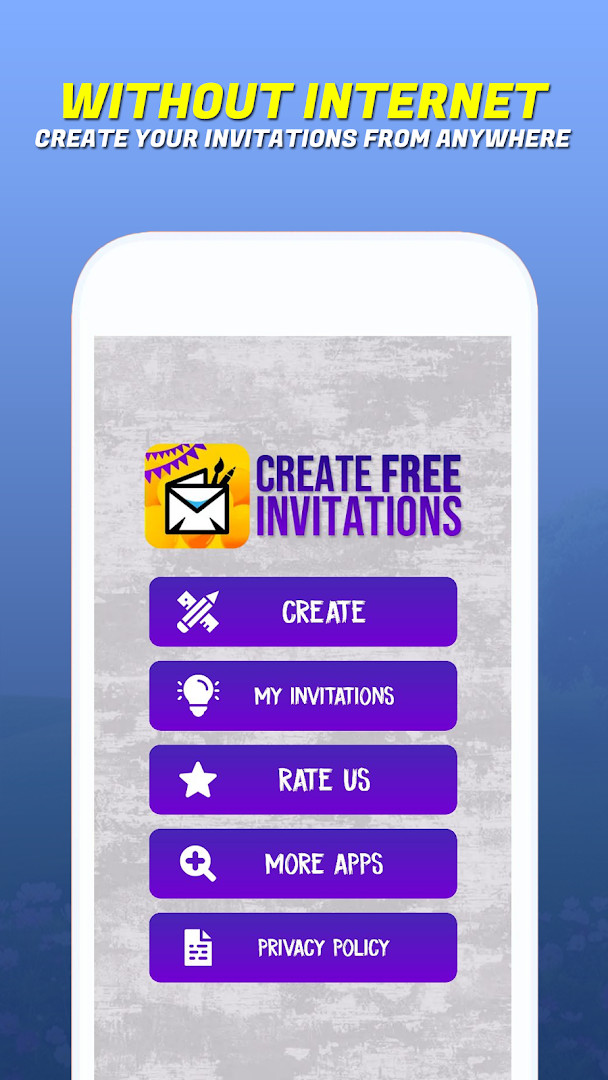
- Version
- 2.1.3
- Requires Android
- 8.0
- Updated
- Dec 2, 2025
- Installs
- 1M+
- Rating
- ★ 4.82 (11,857)
- Category
- Events
- Developer
- Battery Stats Saver
- Content rating
- Everyone
- Package
- com.kaboom.apps.free.invitation.maker
- Free
- ✓ · Contains ads · In-app purchases
Invitation Maker-Card Creator is an event-planning utility by Battery Stats Saver that lets you design digital invitations and greeting cards for birthdays, weddings, baby showers, and more. Instead of printing paper cards, the app provides a library of templates and customization tools so you can craft a personalized invite on your phone, then share it directly via email or social media. It targets anyone organizing a celebration, from casual family gatherings to more formal occasions like communions or baptisms.
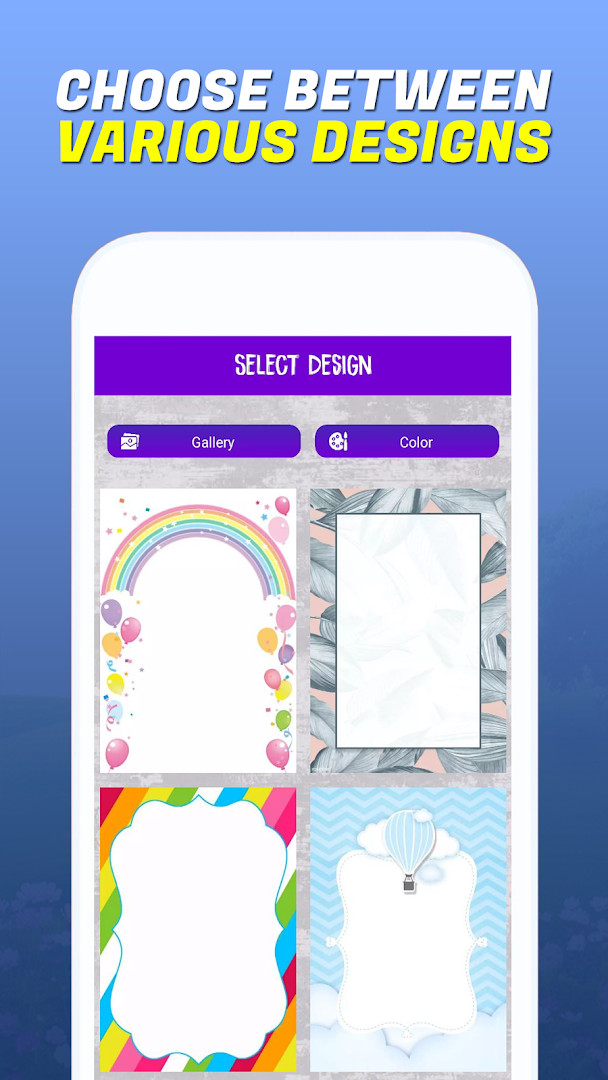
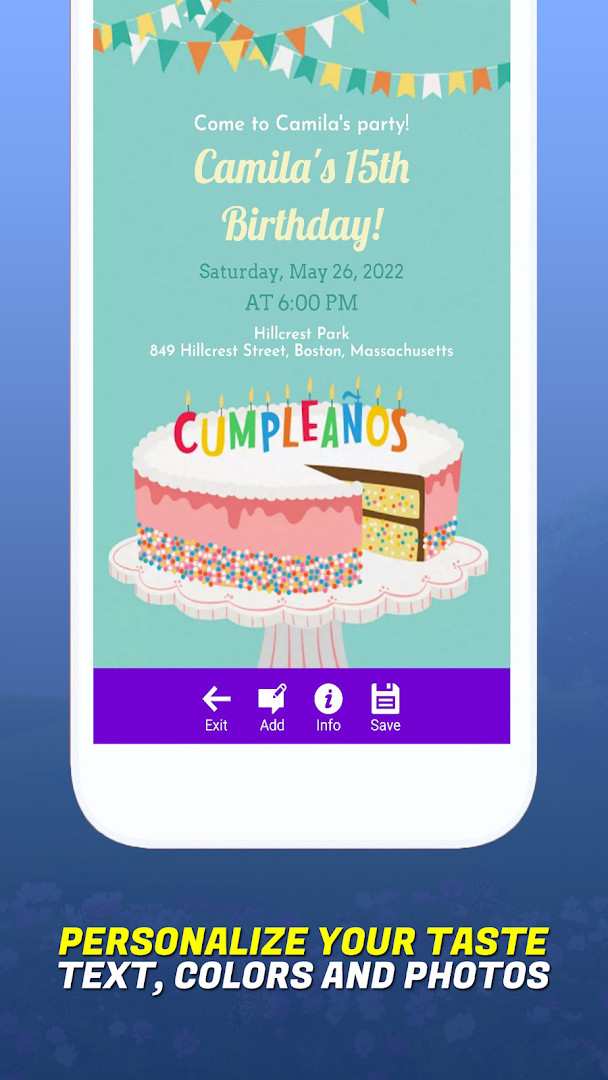
The app walks you through the design process with a straightforward interface, allowing you to pick a template, adjust layouts, fonts, and colors, and even use your own photos to make each card unique. The built-in invitation maker covers a range of event types, including party invitations, and the workflow is built around a paperless approach, which appeals to users who want to reduce waste while still sending polished, elegant invitations. Because everything happens on-device, you can save your creations and revisit or edit them later.
For an experienced user comparing alternatives, this tool stands out for its breadth of occasion-specific templates and the ability to customize nearly every visual element without needing graphic design skills. The developer emphasizes convenience, with quick sharing options and direct saving to your device. While the app includes ads and in-app purchases, the core functionality remains accessible for free, making it a practical option for those who want a capable invitation designer without a steep learning curve or a subscription commitment.
Key features
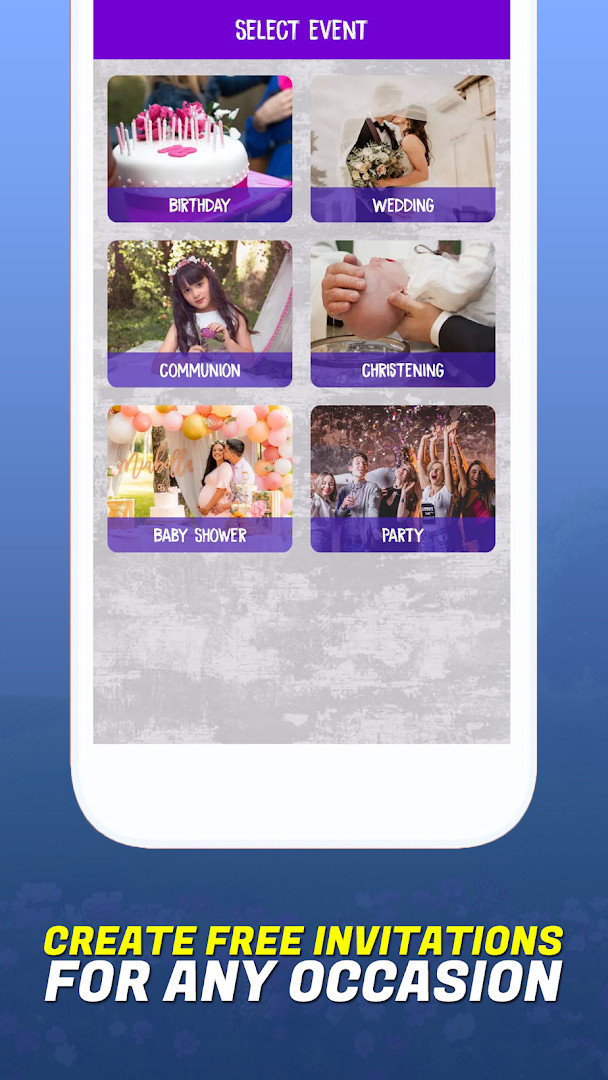
- Create paperless invitation cards for birthdays, weddings, baby showers, parties, communions, and baptisms
- Use your own images within the card maker for maximum customization
- Customize layouts, fonts, colors, and text styles to match your event theme
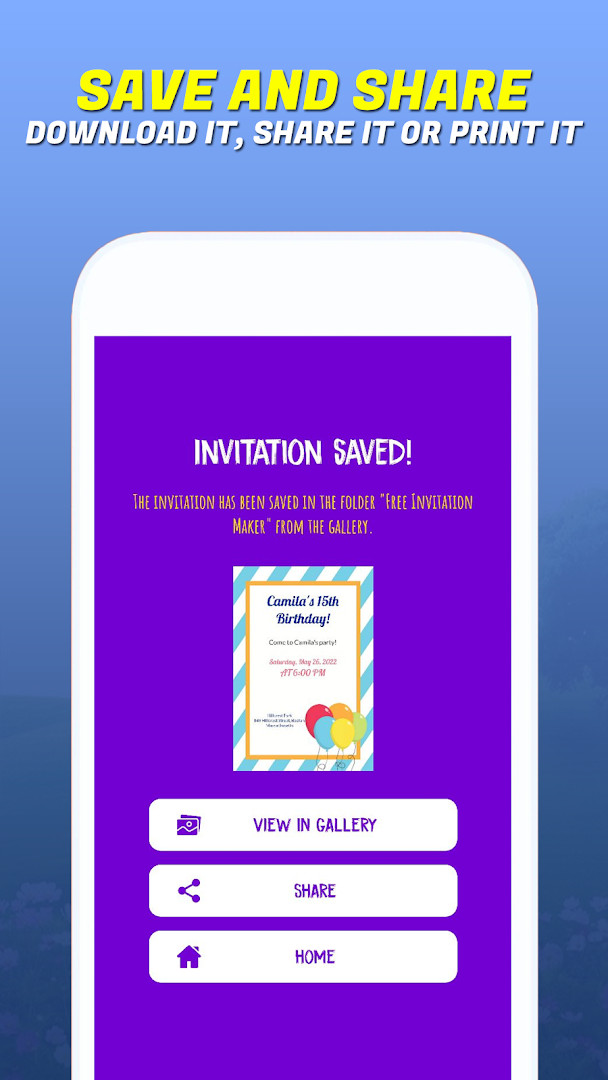
- Save your designs directly to your device
- Share invitations instantly via email or social media platforms
- User-friendly interface designed for quick, professional-looking results
- Eco-conscious paperless approach to reduce waste
- All-in-one invitation maker covering multiple event types
How to install
- Tap the download button on this page to get the APK file for version 2.1.3. The file size is not listed, but the app requires Android 8.0 or higher.
- When your browser or file manager asks for permission, allow it to install apps by enabling the 'Install unknown apps' setting for that app.
- Locate the downloaded APK file in your device's Downloads folder or the folder you chose.
- Tap the APK file to open it.
- Tap Install when prompted, and wait for the installation to complete.
- Open the app from your home screen or app drawer to start creating invitations.
Pros
- Wide variety of templates for many occasions, including niche events like baptisms and communions
- Supports using your own photos for deeper personalization
- Paperless approach reduces waste and avoids printing costs
- Straightforward interface that doesn't require design experience
- Free to use, with optional in-app purchases for extra features
Cons
- Contains ads, which can interrupt the design process
- Requires access to photos, media, and storage, plus Wi-Fi connection information, which some users may find invasive
- In-app purchases may be needed to unlock certain templates or premium options
- Limited to Android 8.0 and newer, so older devices are not supported
Version history
| Version | Size | Requires Android | Updated |
|---|---|---|---|
| 2.1.3 | — | 8.0 | Dec 2, 2025 |
This app is for event organizers, party hosts, and anyone who wants to send digital invitations for birthdays, weddings, baby showers, communions, baptisms, or casual get-togethers. It suits users who prefer a quick, paperless alternative to printed cards and who value customization without needing advanced design skills.
To get the most out of the app, start by selecting a template that closely matches your event theme, then replace the default text with your own details. Use your own photos for a personal touch, and preview the card before sharing to ensure fonts and layouts look right. Since the app has ads, you may want to mute notifications or work offline to minimize interruptions during design.
Permissions
Frequently asked questions
What event types does the app provide ready-made invitation categories for?
The app includes dedicated invitation categories for birthdays, weddings, communion, baptism, baby showers, and general parties, so you can pick a starting point that matches your occasion.
Can I insert my own photo into an invitation design?
Yes, the birthday invitation maker allows you to use your own image within the card to maximize customization, letting you personalize the design beyond the built-in options.
How can I share the digital invitations I create?
You can send your finished digital invitations via email or social media platforms in just a few clicks, and you can also save your creations directly to your device for sharing anytime.
What customization controls are available for tailoring a card?
You can adjust fonts, colors, layouts, and text styles to personalize every aspect of your paperless post designs, helping you match the card to the event theme or the guest of honor's personality.
What does the app's version 2.1.3 require to run, and when was it last updated?
Version 2.1.3 requires Android 8.0 or higher and was last updated on December 2, 2025. The app was originally released on May 4, 2020.
Invitation Maker-Card Creator delivers a solid, paperless invitation solution with broad template coverage and easy customization. While ads and in-app purchases are present, the free core features are sufficient for most users. It is a reliable choice for creating polished digital invites quickly, especially for those who value eco-friendly event planning.
Similar apps






More from this developer

Updated: Nov 13, 2026