Try Hairstyles-AI Change Color for Android
Try Hairstyles-AI Change Color is a virtual beauty studio app from Bizo Mobile for experimenting with hairstyles, hair colors, makeup, and facial hair.
Download the app · v1.0.32Try Hairstyles-AI Change Color is designed for users interested in exploring different hairstyles, makeup looks, and facial hair styles without visiting a salon. It is free, requires Android 7.0 or higher, and has a file size suitable for most devices.
Screen gallery
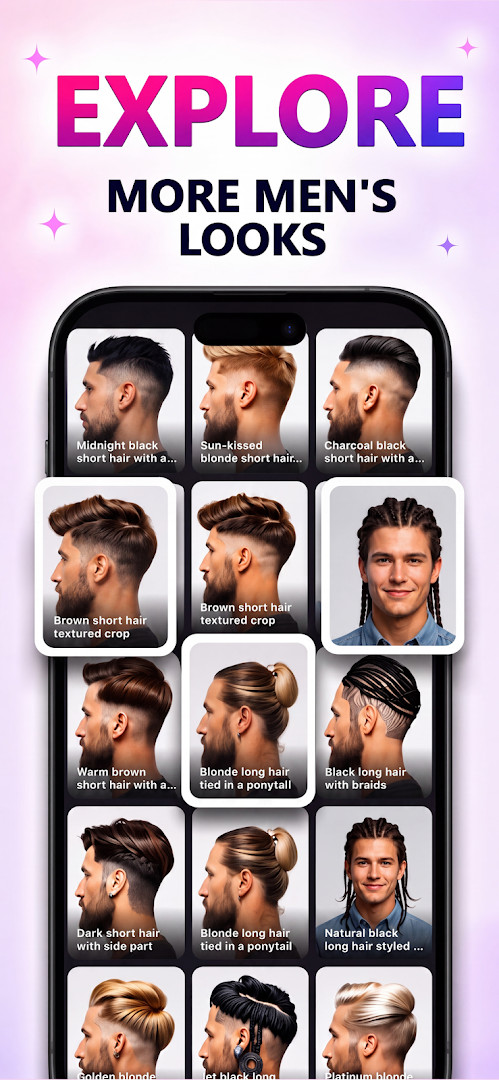
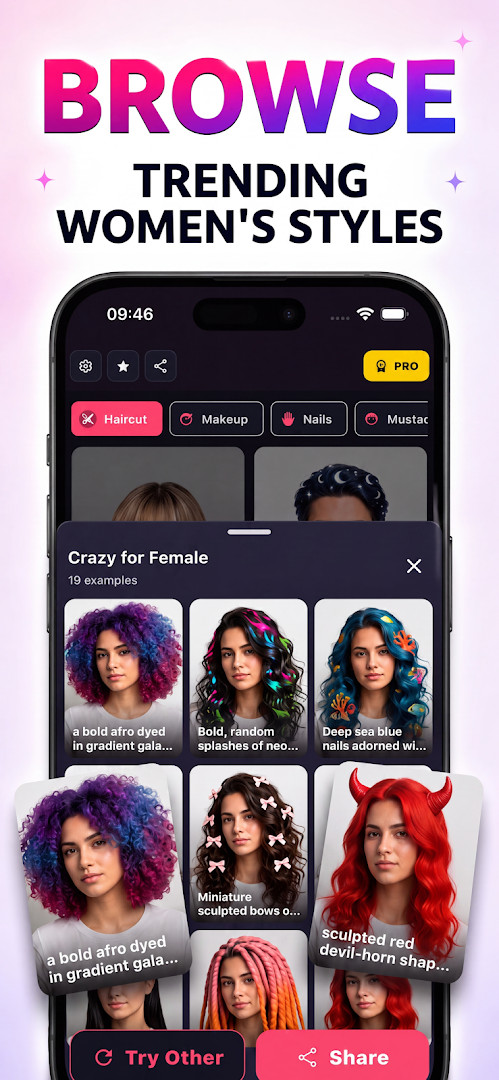
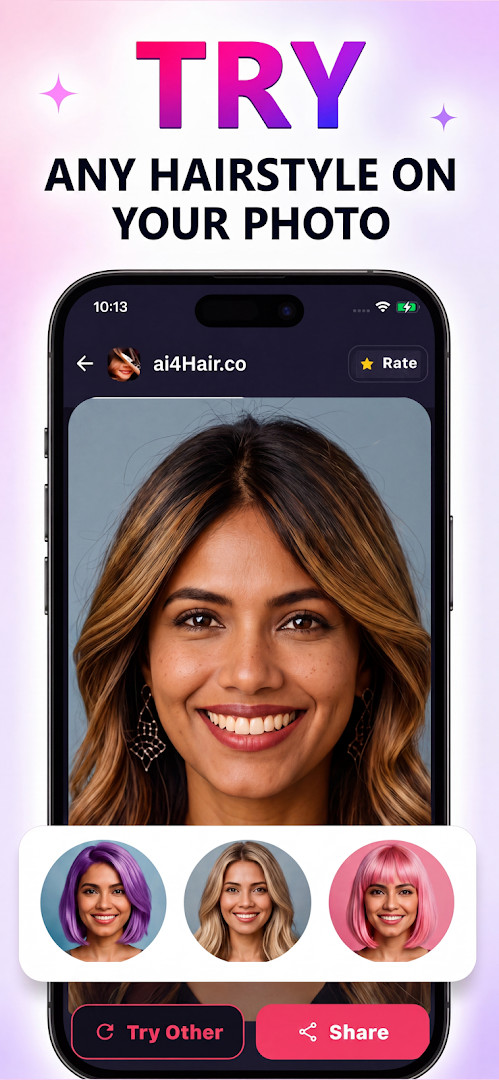
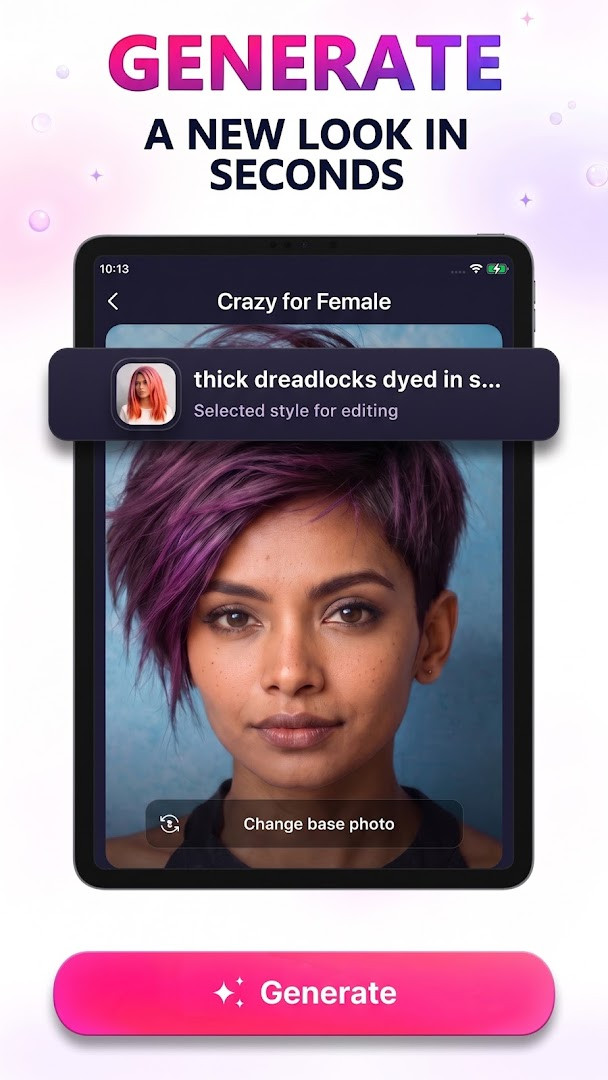
- Version
- 1.0.32
- Requires Android
- 7.0
- Updated
- Oct 28, 2026
- Installs
- 500K+
- Rating
- ★ 4.02 (5,788)
- Category
- Lifestyle
- Developer
- Bizo Mobile
- Content rating
- Everyone
- Package
- com.mobile.bizo.inpainting.haircut
- Free
- ✓ · Contains ads · In-app purchases
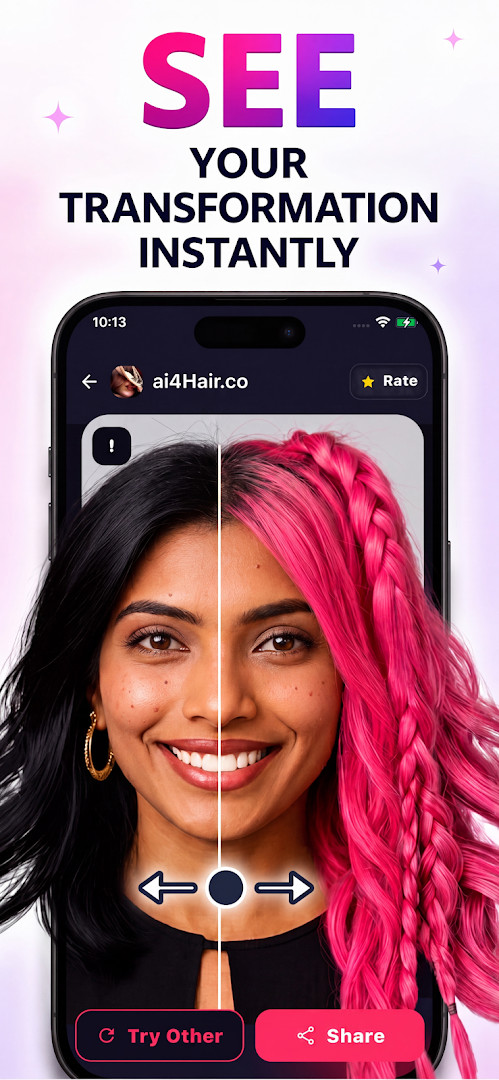
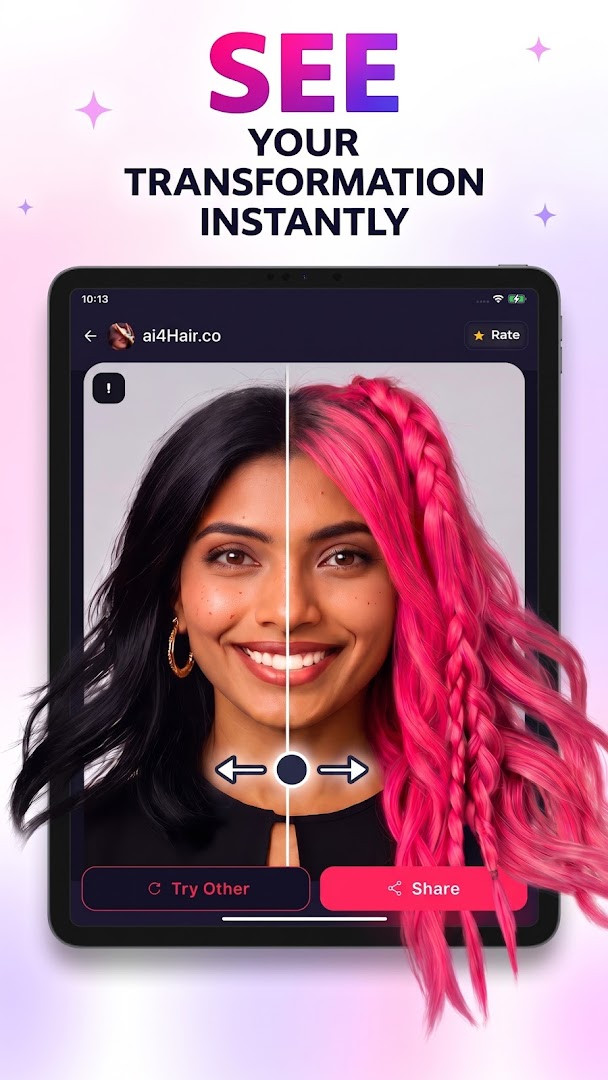
Try Hairstyles-AI Change Color is a beauty and lifestyle application by Bizo Mobile that lets you preview hairstyles, hair colors, makeup, nails, and facial hair on your own photos using artificial intelligence. Instead of committing to a salon visit or a risky dye job, you upload or snap a picture, and the app maps your face and hair to render realistic transformations. The tool positions itself as a complete virtual beauty studio, covering everything from haircuts and colors to makeup looks, nail art, and beard styles, all within a single interface.
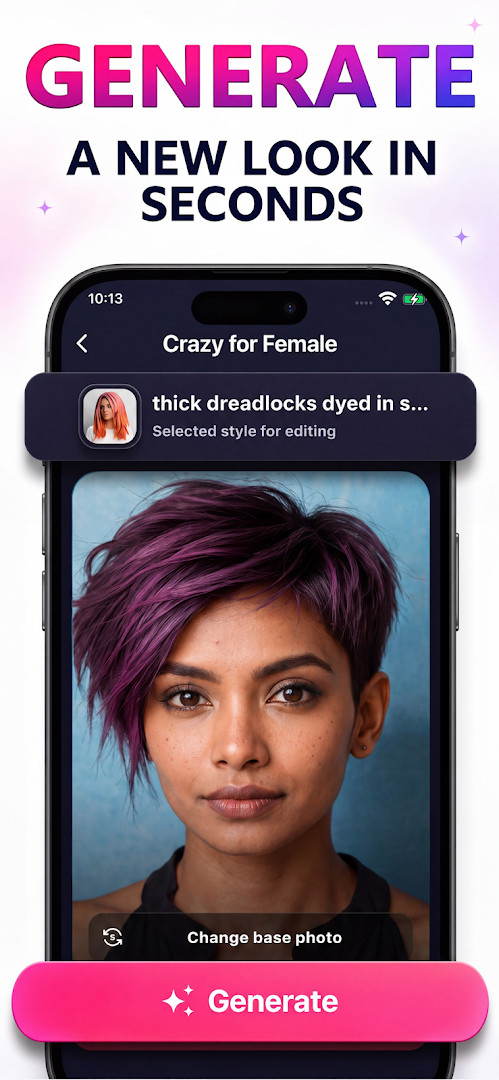
The workflow is straightforward: pick a photo from your gallery or take a fresh selfie, let the AI detect your hair and facial features, then browse a library of styles or describe your own idea with a text prompt. You can fine-tune the selection, generate multiple variations, and save or share the results. The app is free to use with ads and optional in-app purchases, and it carries an Everyone content rating. It has been installed roughly 500,000 times, with a rating of about 4.05 based on over 5,000 user reviews. The current version, 1.0.32, was released on October 7, 2026, following the app's initial launch on January 29, 2024.
Version 1.0.32 introduces a new AI model that promises sharper and cleaner output, plus dedicated modes for changing only the color or only the length of your hair. Makeup, nail, and beard features are now more prominent, expanding the app beyond simple haircut trials. For experienced users comparing alternatives, the key differentiator here is breadth: you are not just testing a fringe or a shade of blonde, but an entire look, including accessories like manicures and facial hair, which is rare in single-purpose makeover tools. The realism depends heavily on the quality of your source photo, and while the AI handles mapping well in most cases, results can vary with tricky lighting or angles.
Key features
- AI-powered hair and face mapping for realistic style previews
- Change only the hair color or only the hair length, or apply full makeovers
- Haircut and hairstyle library covering curly, straight, long, short, fades, bobs, and more
- Makeup studio with natural to glam looks applied via AI
- Nail salon section for testing nail art, manicures, and polish styles
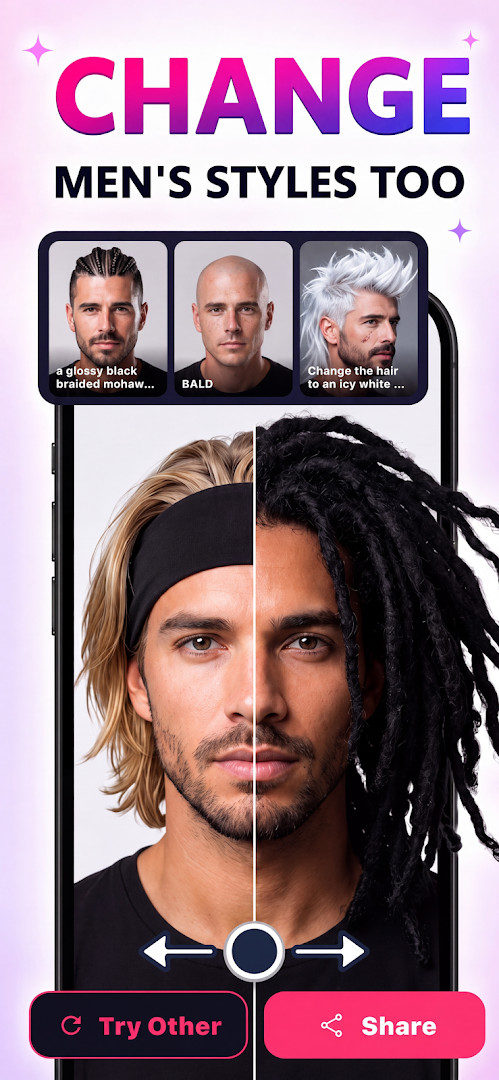
- Beard and moustache styles including goatee and grooming variations
- Custom prompt input to generate unique beauty looks from your own description
- Save, compare, and share multiple generated variations
- Trend discovery for global hair, beauty, fashion, and nail styles
How to install
- Tap the download button on this page to get the APK file. The file size is not specified, and the app requires Android 7.0 or higher.
- When Android prompts you, allow your browser or file manager to install apps by enabling the 'Install unknown apps' setting for that app.
- Open the downloaded APK file from your notifications or file manager.
- Tap Install and wait for the process to complete.
- Open the app from your app drawer or the Install confirmation screen, then grant any requested permissions for photo access if you want to use gallery images.
Pros
- Broad feature set covering hair, makeup, nails, and beard in one app
- Version 1.0.32 adds a new AI model for sharper, cleaner results
- Ability to change only color or only length gives precise control
- Custom text prompts allow for unique, personalized looks
- Free to use with optional in-app purchases and ads
Cons
- Results can vary depending on photo quality and lighting
- In-app purchases and ads may interrupt the experience
- Requires Android 7.0 or newer, which excludes very old devices
- No offline mode mentioned, so you likely need a connection for AI processing
What's new · 1.0.32
Version 1.0.32 introduces a new AI model that delivers sharper and cleaner hairstyle results. You can now change only the hair color or adjust the hair length, and makeup, nail, and beard or mustache styles are available to try. The update also promises more realistic hairstyles overall.
Version history
| Version | Size | Requires Android | Updated |
|---|---|---|---|
| 1.0.32 | — | 7.0 | Oct 28, 2026 |
This is for people who want to preview a drastic change like a new haircut or color before committing, for makeup enthusiasts who like experimenting with virtual looks, and for anyone who enjoys beauty games or makeover tools but wants realistic, photo-based results.
For the most realistic previews, use a front-facing photo with even lighting and your hair pulled back from your face, so the AI can map your hairline and facial features accurately.
Frequently asked questions
How do I install the APK for Try Hairstyles-AI Change Color on my Android device?
To install the APK, download it from this page and open the file on your Android device. Make sure your device runs at least Android 7.0, as that is the minimum OS version required. You may need to allow installation from unknown sources in your settings before the installation can proceed.
What is new in version 1.0.32?
Version 1.0.32 introduces a brand new AI model that delivers sharper and cleaner results, plus the ability to change only the hair color or only the hair length. This update also unlocks makeup mode, adds nail art styles, and brings beard and mustache options for trying new facial hair looks.
Does the app contain ads or offer in-app purchases?
Yes, the app is free to download and use, but it does show ads. It also includes in-app purchases, which allow you to buy additional features or content if you choose. The base app itself costs nothing to install.
Can I use the app offline after installing it?
The app's core features, such as selecting a photo and generating hairstyles, rely on its AI processing. Since the data block does not specify offline capabilities, it is safest to assume that an internet connection may be required for full functionality, especially for AI-driven results and accessing style libraries.
Are there other apps in the Beauty category that offer similar virtual makeover features?
Yes, the Beauty category includes several apps that let you try on hairstyles, makeup, and other looks virtually. While this app combines hair, makeup, nails, and facial hair in one place, other options may focus on just one of these areas. You can explore the category to compare features and choose what fits your needs.
What Android version do I need to run version 1.0.32?
The minimum supported operating system is Android 7.0. If your device runs Android 7.0 or a newer version, you should be able to install and use version 1.0.32 without issues.
Try Hairstyles-AI Change Color offers an unusually complete virtual beauty salon experience, and the latest update meaningfully improves realism. While it is not a substitute for a professional consultation, it is a practical, low-risk way to explore a wide range of looks. Given its solid rating and active development, it is worth a try for anyone curious about a makeover.
Similar apps



Updated: Nov 13, 2026