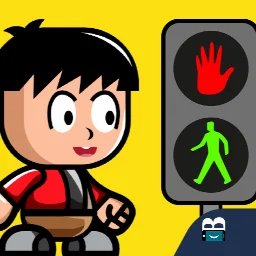
Traffic rules for children: interactive road-safety learning
Traffic rules for children is a free educational app by Apps Bergman that lets you learn road signs and traffic rules through play.
Get App · v2.9Traffic rules for children is a free educational app with ads, no in-app purchases, and requires Android 7.1 or higher. It has received a 4.78 rating from 350 users and has been downloaded about 100,000 times. The app teaches children signs like stop, crosswalk, traffic light, and speed bump in an interactive way.
Screen gallery
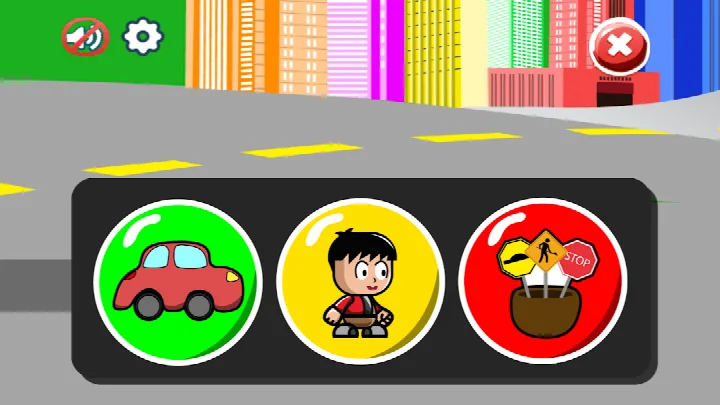
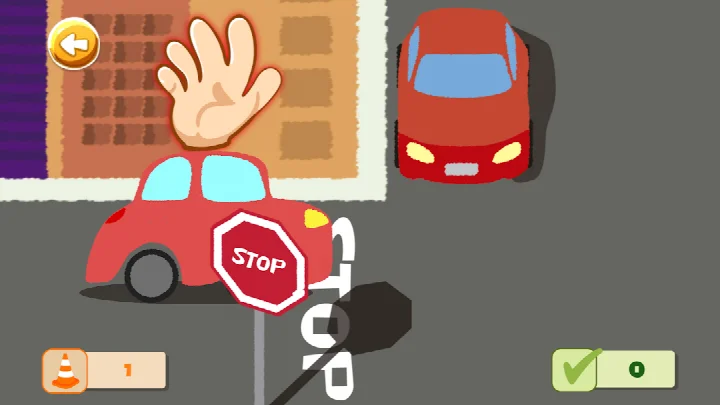
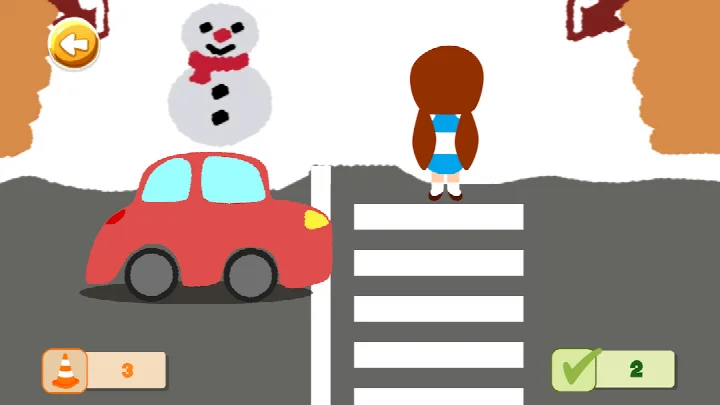
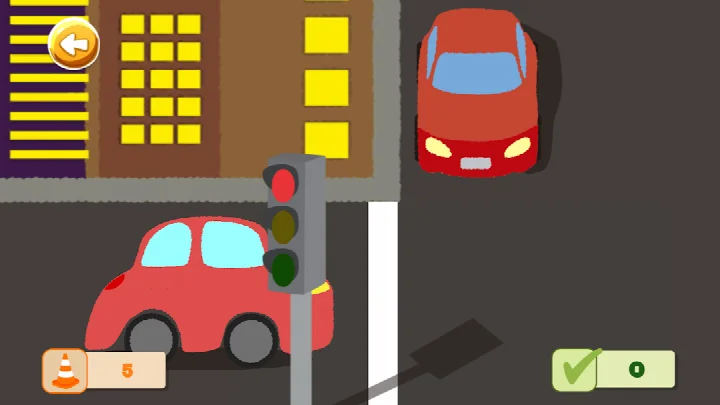
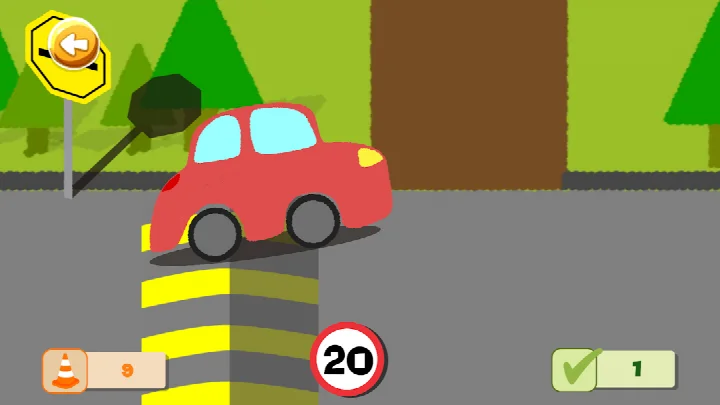
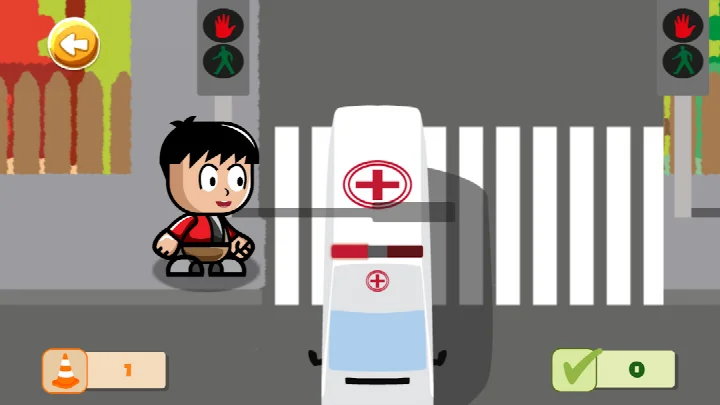
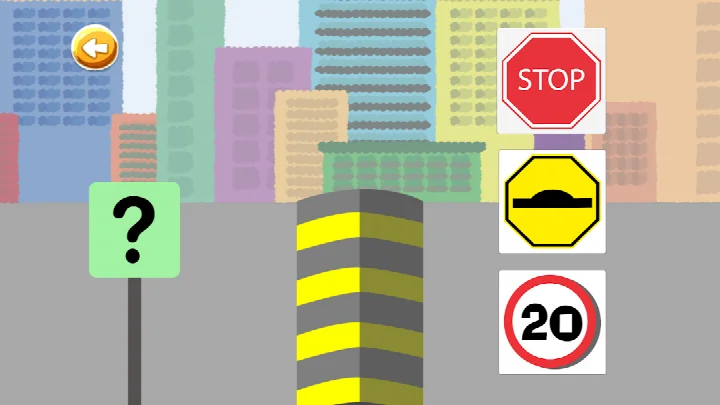
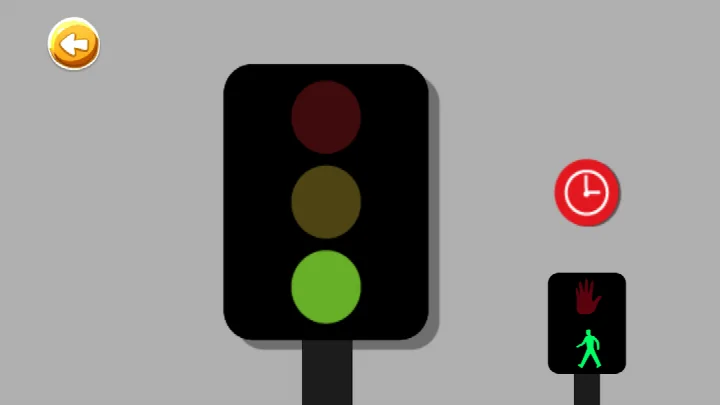
- Version
- 2.9
- Requires Android
- 7.1
- Updated
- Apr 17, 2026
- Installs
- 100K+
- Rating
- ★ 4.78 (350)
- Category
- Educational
- Developer
- Apps Bergman
- Content rating
- Everyone
- Package
- com.appsbergman.trafficforkids
- Free
- ✓ · Contains ads
Traffic rules for children is an educational app by Apps Bergman that introduces young users to road signs and basic traffic rules for drivers and pedestrians through interactive play. It addresses a common parenting concern: road safety is easiest to absorb early, yet sign names and crossing habits can feel abstract when explained in words alone. The app turns that material into playful activities, so a child meets the stop sign, the crosswalk, the traffic light and other common road elements in a hands-on way instead of memorizing a list. It is a free download, version 2.9, last updated on 2026-04-17, with a minimum Android version of 7.1. The content is rated for Everyone, and the app carries advertising but no in-app purchases.
Key features
- Teaches the stop sign, the crosswalk and the traffic light as core everyday concepts
- Covers additional road elements such as the speed bump, speed limit signs and road works
- Explains driver-related signs, including mandatory turn markings and emergency vehicles
- Includes pedestrian guidance like looking before crossing and using a footbridge
- Uses an interactive, playful format rather than a static list of rules
- Suits short practice sessions that can be repeated at home or on the go
How to install
- Tap the download button on this page to get the APK file. The file size is not available in the listing details.
- When Android asks, allow your browser or file manager to install apps by enabling the Install unknown apps setting for that app.
- Open the downloaded APK file from your notifications or file manager.
- Tap Install and wait for the process to finish.
- Open the app once installation completes. It requires Android 7.1 or newer.
Pros
- Free to download, with no in-app purchases to worry about
- Content rated for Everyone, appropriate for young children
- Interactive approach makes sign recognition more memorable than a plain list
- Clear focus on practical signs a child actually sees on the street
- Recent update in version 2.9, showing ongoing maintenance
- A decent range of topics, from stop signs to footbridges
Cons
- Contains advertising, which parents may want to monitor during use
- Requires an internet connection and network access permissions
- Also requests wake lock and foreground service permissions, which are broader than the learning content strictly needs
- No in-app purchases means the experience is ad-funded rather than fully paid and ad-free
What's new · 2.9
This update helps children learn traffic signs and road rules for drivers and pedestrians. It keeps the learning process interactive and fun while covering essential topics like crosswalks, traffic lights, and speed limits.
Version history
| Version | Size | Requires Android | Updated |
|---|---|---|---|
| 2.9 | — | 7.1 | Apr 17, 2026 |
| 2.7 | 87 MB | 5.1 | Sep 20, 2025 |
This app fits parents, guardians and teachers who want to start road safety education early with a child old enough to recognize signs and follow simple instructions. It is most useful for short, supervised sessions at home or before a walk, where an adult can point out the same signs in real life. Families looking for a free, ad-supported learning aid with no purchase prompts will find it a reasonable fit, while anyone wanting a completely ad-free environment should consider that before installing.
Use the app as a conversation starter rather than a replacement for real practice. After a session, ask your child to name the signs you pass on your next walk, and repeat the crossing routine together. Because the app shows ads, sit alongside younger children and keep sessions short.
Permissions
Frequently asked questions
Is Traffic rules for children free to download?
Yes, the app is free and listed at 0.00 USD. There are no in-app purchases, though the app does contain ads.
What Android version do I need to run it?
The minimum supported OS is Android 7.1. Make sure your device runs that version or newer before installing.
Do I need to create an account or sign in?
No account or sign-in is required. The app can be opened and used directly after installation.
Which permissions does the app request?
It asks for network state access, internet access, a foreground service, wake lock, and the advertising ID permission. These are used for the app's connectivity and ad functionality.
How do I update to the newest version?
Download the latest version from this page and install it over your current copy. The current release is version 2.9, dated 2026-04-17.
Who is this app suitable for?
It is rated Everyone and teaches traffic signs and rules for drivers and pedestrians in an interactive way. Topics include the stop sign, crosswalk, traffic light, speed bump, speed limit, road works, mandatory turn, emergency vehicles, and footbridges.
Traffic rules for children offers a free, interactive way to introduce road signs and basic pedestrian habits, with a broad topic list and a recent update. It is a sensible supplementary tool for supervised early learning, provided you account for the ads and the app's permission requests.
Similar apps




More from this developer

Updated: Nov 7, 2026