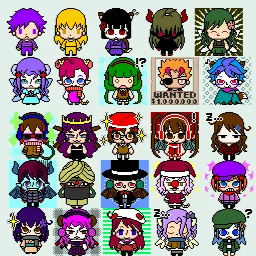
Q Avatar (Avatar Maker): Comics Avatar Creator
Q Avatar (Avatar Maker) is a comics avatar creation app by Pocket-Studio that lets you build custom avatars from over 3,000 parts.
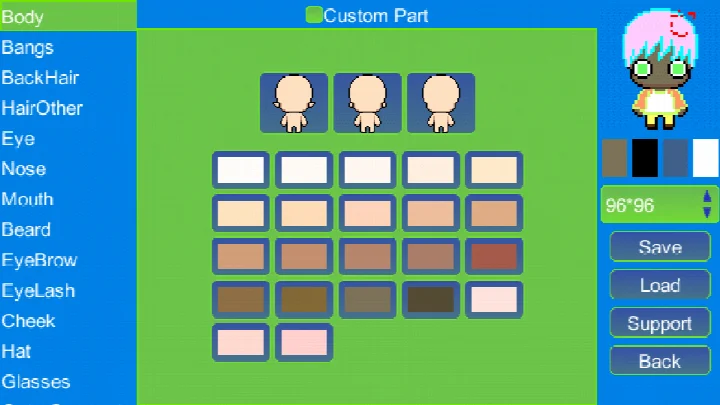
Download Q Avatar · v1.4.2Q Avatar (Avatar Maker) stands out by offering a vast library of over 3,000 avatar parts, including eyes, noses, and more, which you can mix and match to create your own unique icons. It is designed for anyone who wants a personalized avatar for their phone, social media, or messaging, and also allows you to make pixel GIFs and share your creations.
Screenshots
- Version
- 1.4.2
- Size
- 4.3 MB
- Requires Android
- 5.0
- Updated
- 12.09.2026
- Installs
- 100K+
- Rating
- ★ 4.00 (2)
- Category
- Comics
- Developer
- Pocket-Studio
- Content rating
- Everyone
- Package
- com.minikara.avatargradle.android
- Free
- ✓
Q Avatar (Avatar Maker) is an Android app by Pocket-Studio that lets you create custom avatars for your phone or social media profiles. It solves the problem of finding a unique profile picture by offering a vast library of over 3,000 avatar parts, from eyes to noses, which you can mix and match to design your own character. You can also draw your own pixel parts, assemble them into a complete avatar, and then use that avatar to create personalized messages or GIFs, which you can share with friends. The app also lets you browse millions of avatars uploaded by other users for inspiration. With a simple interface, it makes the process of crafting a one-of-a-kind icon both easy and enjoyable, even for beginners.
Key features
- Access a library of over 3,000 avatar parts, including eyes, noses, and other facial features, to build your character.
- Use the default gallery of parts to compose a complete avatar in just a few seconds.
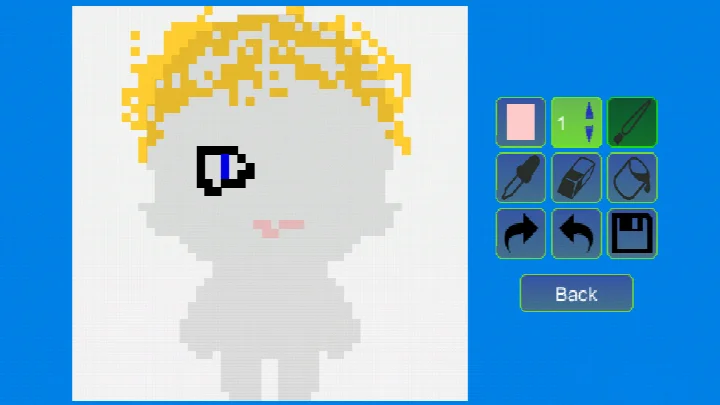
- Create your own custom pixel parts and then incorporate them into your avatar design.
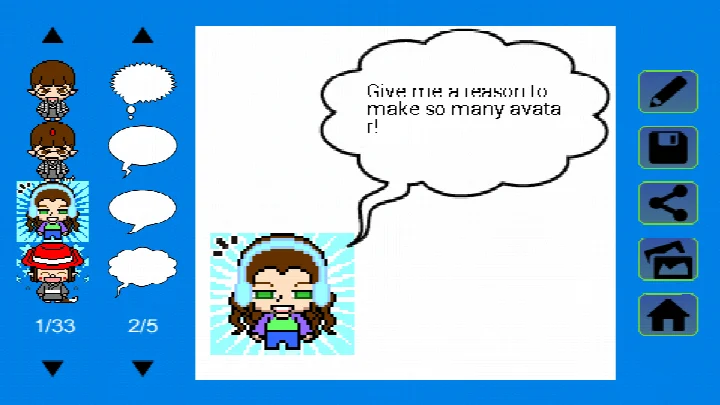
- Turn your avatar into personalized messages, similar to a comic strip, with just a few taps.
- Generate pixel GIFs from your avatar for animated expressions.
- Share your avatar, personalized messages, and GIFs easily with friends via email or social media.
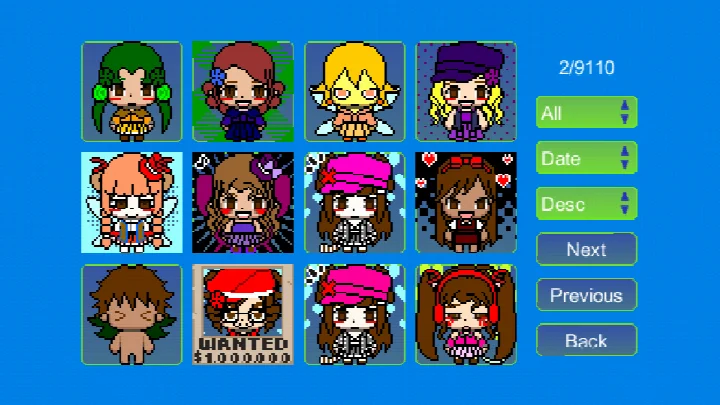
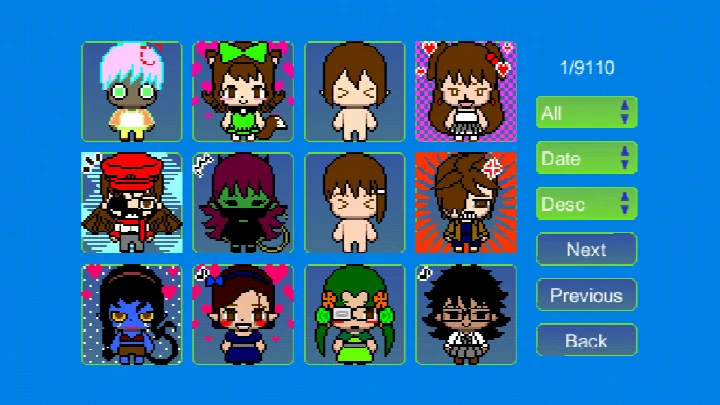
- Explore a collection of millions of user-uploaded avatars for inspiration or to see what others have made.
How to install
- Tap the download button on this page to get the APK file (4.3 MB).
- When Android prompts, allow your browser or file manager to install apps by enabling the 'Install unknown apps' setting.
- Open the downloaded APK file from your notification or downloads folder.
- On the installation screen, tap 'Install' and wait for the process to finish.
- After installation, tap 'Open' to launch the app. The app requires Android 5.0 or higher.
Pros
- Huge selection of avatar parts allows for nearly endless customization.
- Create your own pixel parts for a truly personal touch.
- Make GIFs and personalized messages with your avatar.
- Easy sharing via email or social media.
- Browse millions of user creations for ideas.
- Free to download and use.
Cons
- Contains advertising-related permissions, which may result in ads (though ads are not explicitly mentioned).
- In-app purchases may exist, but details are not provided.
- Requires access to external storage to save avatars, which could raise privacy concerns for some users.
- The app has a low rating (4.00) based on only 2 ratings, so user feedback is limited.
What's New · 1.4.2
This update for Q Avatar (Avatar Maker) brings the app in line with the latest Android system requirements by upgrading the target API level. The change helps ensure smoother performance and better compatibility on newer devices. If you enjoy crafting cute avatars, this version keeps all the creative tools you love while improving the underlying foundation.
Versions
| Version | Size | Requires Android | Updated |
|---|---|---|---|
| 1.4.2 | 4.3 MB | 5.0 | 12.09.2026 |
| 1.3.8 | 4.4 MB | 4.1 | 02.02.2026 |
| 1.4.1 | 4.3 MB | 5.0 | 10.07.2024 |
This app is ideal for beginners who want a simple, fun way to create a unique avatar for their phone or social media without any artistic skills. It's also great for anyone who enjoys pixel art and wants to craft custom characters, make personalized messages, or create GIFs to share with friends. The large library of parts and the ability to draw your own make it accessible to all skill levels, from casual users to those who like to tinker with pixel designs.
Start by exploring the default gallery to get a feel for the parts, then try mixing different elements to see what combinations work. If you want a truly unique avatar, consider drawing your own pixel parts—it's easier than it seems. Also, save your work regularly so you can return to it or share it later.
Permissions
FAQ
How many avatar parts are available in Q Avatar's default gallery?
Q Avatar includes more than 3000 avatar parts, grouped by categories such as eyes and nose, which you can mix and match to create your avatar.
Can I create my own custom parts to use in my avatar?
Yes, you can craft your own customized pixel parts and then use them when composing your avatar, giving you full control over the final look.
Does Q Avatar support creating GIFs?
Yes, Q Avatar allows you to make pixel GIFs. You can also use your avatar to craft personalized messages that are more expressive than simple emoji.
What can I do with the avatars I create?
You can save your avatar to the SD card, navigate through your saved works, set one as a contact avatar, share it with friends via email or social networks, and even explore millions of works uploaded by other users.
What are the system requirements and size of Q Avatar?
Q Avatar requires Android 5.0 or higher and the app size is 4.3 MB. The current version is 1.4.2, updated on 2026-09-12.
Q Avatar (Avatar Maker) offers a straightforward way to create a personalized avatar and turn it into fun messages or GIFs. While it has some permissions that might give privacy-minded users pause, its creative potential makes it a worthwhile tool for those looking to express themselves.
Similar Apps

Updated: 25.10.2026