
Zello PTT Walkie Talkie for Android
Zello PTT Walkie Talkie is a free push-to-talk radio app from Zello Inc for turning your phone or tablet into a walkie talkie.
Get Zello PTT · v7.20.0Zello PTT Walkie Talkie serves people who need instant voice communication with contacts or public channels, including groups of up to 6000 users. The app is free, carries no ads, and runs on Android 7.0 or newer, with a download size of 82 MB and an install base of 100 million.
Screen gallery
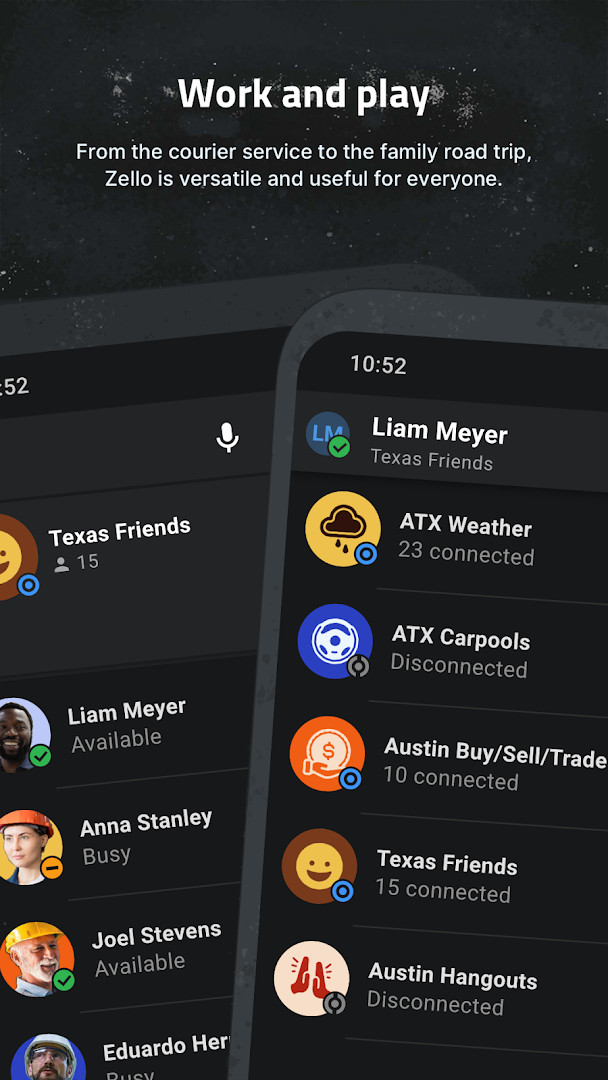
- Version
- 7.20.0
- Size
- 82 MB
- Requires Android
- 7.0
- Updated
- Nov 9, 2026
- Installs
- 100M+
- Rating
- ★ 4.16 (751,090)
- Category
- Communication
- Developer
- Zello Inc
- Content rating
- Everyone
- Package
- com.loudtalks
- Free
- ✓ · In-app purchases
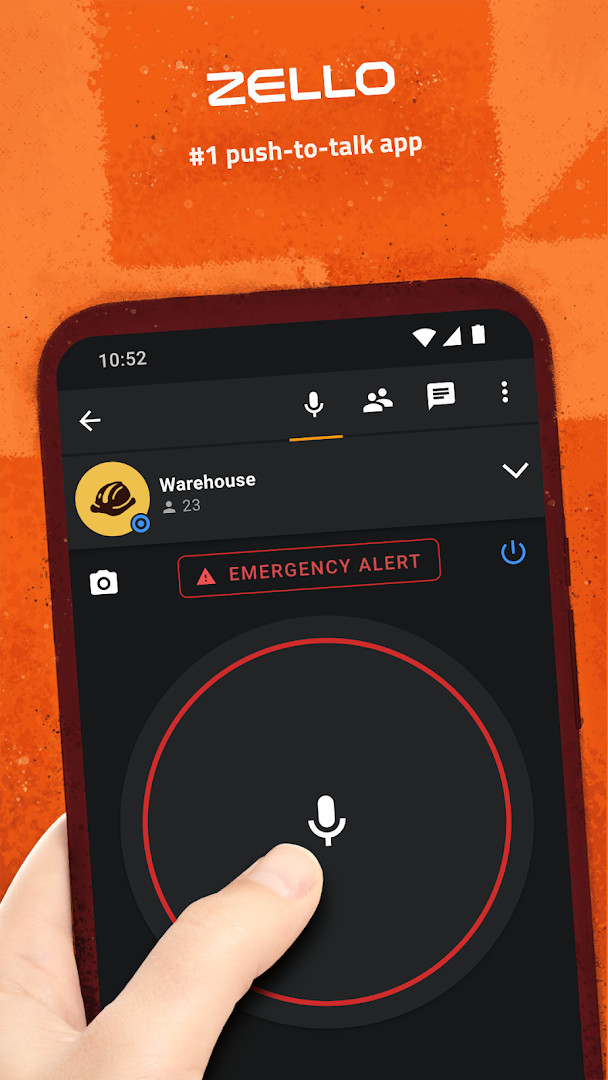
Zello PTT Walkie Talkie is a communication app by Zello Inc that transforms a phone or tablet into a push-to-talk radio, enabling instant voice messaging over data connections. The core idea is straightforward: tap and hold to speak, release to listen, much like a traditional two-way radio but with the reach of the internet. It works across WiFi, 2G, 3G, or 4G mobile data, making it a practical tool for coordinating groups, checking in with family, or staying in touch with colleagues without typing a single message. The app has been around since 2011 and remains popular, with a large user base that relies on its low-latency voice streaming for real-time conversations. Version 7.20.0, released in early November 2026, brings expanded support for external PTT accessories and a series of reliability fixes throughout the app, which means fewer dropped connections and smoother operation when using hardware buttons or headsets. While the free tier covers personal and public channels, a separate paid service, Zello Work, adds features like live location tracking for teams and businesses. The app is not interoperable with other push-to-talk services, so all participants need to use Zello for conversations to work. It supports private chats with contacts as well as public channels that can host up to 6000 users, offering a wide range of communication scenarios from small group coordination to large community discussions.
Key features
- Real-time streaming with high-quality voice over WiFi, 2G, 3G, or 4G data
- Public and private channels supporting up to 6000 users
- Contacts availability and text status indicators
- Optional mapping of a hardware push-to-talk button
- Bluetooth headset support on selected phones
- Voice history to replay missed messages
- Call alert to notify recipients of an incoming transmission
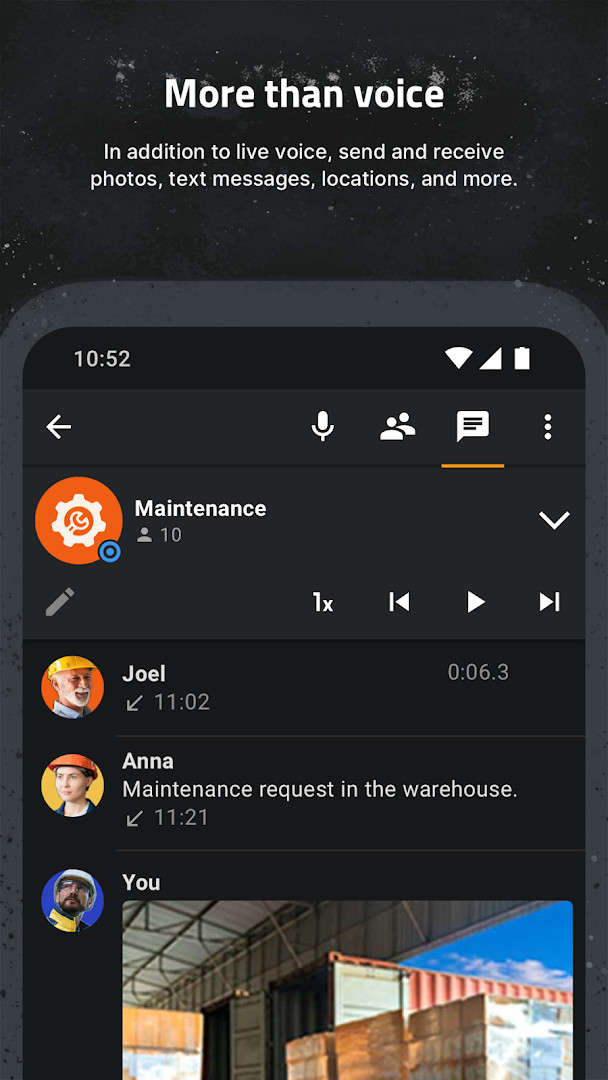
- Image sharing within conversations
- Push notifications for incoming calls and messages
- Live location tracking available exclusively with the Zello Work service
How to install
- Tap the download button on this page to get the APK file, which is 82 MB in size.
- When your browser or file manager asks for permission, allow it to install apps by enabling the 'Install unknown apps' setting for that app.
- Locate the downloaded APK file in your device's Downloads folder or notification bar.
- Open the APK file and tap Install when the prompt appears.
- Once installation finishes, open Zello PTT Walkie Talkie from your app drawer and sign in or create an account.
- Make sure your device runs Android 7.0 or newer, as older versions are not supported.
Pros
- Instant push-to-talk communication with minimal latency
- Works on low-bandwidth connections like 2G, making it reliable in remote areas
- Supports large public channels for community engagement
- Free to use for personal and public channels with no ads
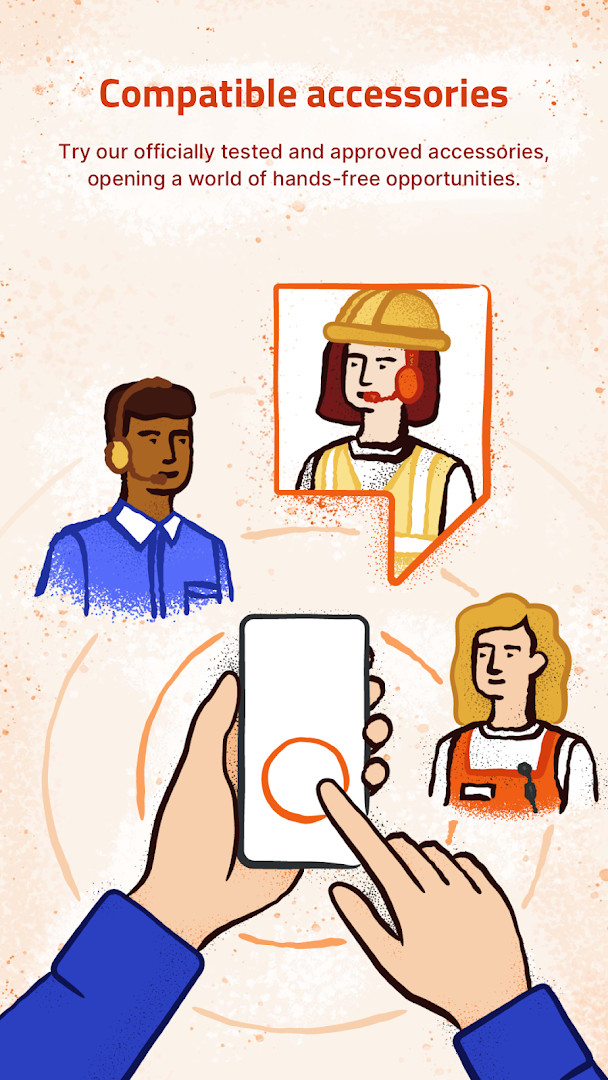
- Hardware PTT button and Bluetooth headset support improve hands-free use
- Regular updates from the developer address reliability and accessory compatibility
Cons
- Not interoperable with other push-to-talk apps, limiting who you can talk to
- Live location tracking requires the paid Zello Work service
- Requests access to many permissions, including camera, microphone, and contacts
- In-app purchases are available, which may surprise users expecting a fully free tool
What's new · 7.20.0
Version 7.20.0 brings expanded support for PTT accessories, along with a range of reliability fixes applied across the app. These changes aim to make hands-free operation smoother and improve overall call stability for both private conversations and larger public channels. The update keeps Zello's core promise of fast, simple push-to-talk communication intact.
Version history
| Version | Size | Requires Android | Updated |
|---|---|---|---|
| 7.21.1 | 82 MB | 7.0 | Nov 10, 2026 |
| 7.20.0 | 82 MB | 7.0 | Nov 9, 2026 |
| 6.2.3 | 50 MB | 7.0 | Nov 3, 2026 |
| 7.11.1 | 62 MB | 7.0 | Nov 2, 2026 |
| 7.19.2 | 92 MB | 7.0 | Oct 13, 2026 |
| 7.15.0 | 96 MB | 7.0 | Oct 5, 2026 |
| 7.18.2 | 92 MB | 7.0 | Oct 5, 2026 |
| 7.1.0 | 59 MB | 7.0 | Oct 2, 2026 |
| 7.16.1 | 99 MB | 7.0 | Sep 30, 2026 |
| 7.17.1 | 92 MB | 7.0 | Sep 18, 2026 |
Zello is ideal for outdoor enthusiasts, volunteer groups, and field workers who need instant, hands-free communication without relying on cellular voice calls. It also suits families or small teams who want a private channel to stay connected throughout the day, as well as event coordinators managing large crowds through public channels.
To avoid missing important transmissions, set up call alerts for your most frequent contacts and use the voice history feature to replay any messages you might have missed while away from your phone.
Permissions
Frequently asked questions
How do I install the Zello APK on my Android device?
To install Zello, download the APK file and open it from your device's file manager. If you haven't enabled installations from unknown sources, your phone will prompt you to allow it in the security settings before the installation proceeds.
What is new in version 7.20.0?
Version 7.20.0 brings expanded Push-To-Talk accessory support and several reliability fixes throughout the app, making connections steadier with supported hardware.
Does Zello show ads or require payment to use?
Zello is free to download and use, and it does not display ads. While the core app is free, there are in-app purchases available for optional features like the Zello Work service.
Can I use Zello offline or without a mobile data plan?
Zello requires an internet connection to function. It works over WiFi, 2G, 3G, or 4G mobile data, but without any of these connections, you cannot send or receive voice messages.
Are there alternative walkie talkie apps in the same category?
Yes, several other push-to-talk communication apps exist for Android. However, Zello uses a proprietary low-latency protocol, so it is not interoperable with other services like Voxer or Sprint Direct Connect.
What permissions does Zello request and why?
Zello asks for permissions like microphone, storage, contacts, location, and phone identity. These are used for voice transmission, saving media, showing contact status, optional location features, and device identification.
Zello PTT Walkie Talkie delivers a dependable push-to-talk experience that is hard to beat for free, offering low-latency voice, large channels, and useful accessory support. The main drawbacks are its lack of interoperability with other services and the hefty permission list, but for anyone who values instant voice communication, it remains a solid choice. Version 7.20.0 refines the experience with better accessory handling and reliability, making it a practical everyday tool for coordination and connection.
Similar apps






Updated: Nov 12, 2026