
Mycelium Bitcoin Wallet: Send and Receive Crypto
Mycelium Bitcoin Wallet is a free finance app by Mycelium Developers that lets you send and receive Bitcoin, Ethereum and ERC-20 tokens.
Get APK · v3.22.0.2Mycelium Bitcoin Wallet is a free finance app by Mycelium Developers that installs from a 51 MB download and runs on Android 7.0 and newer. The app carries no ads and no in-app purchases, and the version listed here is 3.22.0.2, updated on 2026-05-15 with roughly 1 million installs.
Screen gallery
- Version
- 3.22.0.2
- Size
- 51 MB
- Requires Android
- 7.0
- Updated
- May 15, 2026
- Installs
- 1M+
- Rating
- ★ 3.63 (10,805)
- Category
- Finance
- Developer
- Mycelium Developers
- Content rating
- Everyone
- Package
- com.mycelium.wallet
- Free
- ✓
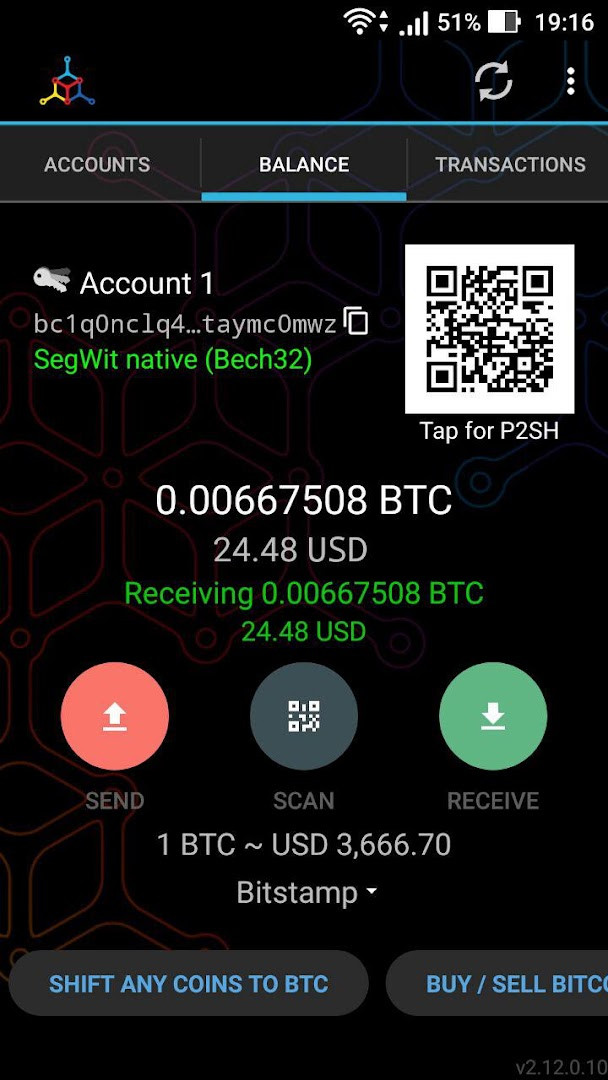
Mycelium Bitcoin Wallet is a finance application by Mycelium Developers that lets you hold, send, and receive Bitcoin along with Ethereum and ERC-20 tokens directly from an Android phone. The core problem it addresses is custodial risk: when a third party holds your coins, you depend on that party staying solvent, honest, and online. Mycelium takes the opposite approach, keeping private keys on the device itself so control never transfers to anyone else unless you deliberately export the keys. Rather than downloading the whole blockchain, the wallet connects to remote nodes and is usable within seconds of installation, which makes it practical on hardware that could never store a full ledger. It has existed since 2013, and the project describes itself as open source and verifiable, with a long feature list aimed at users who already understand seed phrases, derivation paths, and fee mechanics. The current build, version 3.22.0.2, requires Android 7.0 or newer and occupies about 51 MB, so the barrier to entry is low even on older phones. There are no advertisements and no in-app purchases, and the app carries an Everyone content rating.
Key features
- Full self-custody of private keys, which stay on the device unless you choose to export them
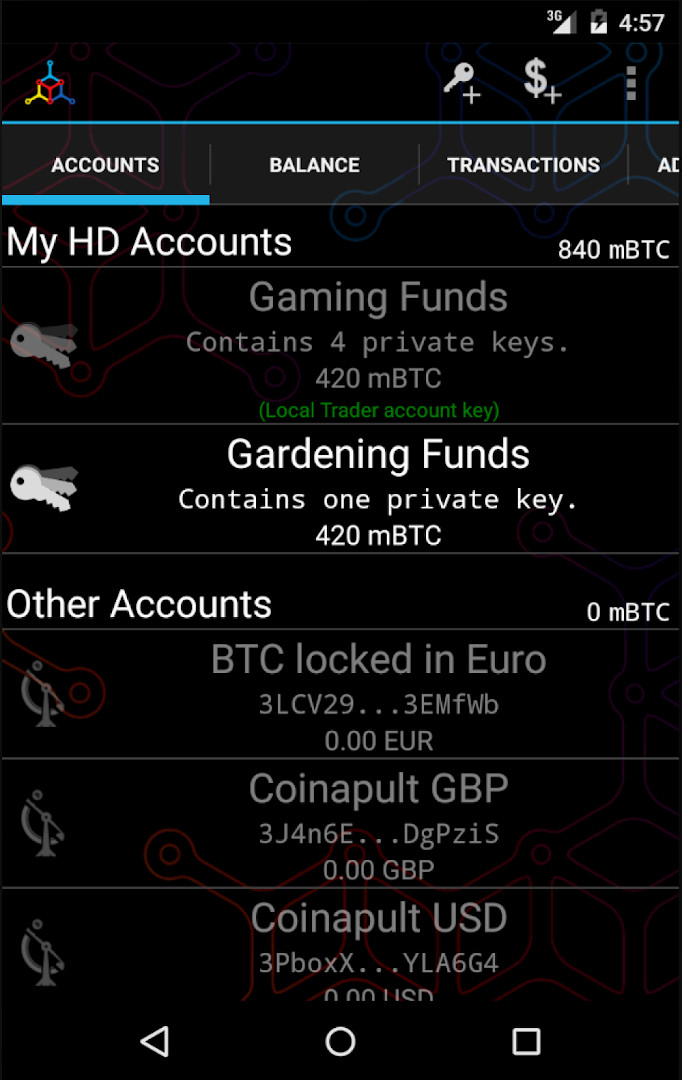
- Hierarchical deterministic wallets following BIP32 and BIP44, allowing multiple accounts without address reuse
- Ethereum support for sending and receiving ETH, plus ERC-20 tokens such as Tether USD, USD Coin, Binance USD, and others
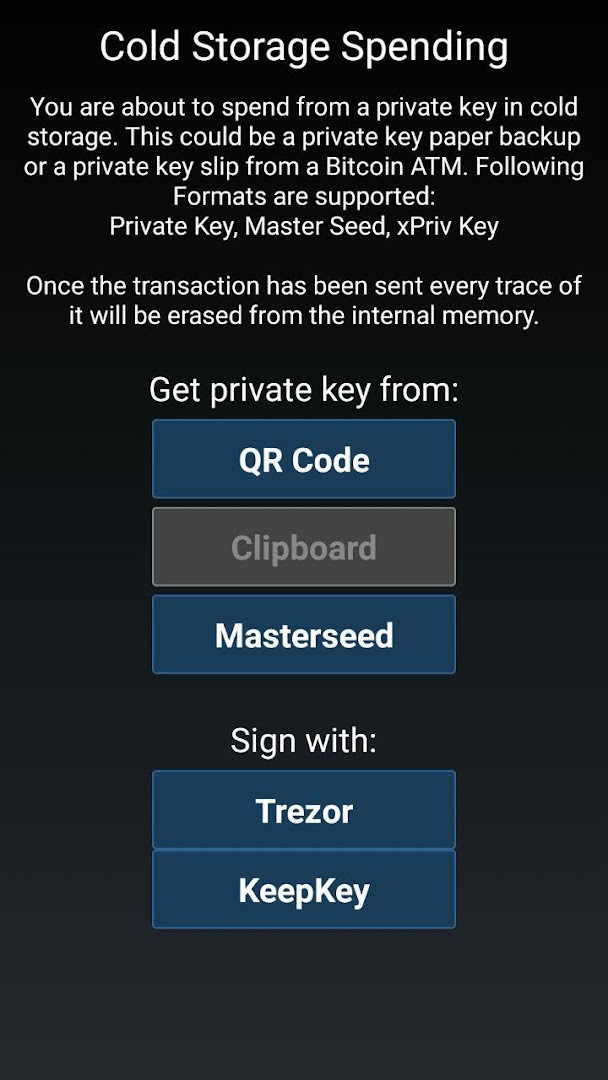
- Watch-only addresses and private key import for cold storage setups, including single keys and extended private keys
- Hardware wallet integration with Trezor, Ledger models (Nano, Nano-S, Unplugged, HW.1, Trustlet), and KeepKey
- Master seed backups based on BIP39, plus encrypted PDF backup and restore for single key accounts
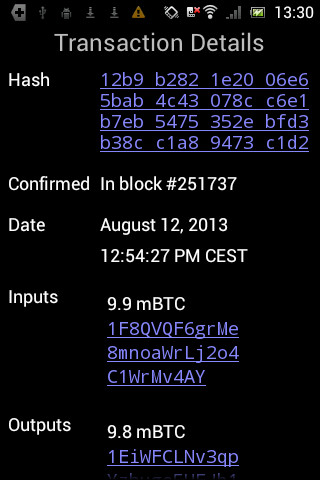
- Dynamic fee handling with fee-per-byte displayed in transaction details, and warnings about replace-by-fee or unconfirmed parent transactions
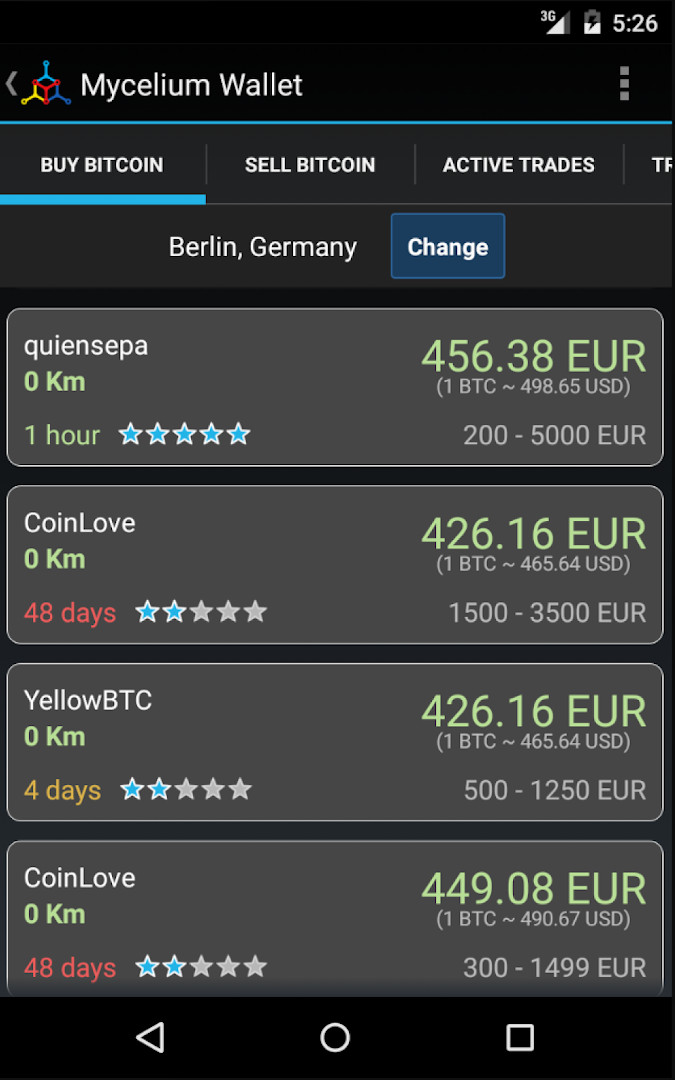
- Local Trader for finding people nearby to trade Bitcoin with in person, and BitID authentication for logging into websites
How to install
- Tap the download button on this page to obtain the APK file.
- When Android prompts you, allow your browser or file manager to install apps by enabling the Install unknown apps permission for that app.
- Open the downloaded APK file from your notifications or file manager.
- Confirm the file is about 51 MB and that your device runs Android 7.0 or newer, then tap Install.
- Once installation finishes, open Mycelium Bitcoin Wallet and set it up, including a PIN and a backup of your keys.
Pros
- Long track record, with the first release dating back to 2013
- No advertisements and no in-app purchases
- Broad asset support covering Bitcoin, Ethereum, and ERC-20 tokens
- Hardware wallet support from several major vendors
- Cold storage workflows including watch-only addresses, key import, and BIP38 keys
- Advanced fee controls and transaction warnings suited to experienced users
Cons
- Location permission is requested for Local Trader, which may concern privacy-focused users
- Camera and microphone permissions are tied to QR scanning, which is broader than some users expect
- Storage and photos/media/files access is requested for backup and import operations
- The interface and terminology assume familiarity with seeds, derivation, and fees, which can overwhelm newcomers
What's new · 3.22.0.2
Mycelium Bitcoin Wallet 3.22.0.2 brings an in-app support chat so you can reach the Mycelium team without leaving the wallet. Ethereum transaction status now updates live, letting you follow ETH and ERC-20 transfers from your transaction list as they progress. The cancel-and-replace flow has been reworked so cancelling or speeding up pending Ethereum transactions is clearer and more dependable. Pending ETH and ERC-20 transfers also stay visible with accurate fees from the moment you send until they confirm, alongside stability improvements and bug fixes.
Version history
| Version | Size | Requires Android | Updated |
|---|---|---|---|
| 3.18.2.0 | 28 MB | 5.0 | Aug 27, 2026 |
| 3.22.0.2 | 51 MB | 7.0 | May 15, 2026 |
| 3.21.0.0 | 37 MB | 7.0 | May 14, 2026 |
| 3.20.0.3 | 37 MB | 7.0 | Sep 12, 2025 |
| 3.17.0 | 26 MB | 4.4 | Feb 10, 2025 |
This wallet suits experienced Bitcoin and Ethereum users who want direct control of their keys and are comfortable managing backups themselves. It is a reasonable fit for people who already own a hardware wallet, use cold storage, or want to spend from paper wallets and imported keys. Anyone expecting a guided, beginner-friendly experience with account recovery handled by a company will likely find the setup and terminology demanding. The absence of ads and purchases also appeals to users who prefer a tool over a platform.
Write down your master seed or back up your keys before moving any meaningful amount into the wallet, and store that backup offline. Test the restore process with a small amount first. If you plan to use hardware signing or watch-only addresses, verify the workflow before relying on it for larger balances. Review the fee-per-byte figure before confirming a transaction, especially when the network is busy.
Permissions
Frequently asked questions
How do I install the Mycelium Bitcoin Wallet APK on Android?
Grab the APK file through the download button on this page, open it on your phone, and allow installation from this source if Android asks. The app needs Android 7.0 or newer and takes up about 51 MB, so make sure you have that much free space before you start.
What is new in version 3.22.0.2?
This release adds an in-app support chat so you can reach the Mycelium team without leaving the wallet. It also brings live Ethereum transaction status, a reworked cancel-and-replace flow for pending ETH transfers, more reliable display of pending ETH and ERC-20 transactions with accurate fees, plus general stability fixes.
Does the app show ads or charge for features?
No. Mycelium Bitcoin Wallet is free to download and use, contains no advertising, and has no in-app purchases. It is rated for Everyone and is aimed at giving you full control over your own keys rather than selling you extras.
Can I use the wallet offline or without downloading the blockchain?
You never download the blockchain: the wallet connects to the Bitcoin network through super nodes and is ready in seconds. For cold storage, watch-only addresses and private key import let you keep spending keys off the device, and you can also spend directly from paper wallets, BIP38 keys, or supported hardware wallets.
How does the wallet handle my private keys and backups?
Your private keys stay on your device unless you export them. The wallet is HD-enabled (BIP32/BIP44), supports a BIP39 master seed so one backup can cover your accounts, and offers encrypted PDF backup and restore for single-key accounts. Backups of your private keys are strongly recommended.
What can I do besides sending and receiving Bitcoin?
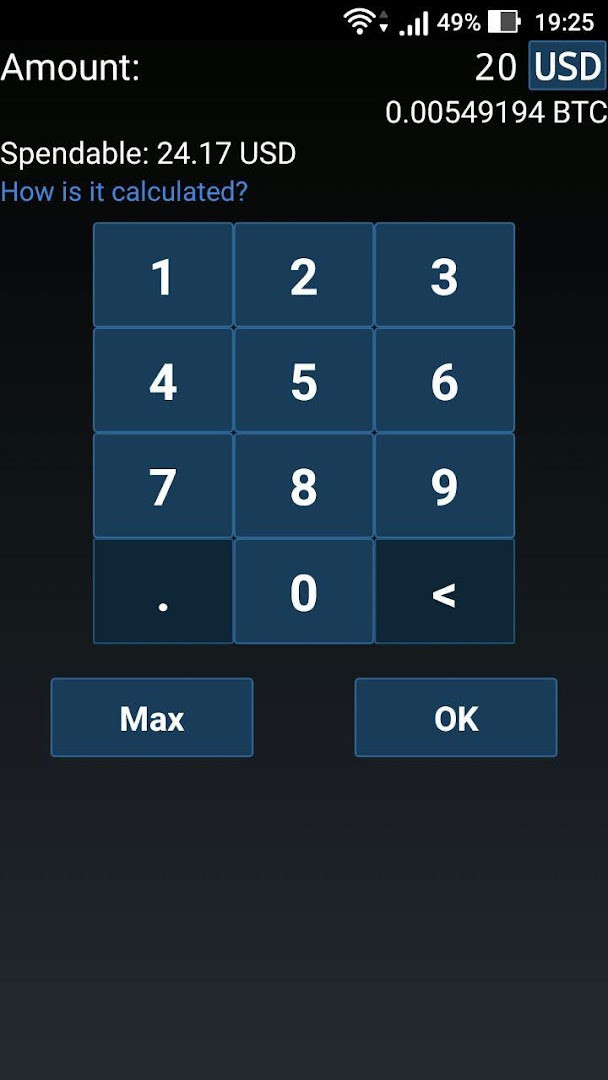
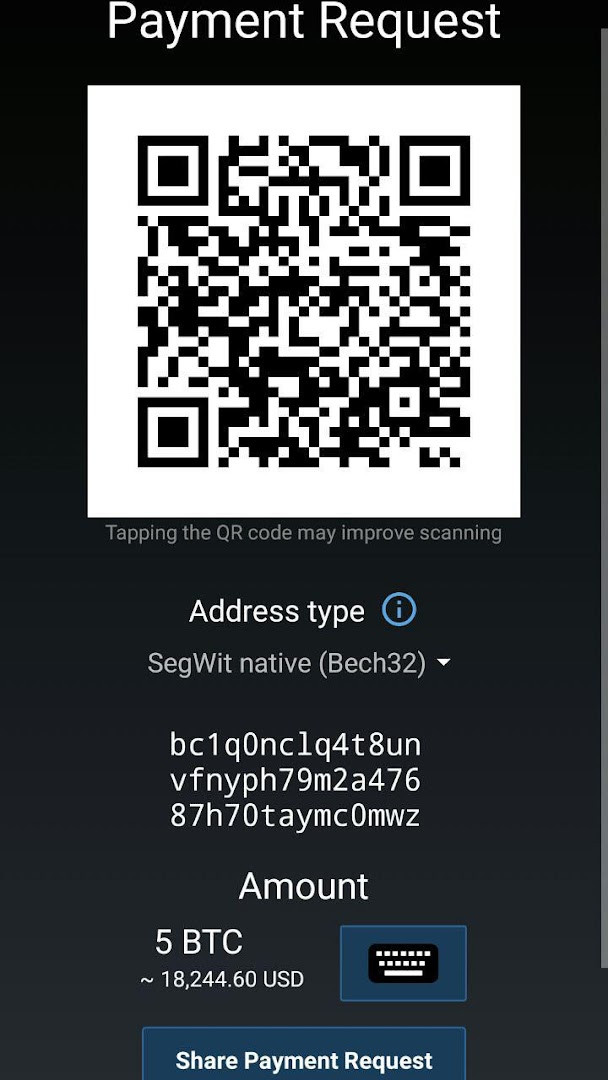
You can also send and receive Ethereum and ERC-20 tokens such as Tether USD, USD Coin and others. Other features include a PIN lock, address book, transaction history, dynamic fee handling, fiat/BTC amount entry, Local Trader for in-person trades, NFC and social sharing of addresses, and BitID authentication.
What are some alternatives in the Finance category?
If Mycelium does not fit your needs, look at other self-custody crypto wallets that also keep keys on your device, or at hardware-wallet companion apps. Compare them on supported coins, backup options, cold-storage features, and whether they charge fees or show ads before switching.
Mycelium Bitcoin Wallet remains a credible option for users who prioritize self-custody and are willing to learn its conventions. Its long history, hardware wallet support, and absence of ads or purchases make it worth comparing against newer alternatives before you commit funds.
Similar apps




Updated: Oct 25, 2026