StyncyNotes: Sticky Notes Sync
StyncyNotes is a free sticky notes app by StyncyNotes that lets you manage notes in the linuxmint Sticky format and sync them via SyncThing.
Get App · v1.3StyncyNotes is a 13 MB free app that requires Android 8.0 or newer. It stores notes in a local JSON file compatible with the linuxmint Sticky application, and supports basic formatting. The app is suitable for users who want to keep their notes synchronized across devices using SyncThing.
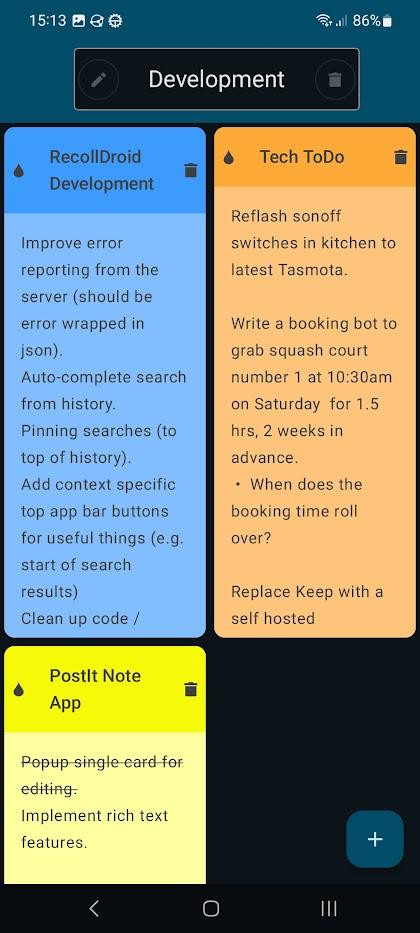
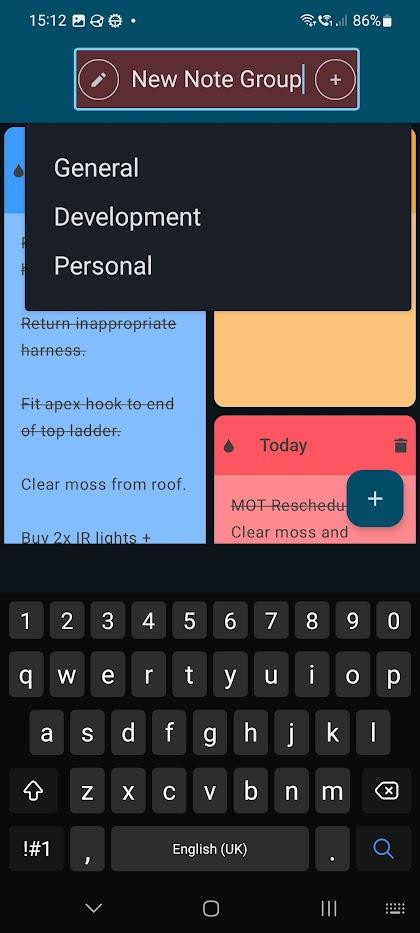
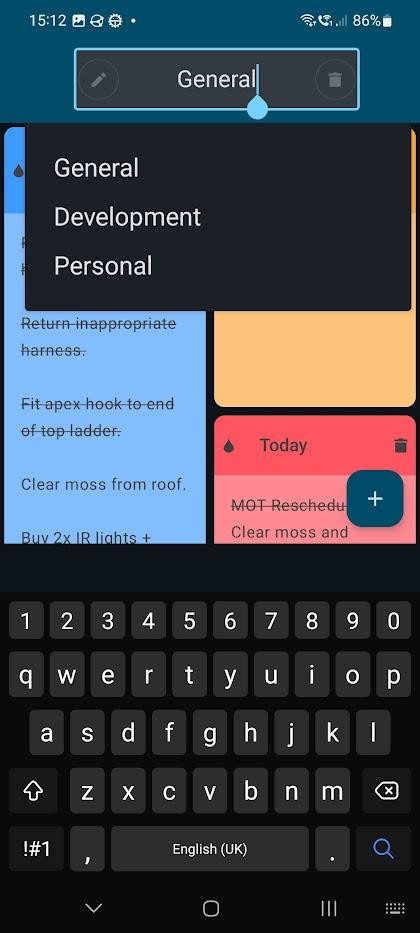
Screen gallery
- Version
- 1.3
- Size
- 13 MB
- Requires Android
- 8.0
- Updated
- Nov 22, 2025
- Category
- Tools
- Package
- org.grating.styncynotes
- Free
- ✓
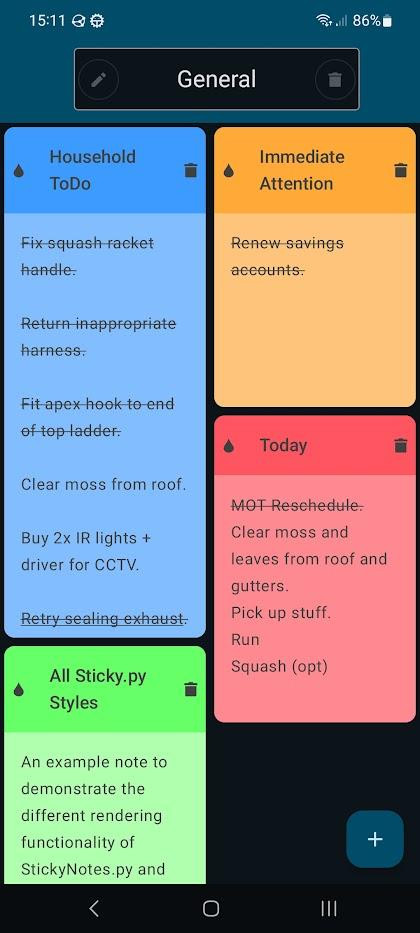
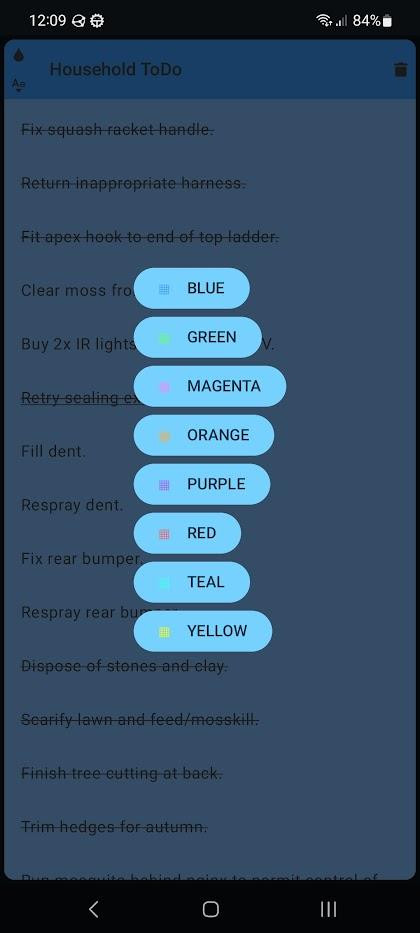
StyncyNotes is a sticky notes app for Android by the StyncyNotes developer that creates and manages digital sticky notes with basic formatting. It solves the problem of keeping notes synchronized between an Android device and a Linux desktop by storing notes in a simple local JSON file that matches the format used by the Linux Mint "Sticky" application. This allows users to use SyncThing to keep the two sets of notes in step, so notes created on one platform appear on the other. The app focuses on simplicity and compatibility, providing a lightweight note-taking experience without complex features.
Key features
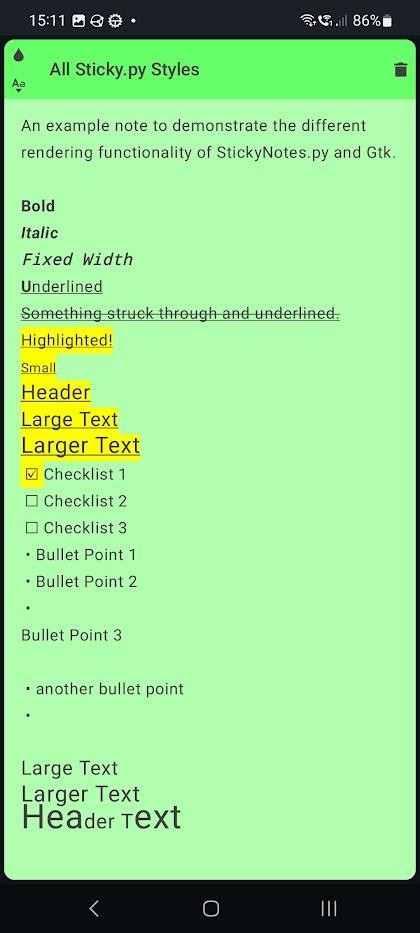
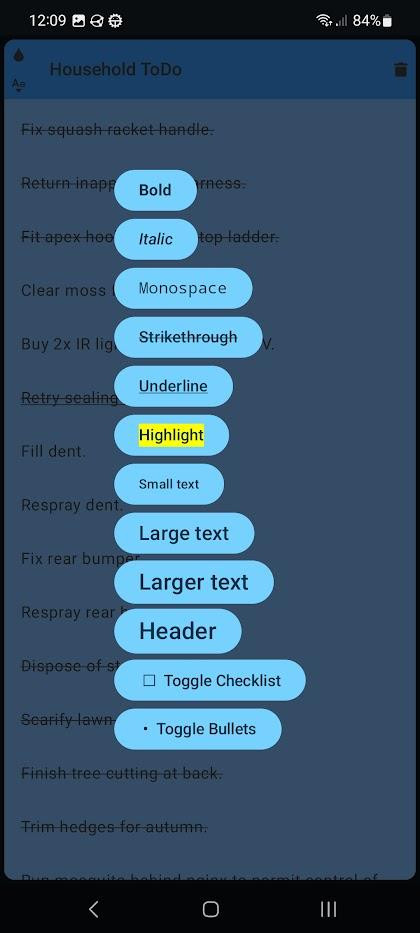
- Supports basic formatting features similar to those found in the Linux Mint Sticky application
- Stores notes and formatting in a simple local JSON file that matches the Linux Mint Sticky format
- Designed to work with SyncThing for synchronizing notes between Android and desktop
- Compatible with Android 8.0 and higher
- Free to use and open source under the GPL-3.0-or-later license
- Updated as recently as November 2025, with version 1.3
How to install
- Tap the download button on this page to get the APK file (13 MB).
- When Android asks, allow your browser or file manager to install apps by enabling the "Install unknown apps" setting.
- Open the downloaded APK file from your notification bar or file manager.
- Tap Install and wait for the installation to complete.
- Open the app from your app drawer or home screen.
Pros
- Lightweight and simple to use
- Compatible with Linux Mint Sticky note format for easy data transfer
- Open source under GPL-3.0-or-later, allowing transparency and community contributions
- Free to download and use without any cost
- Regular updates indicate active maintenance
Cons
- May require granting installation permission from unknown sources, which can be a security consideration
- Limited to basic formatting; not suitable for users needing rich text or multimedia notes
- Synchronization depends on external tools like SyncThing, which may require additional setup
- No information available about ads or in-app purchases, so users should be aware of potential future changes
- Designed primarily for users familiar with Linux Mint Sticky; may not appeal to general note-takers
Version history
| Version | Size | Requires Android | Updated |
|---|---|---|---|
| 1.3 | 13 MB | 8.0 | Nov 22, 2025 |
| 1.2 | 13 MB | 8.0 | Nov 11, 2025 |
| 1.1 | 12 MB | 8.0 | Aug 21, 2025 |
This app is ideal for users who already use Linux Mint's Sticky notes on their desktop and want to access the same notes on their Android device. It is also suitable for privacy-conscious individuals who prefer local file storage over cloud-based syncing, as it stores notes locally and relies on SyncThing for synchronization. Tech-savvy users comfortable with setting up SyncThing and managing JSON files will find this app particularly useful. It is not recommended for users who need advanced note-taking features or who prefer a fully automated cloud sync solution without manual configuration.
To get the most out of StyncyNotes, ensure that SyncThing is properly configured on both your Android device and your Linux desktop, and that the JSON file path is correctly set to match the location used by the Linux Mint Sticky application. Regularly back up your notes JSON file to prevent data loss, especially before updating the app.
Frequently asked questions
What is StyncyNotes designed to do?
It is a sticky note application for Android that keeps notes in a local JSON file using the same format as the linuxmint Sticky app, so the two note collections can be kept in step with SyncThing.
Which formatting options does StyncyNotes support?
It offers basic formatting features comparable to those found in the linuxmint Sticky application.
How does StyncyNotes store my notes?
Notes and their formatting are saved in a simple local JSON file rather than in a remote account.
What Android version do I need to run StyncyNotes?
The app requires Android 8.0 or newer.
How large is the download and what version is current?
Version 1.3, released on 2025-11-22, is the current build and the download is 13 MB.
When did StyncyNotes first come out and how has it changed?
It was released on 2025-01-24. Since then it has moved through versions 1.1 (2025-08-21), 1.2 (2025-11-11) and 1.3 (2025-11-22).
Is there a cost or licensing detail I should know?
The app is free to use and is distributed under the GPL-3.0-or-later license.
StyncyNotes offers a straightforward way to manage sticky notes on Android with compatibility for Linux Mint users. Its focus on local storage and SyncThing integration makes it a niche but practical tool for those who value data control and cross-platform consistency.
Similar apps




Updated: Oct 25, 2026