
HRTC Online Booking Official: Book & Cancel Bus Tickets
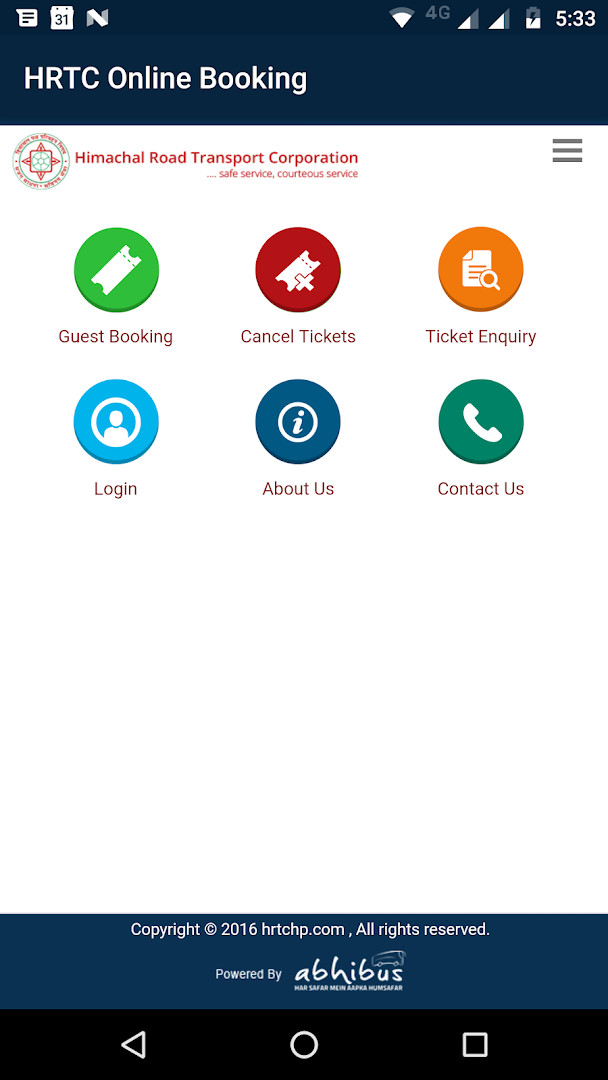
HRTC Online Booking Official is a free travel app by Himachal Road Transport Corporation that lets you book and cancel e-tickets for HRTC buses.
Get the AppHRTC Online Booking Official is a 3 MB travel app that requires Android 5.0 or higher. It contains no ads and no in-app purchases, and it is rated for everyone. The app is designed for passengers of Himachal Road Transport Corporation who want to manage their bus reservations on the go.
Screenshots
- Size
- 3 MB
- Requires Android
- 5.0
- Updated
- 01.09.2025
- Installs
- 500K+
- Category
- Travel & Maps
- Developer
- Himachal Road Transport Corporation
- Content rating
- Everyone
- Package
- com.app.hrtc
- Free
- ✓
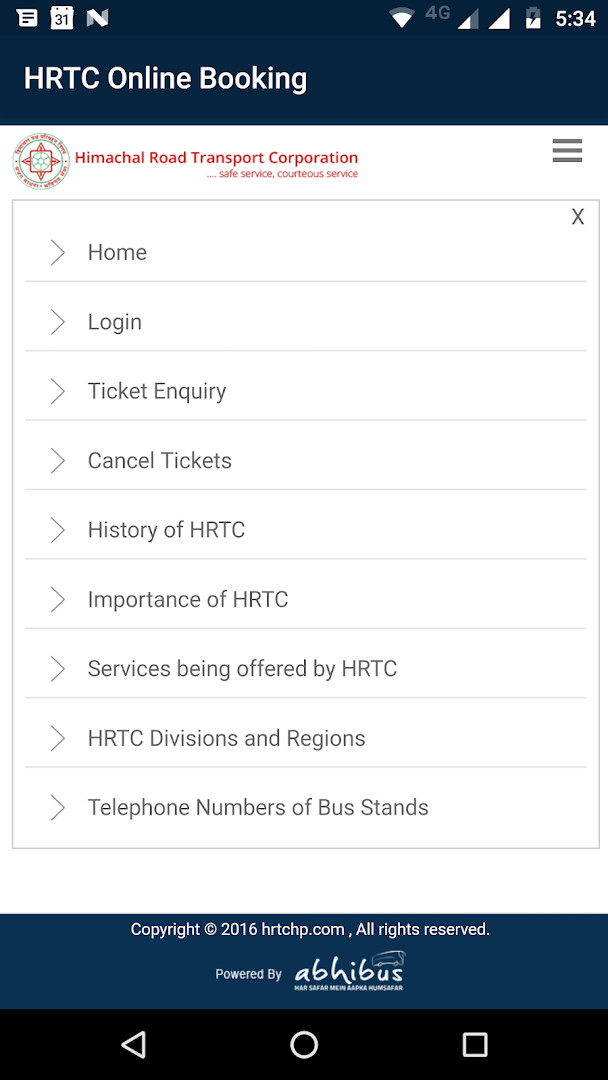
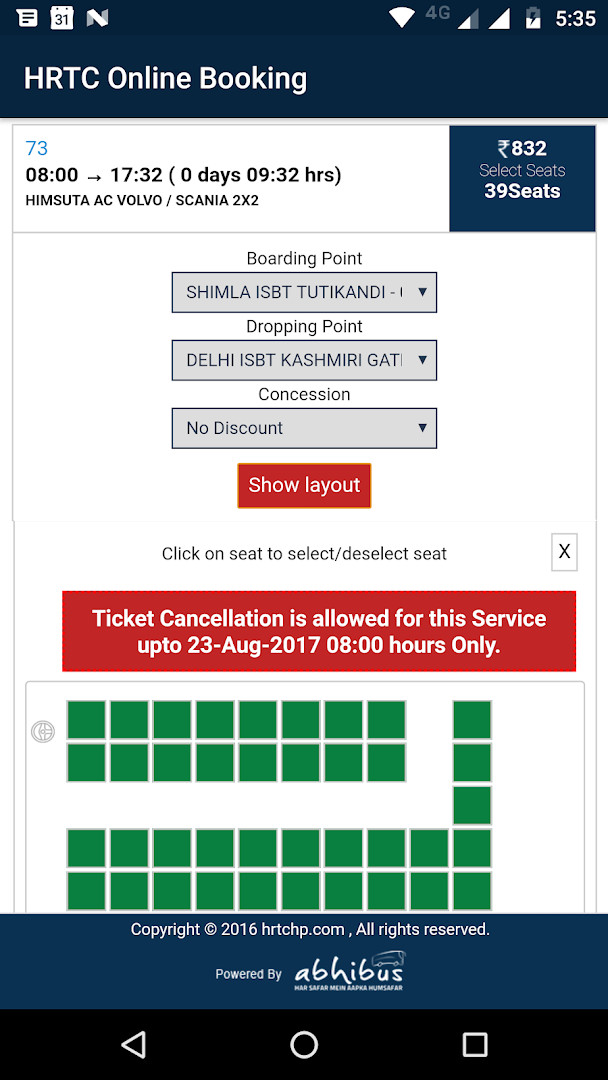
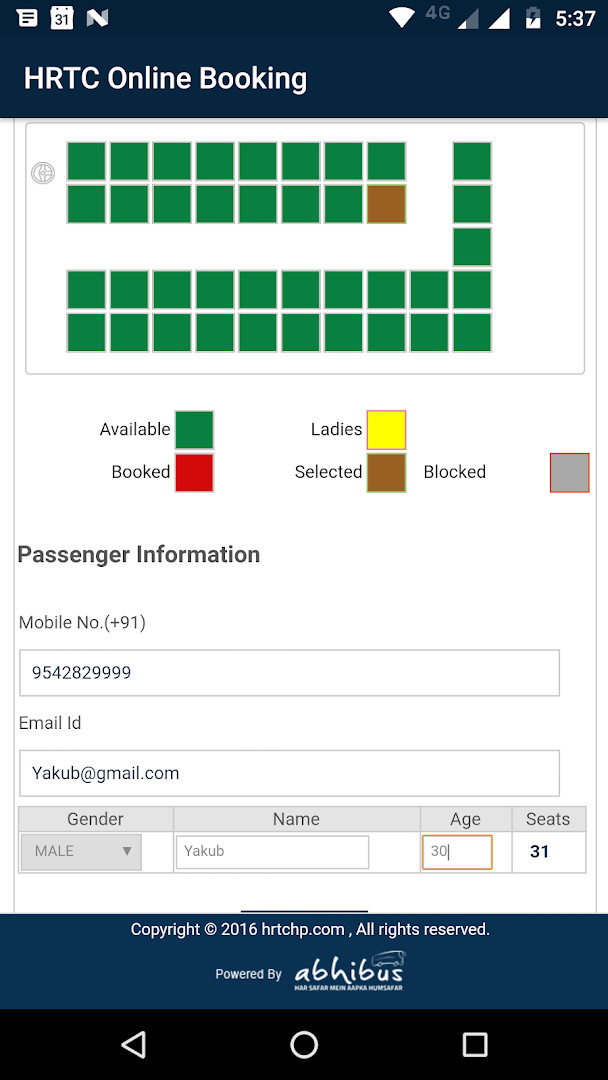
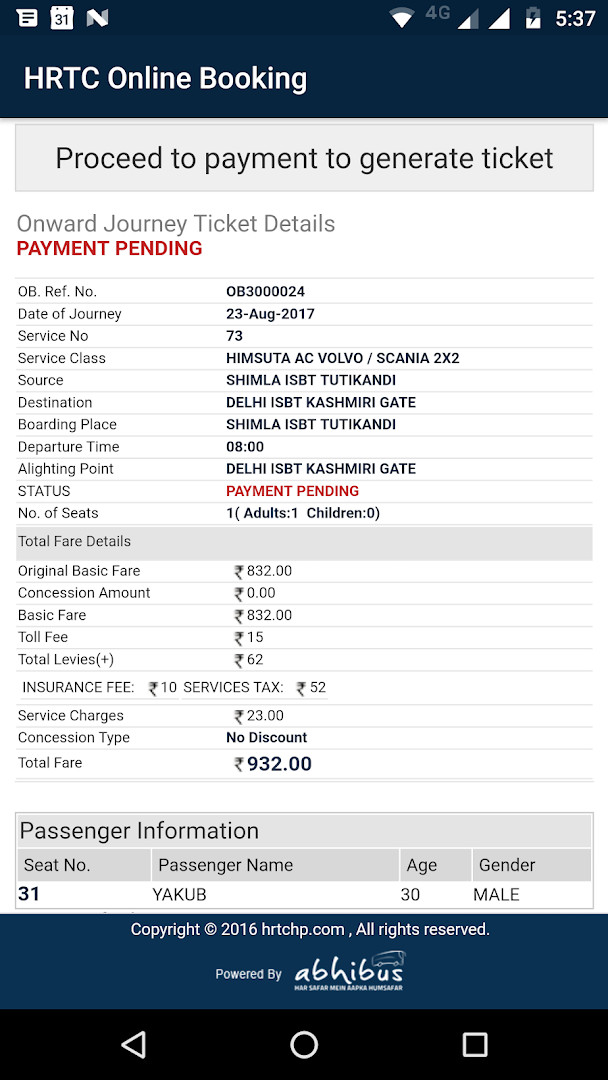
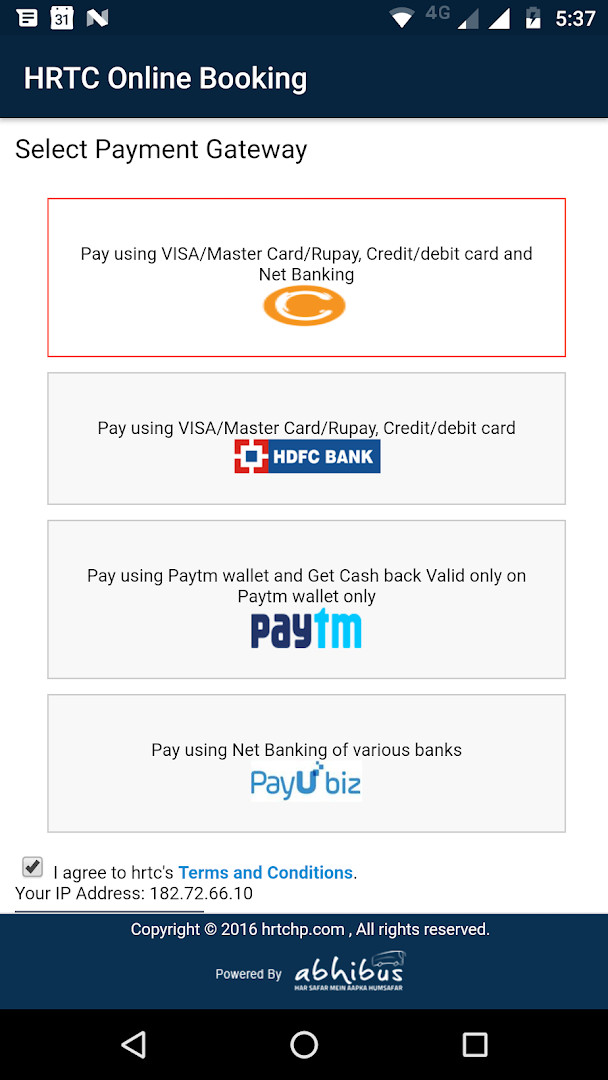
HRTC Online Booking Official is a travel utility application by Himachal Road Transport Corporation that lets you reserve and manage e-tickets for HRTC buses. It addresses the inconvenience of standing in queues or relying on third-party agents by providing a direct mobile channel to the state transport authority. The app requires you to register first, after which you can book and cancel tickets. If you already use the HRTC online reservation system, you can sign in with your existing credentials. A notable constraint is that tickets purchased through this app can only be cancelled within the app itself, so you should keep it installed until your journey is complete. The app also requests access to your location, phone, and device ID, which is typical for a service that may need to verify your identity and provide location-based assistance.
Key features
- Register for a new account within the app to start booking bus tickets
- Use your existing HRTC online reservation system credentials to log in directly
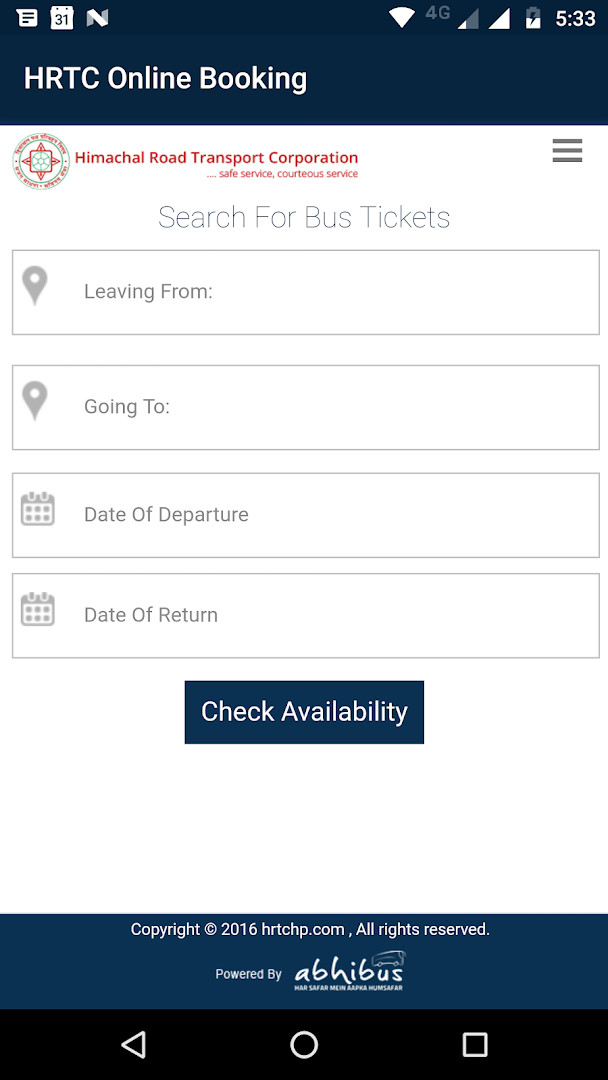
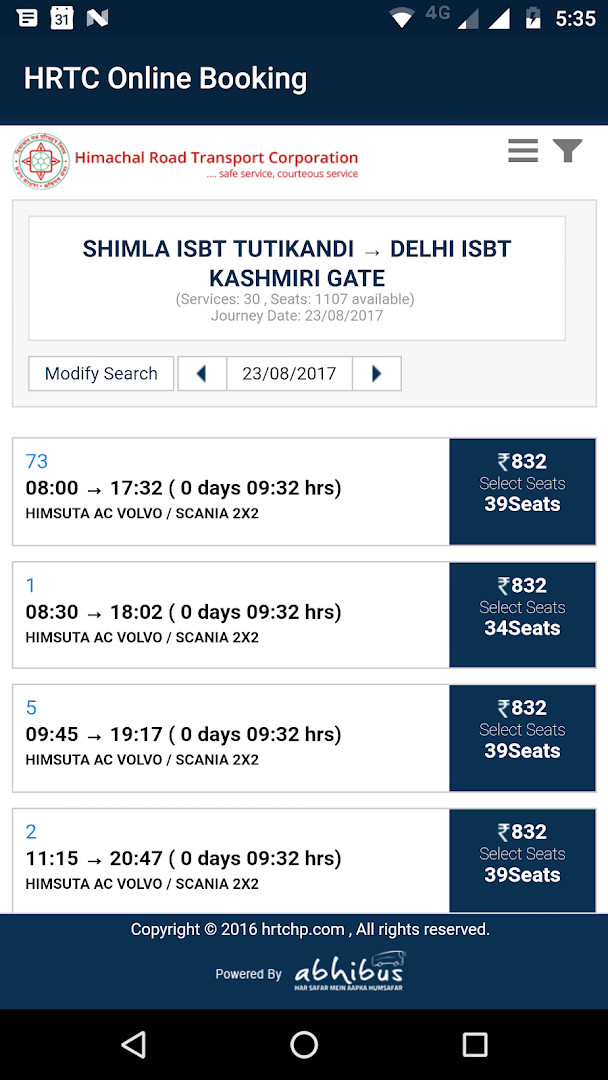
- Book e-tickets for HRTC buses entirely through the mobile interface
- Cancel tickets that were booked via the app, with the cancellation available only here
- Access the latest version 1.6, which includes minor enhancements for better performance
- Compatible with Android 5.0 and above, covering a wide range of devices
How to install
- Tap the download button on this page to get the APK file (3 MB).
- When Android asks for permission, allow your browser or file manager to install apps by enabling the 'Install unknown apps' setting.
- Open the downloaded APK file from your notification bar or file manager.
- Tap 'Install' on the installation screen and wait for the process to finish.
- Open the app from your app drawer and log in or register to start using it.
Pros
- Official app from the Himachal Road Transport Corporation, ensuring authenticity
- No ads, providing an uninterrupted booking experience
- No in-app purchases, so no hidden costs within the app
- Lightweight at just 3 MB, consuming minimal storage
- Supports older Android versions starting from 5.0
- Direct login for existing users of the online reservation system
Cons
- Requires registration before you can book tickets
- Requests access to location, phone, and device ID, which may raise privacy concerns
- Ticket cancellation is only possible within the app, so you must keep it installed
- No offline functionality – an internet connection is necessary for all operations
What's New
Version 1.6 of HRTC Online Booking Official brings minor enhancements to improve the overall app experience. These updates focus on refining existing functionality for smoother performance. No major new features were introduced in this release.
Versions
| Version | Size | Requires Android | Updated |
|---|---|---|---|
| 1.6 | 3 MB | 5.0 | 01.09.2025 |
| 1.5 | 1.7 MB | 4.2 | 30.08.2024 |
| 1.4 | 1.7 MB | 4.2 | 30.08.2024 |
This app is designed for travelers who regularly use Himachal Road Transport Corporation buses and prefer the convenience of booking tickets from their Android device. It is also suitable for existing customers of the HRTC online reservation system who want to manage their bookings on the go. If you are comfortable with the requested permissions and rely on HRTC services, this official tool simplifies the process.
After booking a ticket through the app, consider taking a screenshot of the confirmation as a backup in case you need to show it while boarding. Also, keep the app updated to the latest version to benefit from performance improvements.
Permissions
FAQ
Do I need to create a new account to use HRTC Online Booking Official?
New users must register inside the app before they can book or cancel e-tickets for HRTC buses. If you already hold credentials for the HRTC Online Reservation System, the app lets you sign in with those existing details instead of registering again.
Can I cancel a ticket somewhere other than in the app?
Tickets booked through this application can only be cancelled through this application. So if you change your travel plans, handle the cancellation inside the app itself rather than looking for another channel.
What is the latest version of HRTC Online Booking Official and what changed?
Version 1.6 was released on September 1, 2025, and its release notes mention minor enhancements. Earlier builds in the version history are 1.5 and 1.4, both dated August 30, 2024.
How large is the download and which Android version does it require?
The app package is about 3 MB, so it takes up very little storage. It runs on Android 5.0 and above.
Does the app cost anything or show advertising?
It is free to download, listed at 0.00 USD, and there are no in-app purchases. The data also indicates the app carries no ads, and its content rating is Everyone.
Which permissions does HRTC Online Booking Official request?
The app asks for three permissions: Location, Phone, and Device ID and call information. These are the only permissions noted for the current release.
HRTC Online Booking Official offers a straightforward way to handle HRTC bus tickets directly on your phone. Just be mindful of its permission requests and the fact that cancellations can only be done through the app itself.
Updated: 25.10.2026