
AirVid-AI Quality Enhancer Pro: AI Video Enhancer
AirVid-AI Quality Enhancer Pro is a free photography app by PIXOCIAL TECHNOLOGY (SINGAPORE) PTE. LTD. that lets you enhance video quality with AI tools.
Get APK · v2.2.2AirVid-AI Quality Enhancer Pro has 1 million installs and a 4.48 rating from 28,722 ratings. The app requires Android 8.0 or higher, shows ads, and offers in-app purchases. It is designed for creators who want to retouch faces, reshape bodies, and boost video resolution to HD or 4K.
Screen gallery
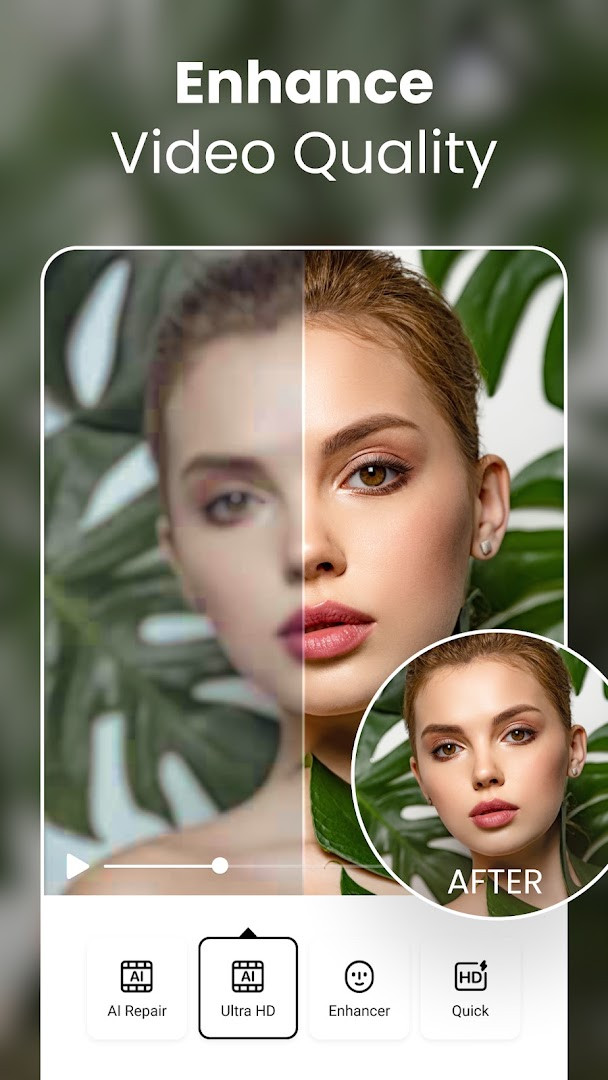
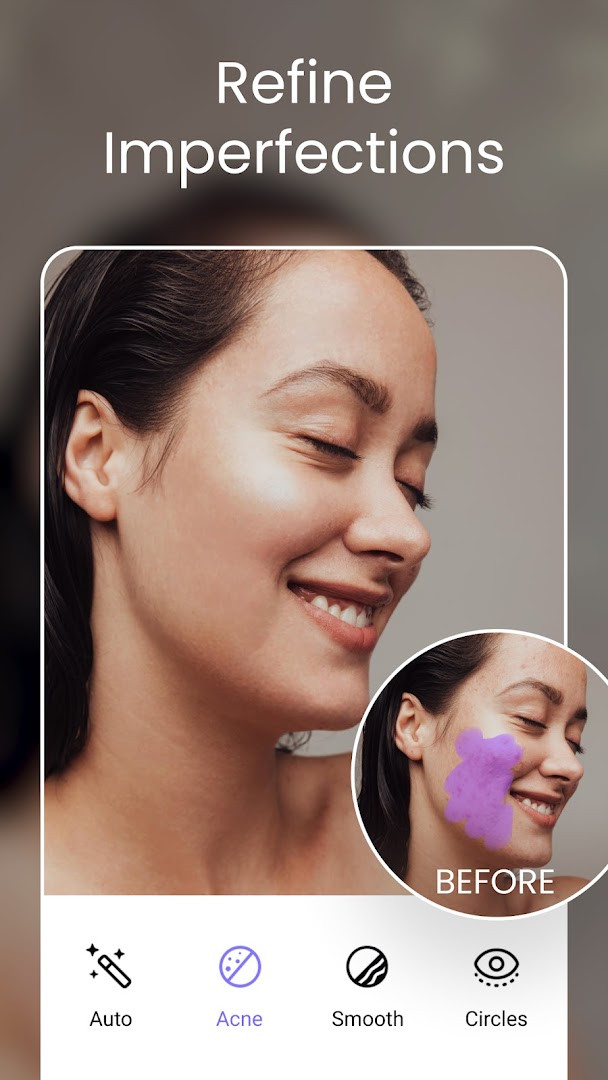

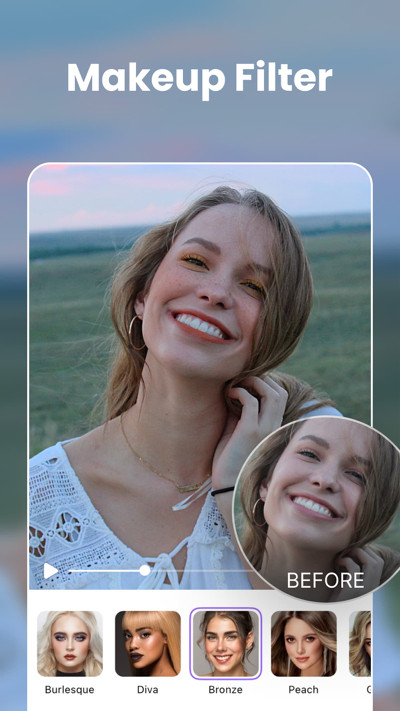
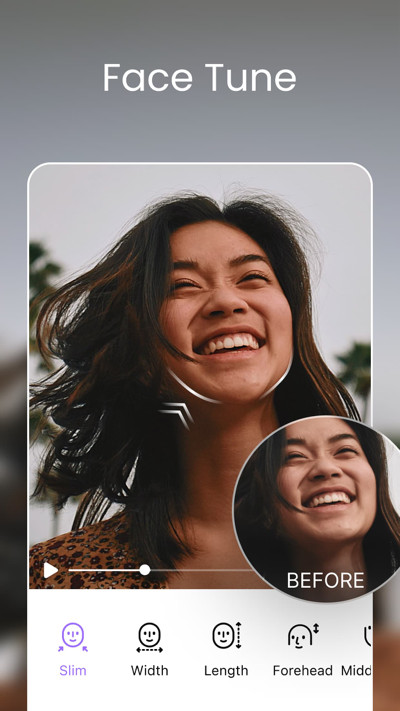
- Version
- 2.2.2
- Requires Android
- 8.0
- Updated
- Nov 2, 2026
- Installs
- 1M+
- Rating
- ★ 4.43 (29,047)
- Category
- Photography
- Developer
- PIXOCIAL TECHNOLOGY (SINGAPORE) PTE. LTD.
- Content rating
- Everyone
- Package
- com.airbrush.video
- Free
- ✓ · Contains ads · In-app purchases
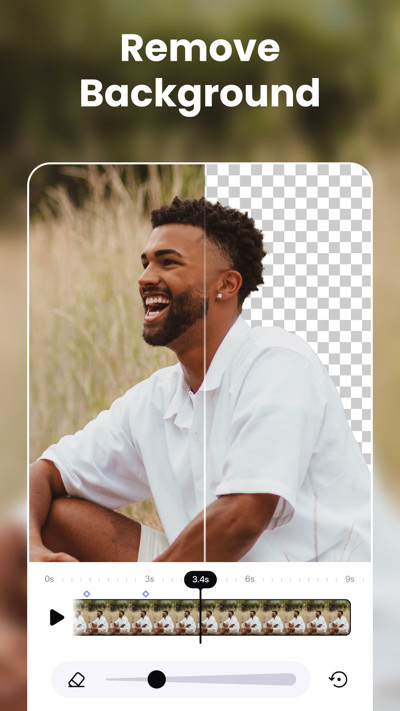
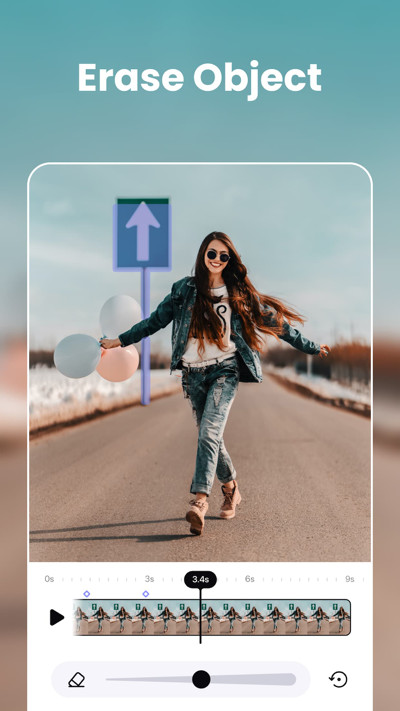
AirVid-AI Quality Enhancer Pro is a video enhancement and editing application by PIXOCIAL TECHNOLOGY (SINGAPORE) PTE. LTD. that uses artificial intelligence to improve video quality, retouch faces, reshape bodies, and create highlight clips. The app addresses the common problem of having videos that are blurry, poorly lit, or cluttered with uninteresting moments, and it solves this by offering automated tools that work with minimal manual effort. It detects faces to sharpen features and brighten eyes, restores low-resolution footage to HD or 4K quality, and can automatically cut out silent gaps or focus on specific people. For users who want more control, the app also provides manual retouching and body-shaping options, along with creative effects for transforming ordinary footage into more engaging content. The tool is designed to be intuitive, so even people without editing experience can apply professional-looking enhancements with a few taps.
Key features
- AI Portrait Mode that detects faces and sharpens features, brightens eyes, and restores skin texture
- 4K Restoration that converts low-resolution or blurry videos into clear HD/4K quality with a single tap
- Smart Auto-Edit that lets you describe what you want and AI selects the best moments for you
- Highlight Extraction that automatically finds scoring moments, travel highlights, or key scenes
- Remove Filler that cuts out silent pauses and awkward gaps from your videos with one tap
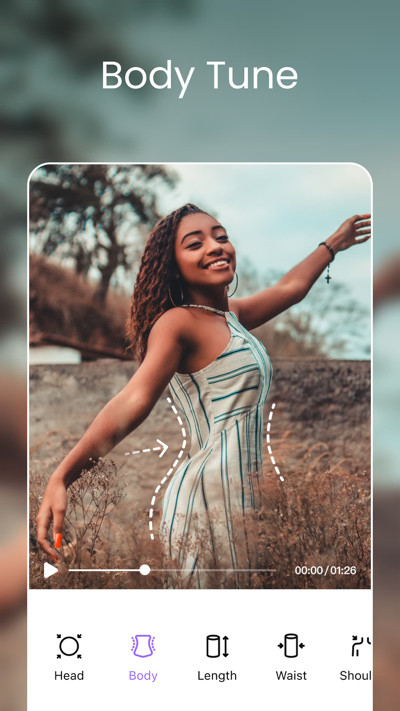
- Body Editor that naturally slims waists, adjusts shoulder width, and reshapes any area of the video
- Height Adjustment that stretches or compresses footage to achieve the desired proportions
- AI-Powered Effects that transform photos and videos into creative visuals with one-tap magic
How to install
- Tap the download button on this page to get the APK file for AirVid-AI Quality Enhancer Pro.
- When Android asks, allow your browser or file manager to install apps by enabling the 'Install unknown apps' setting.
- Open the downloaded APK file from your notification bar or file manager.
- Tap Install and wait for the process to complete; the app requires Android 8.0 or higher.
- Open the app from your home screen or app drawer and start enhancing your videos.
Pros
- Free to download and includes core features at no cost
- Uses advanced AI to automate complex editing tasks
- Offers both automatic enhancements and manual retouching controls
- Includes creative effects for generating unique visuals
- Trusted by a large user base according to the developer
- Regular updates with new effects and stability improvements
Cons
- Contains ads that may interrupt the editing experience
- Offers in-app purchases for credits and additional AI tool access
- Requires access to photos, media, files, and storage to function
- Wi-Fi connection information permission may raise privacy concerns for some users
- Some advanced features may require spending money or earning credits
What's new · 2.2.2
AirVid V2.2.1 brings fresh updates to the Creative Playground, adding new effects and more ways to bring your ideas to life. Credits are now available, giving you additional opportunities to use the AI tools you enjoy. This release also includes bug fixes and stability improvements for a smoother experience.
Version history
| Version | Size | Requires Android | Updated |
|---|---|---|---|
| 2.2.2 | — | 8.0 | Nov 2, 2026 |
| 2.2.1 | — | 8.0 | Sep 16, 2026 |
AirVid-AI Quality Enhancer Pro is for anyone who regularly records videos on their phone and wants to improve them without learning complicated editing software. It suits casual users who want to fix blurry footage from old devices, parents recording children's events, travelers capturing highlights, and social media creators who need quick, polished clips. The AI-driven tools make it accessible for people with no editing background, while the manual retouching and body reshaping options appeal to those who want more precise control over their appearance in videos. It is also a practical choice for users who want to repurpose existing footage into shorter, more engaging clips for sharing.
To get the best results, use the 4K Restoration on older or low-quality clips first, then apply color correction to bring back vibrancy. For highlight extraction, be specific when describing what you want, such as 'scoring moments' or 'travel scenes,' to help the AI pick the right footage. If you plan to use the AI tools frequently, check the credits system to understand how many free creations you have before starting a large project. Also, consider editing on a stable Wi-Fi connection to avoid interruptions during uploads or processing.
Permissions
Frequently asked questions
Is AirVid-AI Quality Enhancer Pro free to use?
Yes, the app is free to download and use, and all core features are included at no cost. It does contain ads and offers optional in-app purchases for additional credits.
What Android version do I need to run this app?
The app requires Android 8.0 or higher. The current version is 2.2.1, and it was released on September 16, 2026.
Do I need to create an account to use the app?
No account is required to download or use the app. You can start enhancing videos right away after installation.
What permissions does the app request?
The app asks for access to your photos, media, and files, as well as storage and Wi-Fi connection information. These are used to load and save your video projects.
How do I update the app to the latest version?
To update, simply download the newest version from this page and install it over your current installation. The latest version is 2.2.1, which includes new Creative Playground effects and stability fixes.
Does the app work offline after installation?
The app is designed to run on your device, but some AI features may require an internet connection via Wi-Fi to function fully. The Wi-Fi connection permission supports these online features.
AirVid-AI Quality Enhancer Pro offers a practical set of AI-powered tools for improving video quality and creating shareable clips with minimal effort. It is a solid choice for everyday users who want professional-looking results without a steep learning curve, though ads and in-app purchases are part of the experience.
Similar apps




Updated: Nov 13, 2026