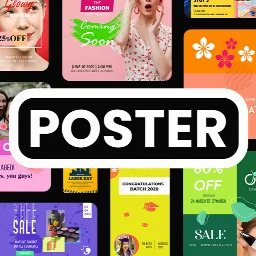
Poster Maker With Name & Image: Poster and Flyer Creator
Poster Maker With Name & Image is a design tool by Thirra Labs that lets you create promotional posters, flyers, and social media graphics.
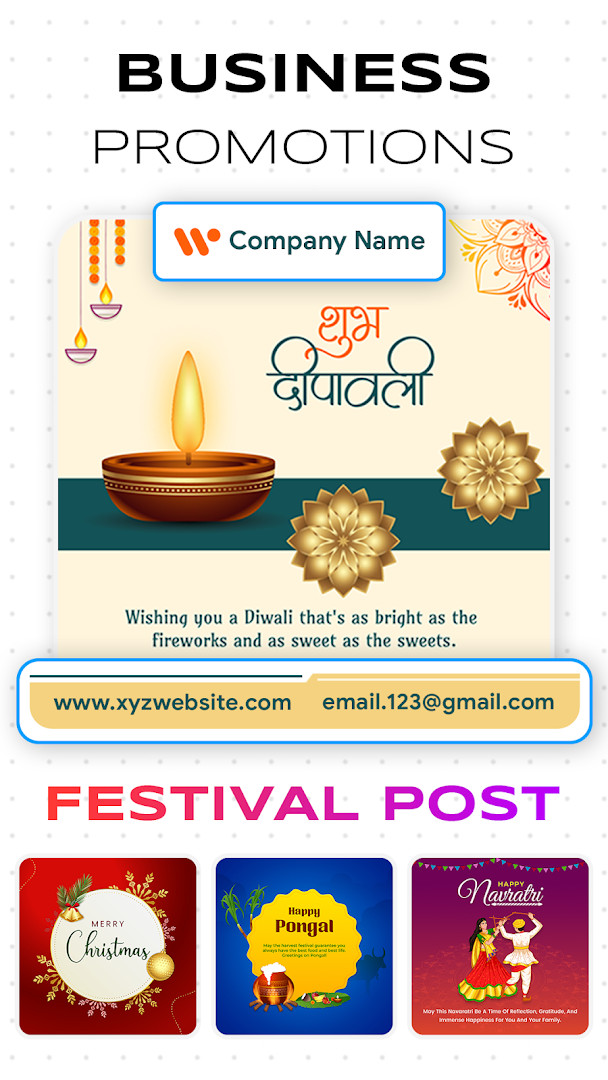
Download Poster Maker · v27.1.1Poster Maker With Name & Image offers templates, custom backgrounds, text controls, and image stickers for making posters, banners, and album covers. It suits business promotions, event invitations, and personal projects, with support for Android 8.0 and above. The app is free to download, though it contains ads and offers in-app purchases.
Screen gallery
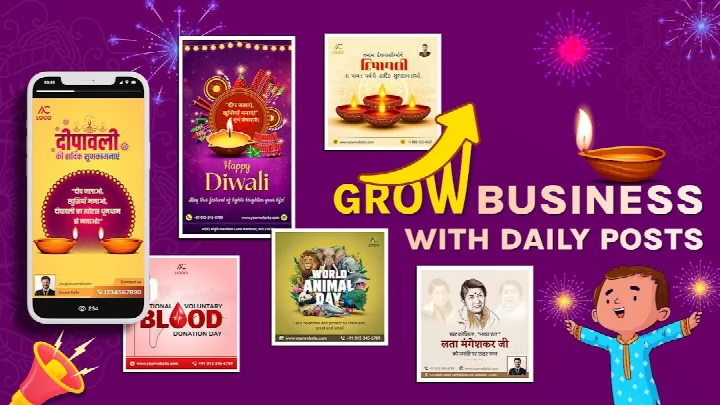
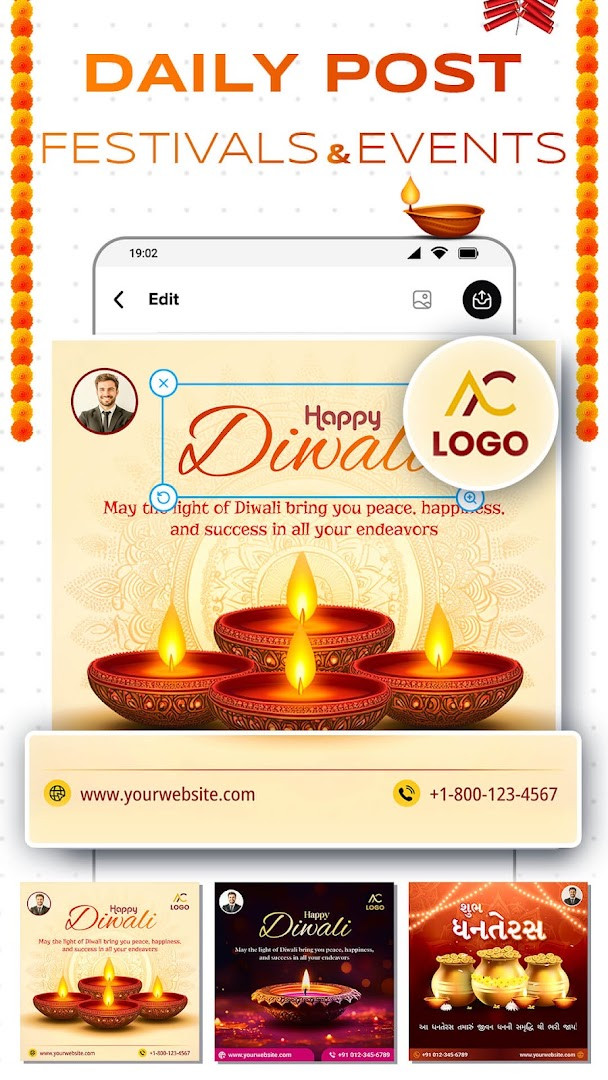
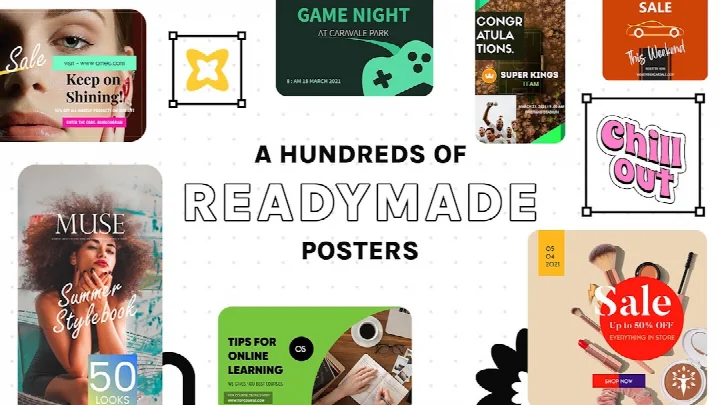
- Version
- 27.1.1
- Requires Android
- 8.0
- Updated
- Oct 1, 2026
- Installs
- 1M+
- Rating
- ★ 3.96 (12,092)
- Category
- Photography
- Developer
- Thirra Labs
- Content rating
- Everyone
- Package
- gkds.skd.postermaker
- Free
- ✓ · Contains ads · In-app purchases
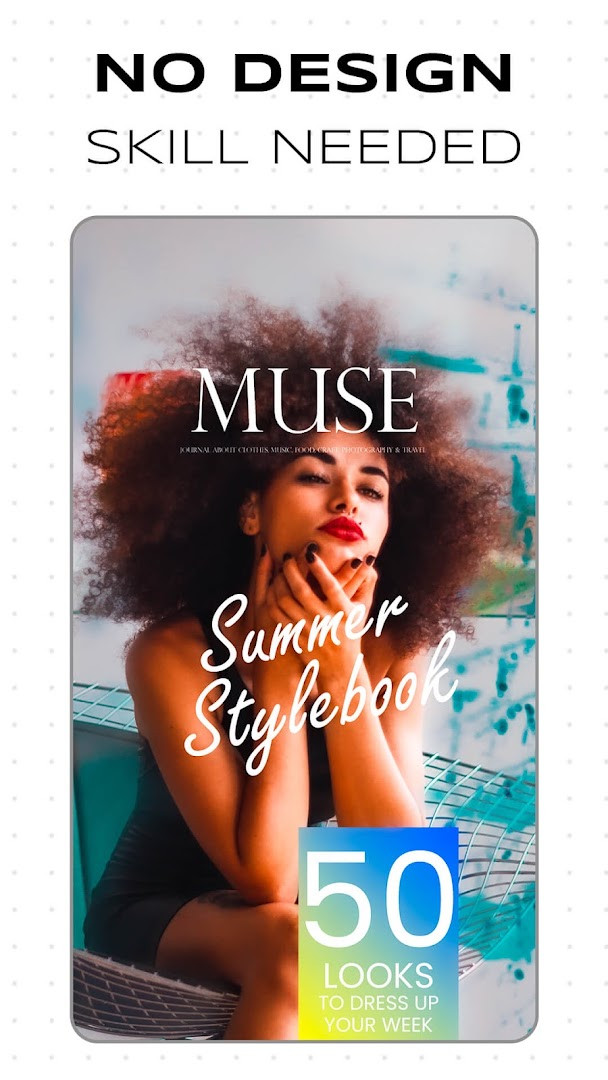
Poster Maker With Name & Image is a graphic design application by Thirra Labs that lets you build posters, flyers, banners, and similar promotional visuals directly on your phone. It is made for people who need good-looking designs but do not have professional editing skills. You start from a ready-made template or a blank canvas, then arrange backgrounds, text, stickers, and your own pictures until the layout suits your purpose.
The app covers many everyday design needs. You can prepare promotions for a shop, restaurant, or service, create announcements, invitations, and greeting cards, or design cover artwork for music projects. Layouts are available for occasions such as birthdays, weddings, and anniversaries, and you can adjust the size when you need a custom format.
Editing stays simple: drag, scale, rotate, and position elements to build the look you want. The app is free to use, shows ads, and offers optional in-app purchases. It has been available since 2018 and is rated for Everyone, so it is suitable for beginners and casual creators alike.
Key features
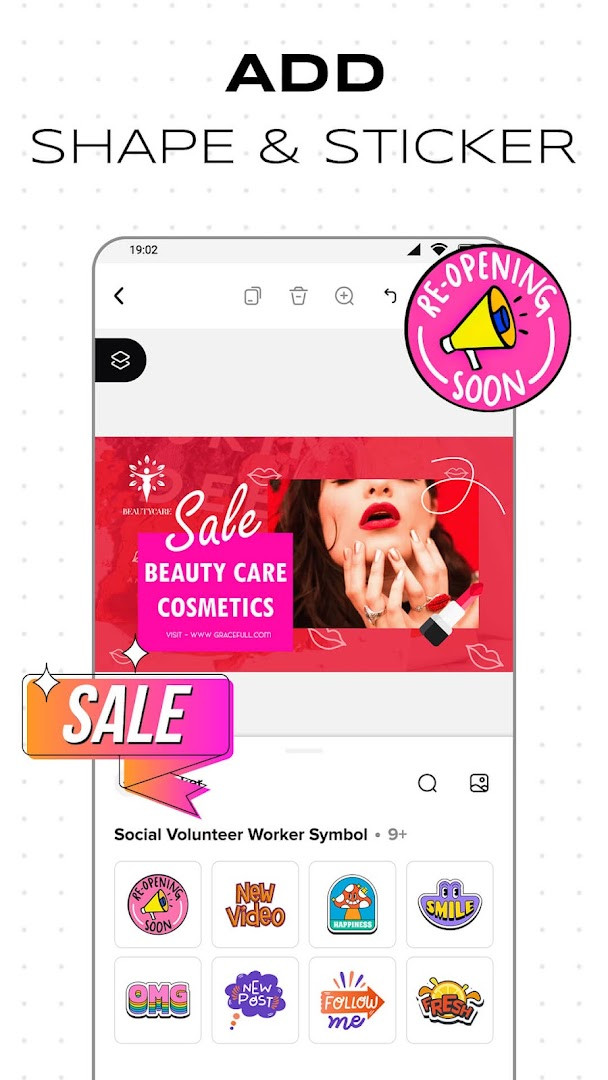
- Poster design maker with text, images, colors, and stickers for custom layouts
- Banner maker tool for promotional banners and cover graphics in different sizes
- Flyer and leaflet tools for events, offers, services, and informative layouts
- Album cover maker for music-inspired artwork and custom cover designs
- Custom backgrounds from colors, gallery images, textures, and visual effects
- Image tools that add pictures and turn supported images into stickers
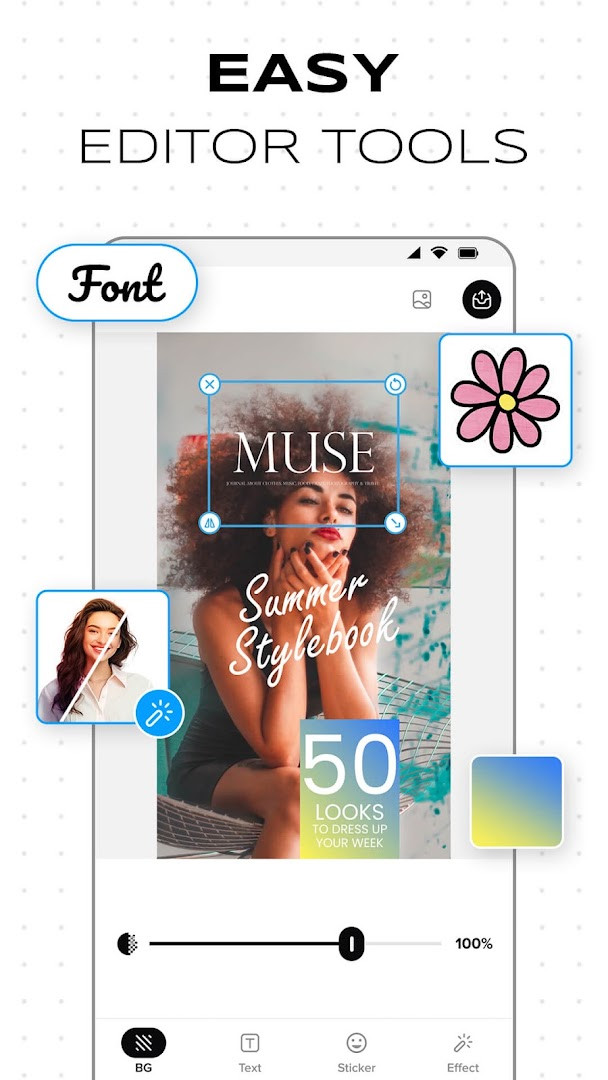
- Text and typography controls with fonts, size, effects, and free positioning
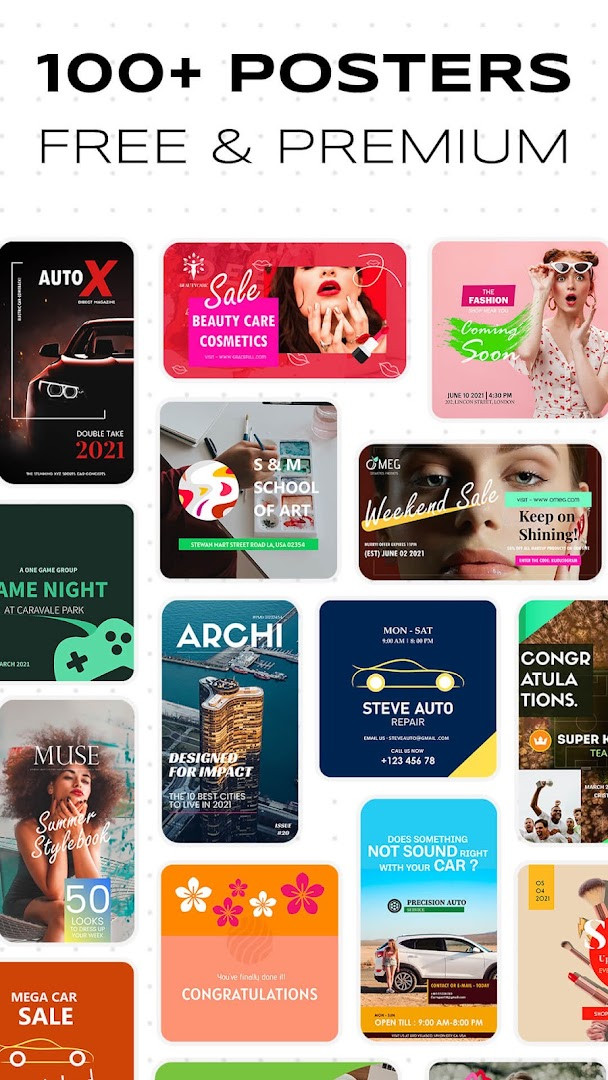
- Over 2000 poster categories and templates, including promotional and festival designs
- Changeable poster frames with multiple color options
- Business profile option for creating posters with multiple business profiles
How to install
- Tap the download button on this page to get the APK file for version 27.1.1.
- When Android asks, allow your browser or file manager to install apps by enabling the "Install unknown apps" setting.
- Open the downloaded APK file; note that the file size is not listed (n/a).
- Tap Install and wait for the process to finish.
- Open the app and start designing. It requires Android 8.0 or newer.
Pros
- Large template library covering promotions, festivals, invitations, and more
- Beginner-friendly controls for dragging, scaling, rotating, and positioning
- Supports your own photos from the gallery as backgrounds or stickers
- Custom sizing for social media posts and print formats
- Free to download and use, with no upfront cost
Cons
- Contains ads
- Offers in-app purchases
- Requests access to photos, media, files, storage, camera, and Wi-Fi connection information
- Some advanced tools may depend on supported images or device performance
What's new · 27.1.1
Version 27.1.1 brings a set of changes to Poster Maker With Name & Image. You can now change the poster frame, and multiple color options are available for frames. A business profile option has been added, so posters can be created with more than one business profile. The update also includes an improved interface and is described as easy to use.
Version history
| Version | Size | Requires Android | Updated |
|---|---|---|---|
| 27.1.1 | — | 8.0 | Oct 1, 2026 |
| 11.0 | 20 MB | 4.1 | Jul 29, 2026 |
This app suits beginners, small business owners, event organizers, and anyone who wants to create posters, flyers, banners, invitations, or cover artwork without professional design software.
Start with a template that matches your goal, then swap in your own photo and adjust the text. Keep layouts uncluttered so the main message stands out, and preview the design before saving and sharing it.
Permissions
Frequently asked questions
How do I install Poster Maker With Name & Image on my Android phone?
Download the APK using the download button on this page, then open the file on your device. Because it comes from outside a store, Android will likely ask you to allow installs from this source before the setup can finish. The app needs Android 8.0 or newer.
What is included in version 27.1.1?
This release, listed on October 1, 2026, adds a changeable poster frame with multi-color options, a business profile feature for working with several profiles, more than 2000 poster categories and templates, and an improved, easier-to-use interface. The previous tracked build was 11.0.
Does the app show ads or charge for anything?
Yes, it is supported by advertising and also offers in-app purchases. The app itself is free to download, with a listed price of 0.00 USD, so any optional paid content is handled inside the app.
Can I use it without an internet connection?
The app asks for Wi-Fi connection information, which suggests some parts rely on a connection. Its core editing tools for backgrounds, text, stickers and your own photos are design features you work with on your canvas, but expect certain functions to need network access.
Which permissions does it request?
The listed permissions cover photos, media and files, storage, the camera, and Wi-Fi connection information. These fit an editor that imports images from your gallery, captures new pictures, and saves finished designs.
Are there other kinds of design apps I could consider instead?
Yes. Similar tools in the art and design category focus on different strengths, such as pure photo editing, social media templates, logo creation, or professional vector graphics. Compare template libraries, export options and pricing before choosing.
Is the app suitable for a general audience?
It carries an Everyone content rating, and its templates cover promotional, festive, invitation, wedding and business designs. With over a million installs and a rating near 3.96 from more than 12,000 ratings, it is a widely used option for making posters and flyers.
Poster Maker With Name & Image gives you a practical set of design tools in one app. If you need quick, customizable visuals for business or personal use, download version 27.1.1 and try it on Android 8.0 or newer.
Similar apps



Updated: Oct 25, 2026