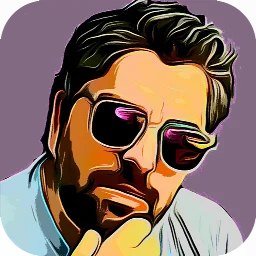
Cartoon Photo Editor for Android
Cartoon Photo Editor is a free photography app from Game Brain for applying cartoon and artistic effects to your photographs.
Download Cartoon Photo Editor now · v7.7Cartoon Photo Editor is designed for anyone who wants to quickly transform ordinary photos into playful cartoons, sketches, or oil paintings. The app works on devices running Android 5.0 and later, requires 29 MB of space, and displays ads but does not use in-app purchases.
Screenshots
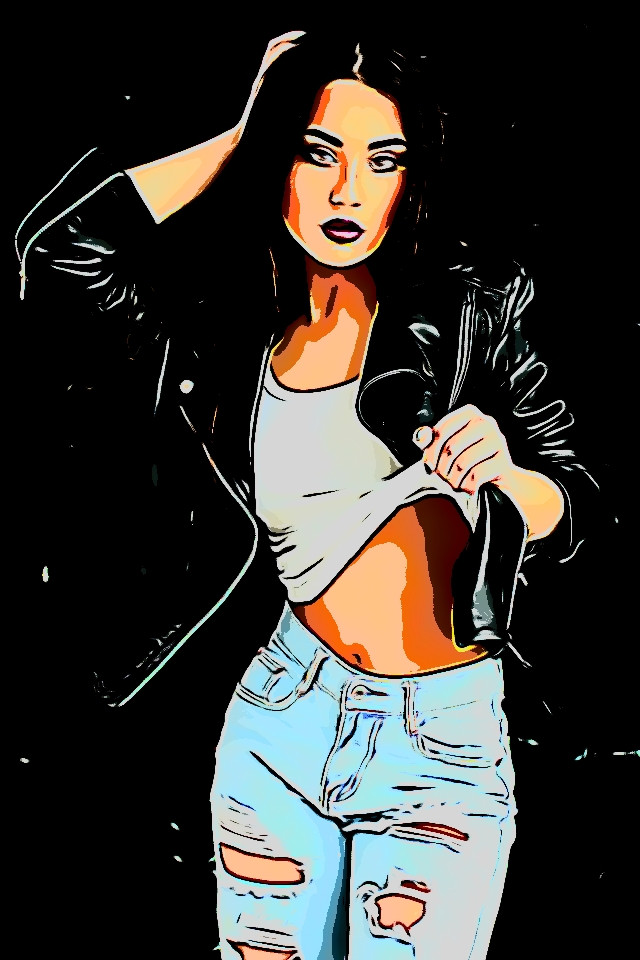
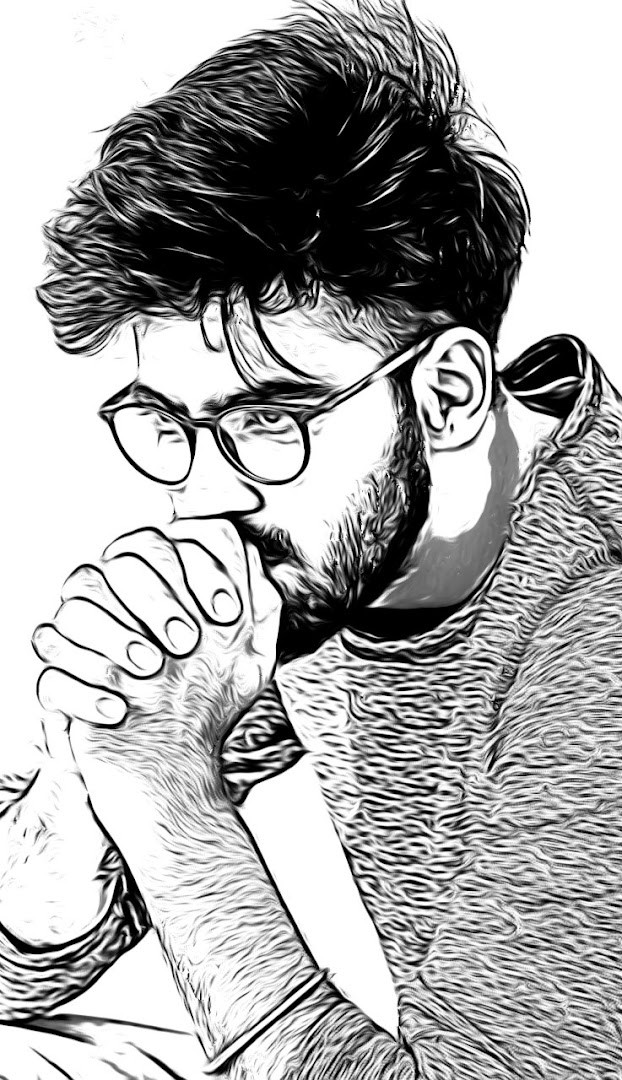
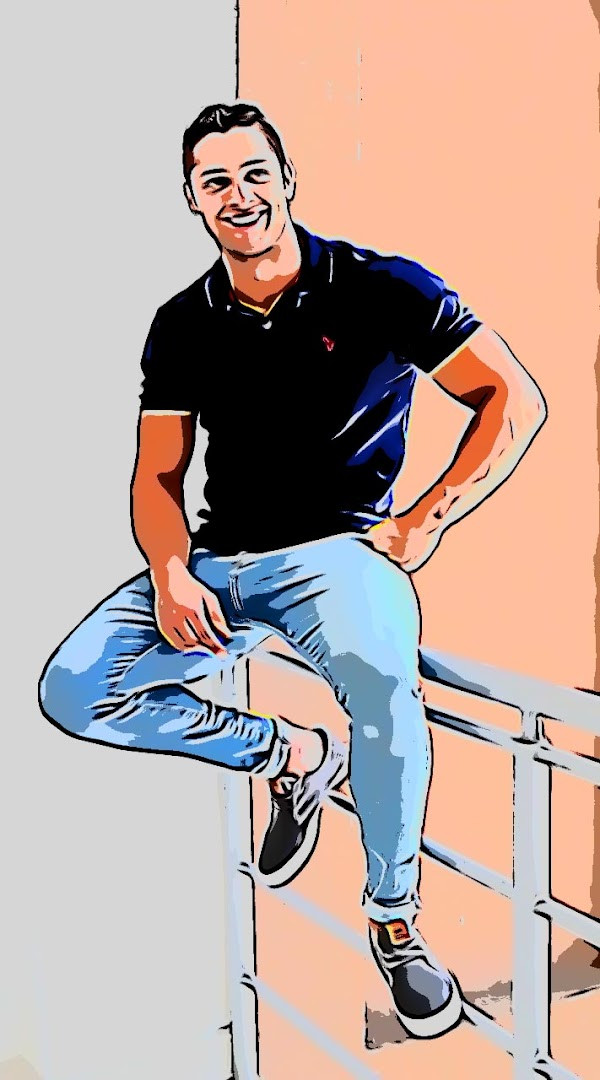
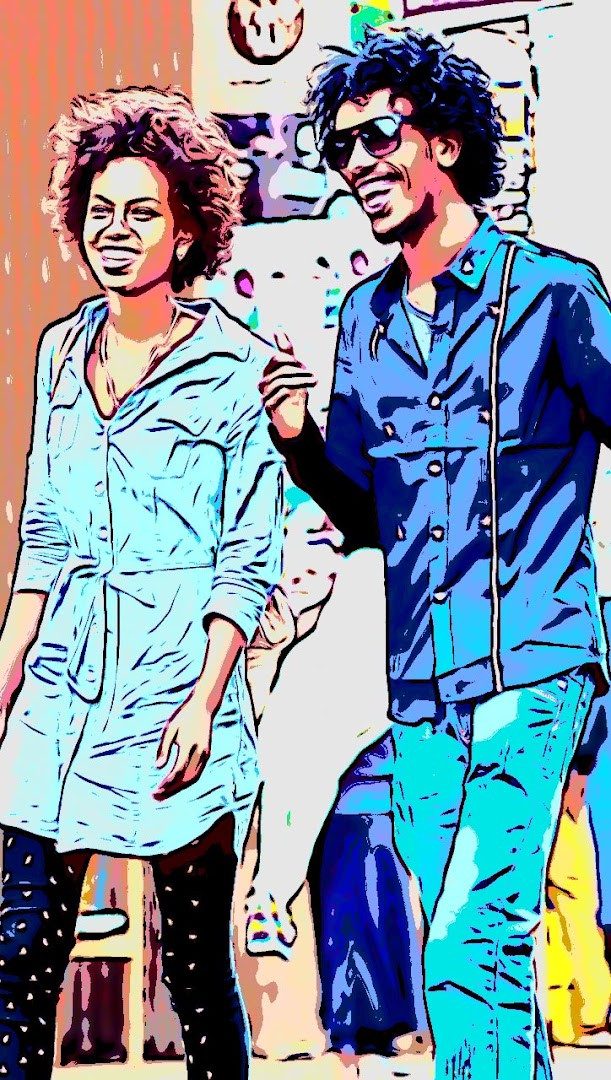
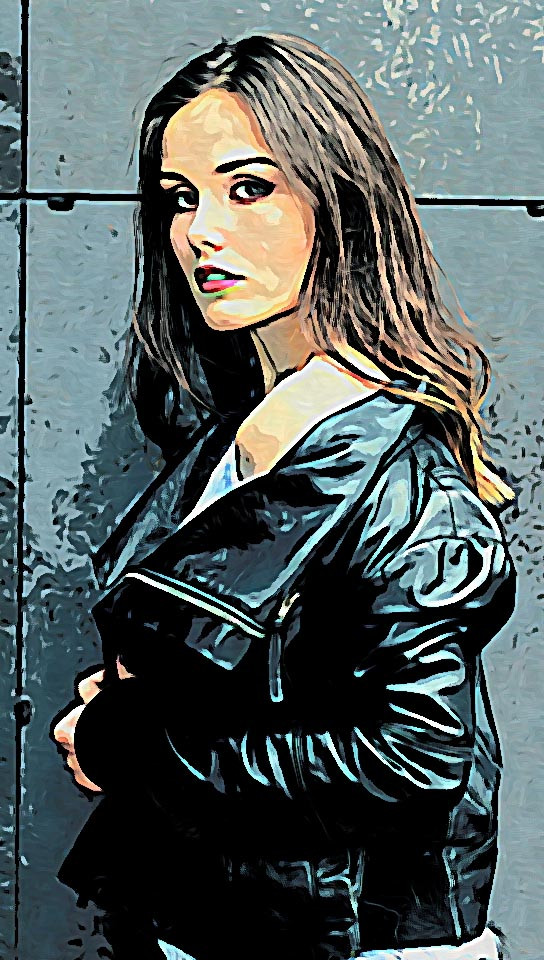
- Version
- 7.7
- Size
- 29 MB
- Requires Android
- 5.0
- Updated
- 31.10.2023
- Installs
- 10M+
- Rating
- ★ 4.52 (72 046)
- Category
- Photography
- Developer
- Game Brain
- Content rating
- Teen
- Package
- com.gamebrain.cartoon
- Free
- ✓ · Contains ads
Cartoon Photo Editor is a photography app by Game Brain that transforms your photos into cartoon-style images and other artistic effects. It solves the problem of wanting to add creative, playful touches to your pictures without needing advanced editing skills. The app offers a range of filters that you can apply in real time using your camera or to existing photos in your gallery. With a simple interface, it lets you capture new shots or edit old ones, turning them into sketches, oil paintings, pencil drawings, and more. The app supports both front and back cameras, pinch-to-zoom, and auto-focus, making it easy to frame and capture the perfect image. Once you're done, you can save your creations or share them directly with friends. It's designed for beginners who want quick, fun results without complicated tools.
Key features
- Apply cartoon effects to photos from your gallery
- Use real-time effects while taking photos with your camera
- Works with both front and back cameras
- Pinch to zoom for precise framing
- Choose from many effects including sketch, oil painting, pencil, thermal vision, and crosshatch
- Save images or take a photo with a single touch
- Tap anywhere on the screen to auto-focus
- Share your edited photos with friends
How to install
- Tap the download button on this page to get the APK file (29 MB).
- When Android asks, allow your browser or file manager to install apps by enabling the 'Install unknown apps' setting.
- Open the downloaded APK file from your notifications or file manager.
- Tap Install and wait for the installation to complete.
- Open the app from your app drawer and start editing.
Pros
- Free to use with no in-app purchases
- Real-time effects make it easy to preview results
- Supports both front and back cameras
- Simple one-touch capture and save
- Auto-focus and pinch-to-zoom for better shots
- Wide variety of artistic effects
Cons
- Contains ads
- Requires access to storage, camera, and microphone, which may raise privacy concerns
- Requested permissions include photos/media/files and Wi-Fi information
- Content rated for teens, so not intended for young children
Versions
| Version | Size | Requires Android | Updated |
|---|---|---|---|
| 7.7 | 29 MB | 5.0 | 31.10.2023 |
| 3.6 | 10 MB | 4.3 | 08.05.2018 |
This app is ideal for beginners who want to quickly add artistic flair to their photos without learning complex editing software. Whether you're looking to turn a selfie into a cartoon or give a landscape a sketch effect, it's designed for casual users who value simplicity and fun. It's also suitable for those who enjoy sharing creative images on social media, as sharing is built-in. However, if you're privacy-conscious about app permissions, you might want to weigh the access it requires.
For the best results, use good lighting when taking photos, as effects like pencil and oil painting work better with clear details. Try the real-time camera mode to see how each effect looks before you capture the shot.
Permissions
FAQ
What kinds of artistic effects does Cartoon Photo Editor offer?
The app covers a broad range of styles beyond cartoons, including sketch, oil painting, pencil drawing, thermal vision and crosshatch, among many others.
Can I use Cartoon Photo Editor on pictures I already have, or does it only work with the camera?
Both options are available. You can load photos from your gallery and apply effects to them, or turn on real-time effects and shoot directly through the camera.
Which cameras can I shoot with inside the app?
The app works with the back and front cameras of your phone, and you can pinch to zoom while framing a shot.
Does Cartoon Photo Editor cost anything to use?
It is free to download and use, with no in-app purchases. The app does display ads, and its content rating is Teen.
How do I save or share a finished image?
Saving an image or capturing a photo can be done with a single tap of a button, and the app also lets you share your photos with friends.
What version is Cartoon Photo Editor and how large is the download?
The current version is 7.7, which was updated on October 31, 2023. The download size is 29 MB, and the app requires Android 5.0 or newer.
Cartoon Photo Editor offers a straightforward way to apply artistic effects to your photos, making it a handy tool for creative beginners. It's free and packed with features, though the ads and permissions are worth considering before you install.
Updated: 25.10.2026