
LifeDots - Diary in 8 dimensions for Android
LifeDots is a time tracker app from developer Xilin Jia for recording and analysing life events across 8 dimensions.
Download LifeDots · v2.2.4LifeDots is for anyone who wants to log daily events with notes and photos while automatically capturing locations in the background. The app lets you browse history, view statistics in charts, and check timelines or past geo locations, with interconnected analytics for exploring data from different angles.
Screen gallery
- Version
- 2.2.4
- Size
- 3.7 MB
- Requires Android
- 7.0
- Updated
- Oct 12, 2026
- Category
- Productivity
- Developer
- Xilin Jia
- Package
- com.mdiqentw.lifedots
- Free
- ✓
LifeDots - Diary in 8 dimensions is a time-tracking and personal diary app by Xilin Jia that lets you log events, notes, photos and locations, then explore them through charts, timelines and maps. It has been available since April 2022 and is offered as free, open-source software under the GPL-3.0-only license, with no ads and nothing to buy inside the app. The idea behind it is simple: instead of writing a flat list of what happened, you tag each moment so it can later be viewed from several angles — when it happened, what it was, where you were, what you wrote and what you photographed.
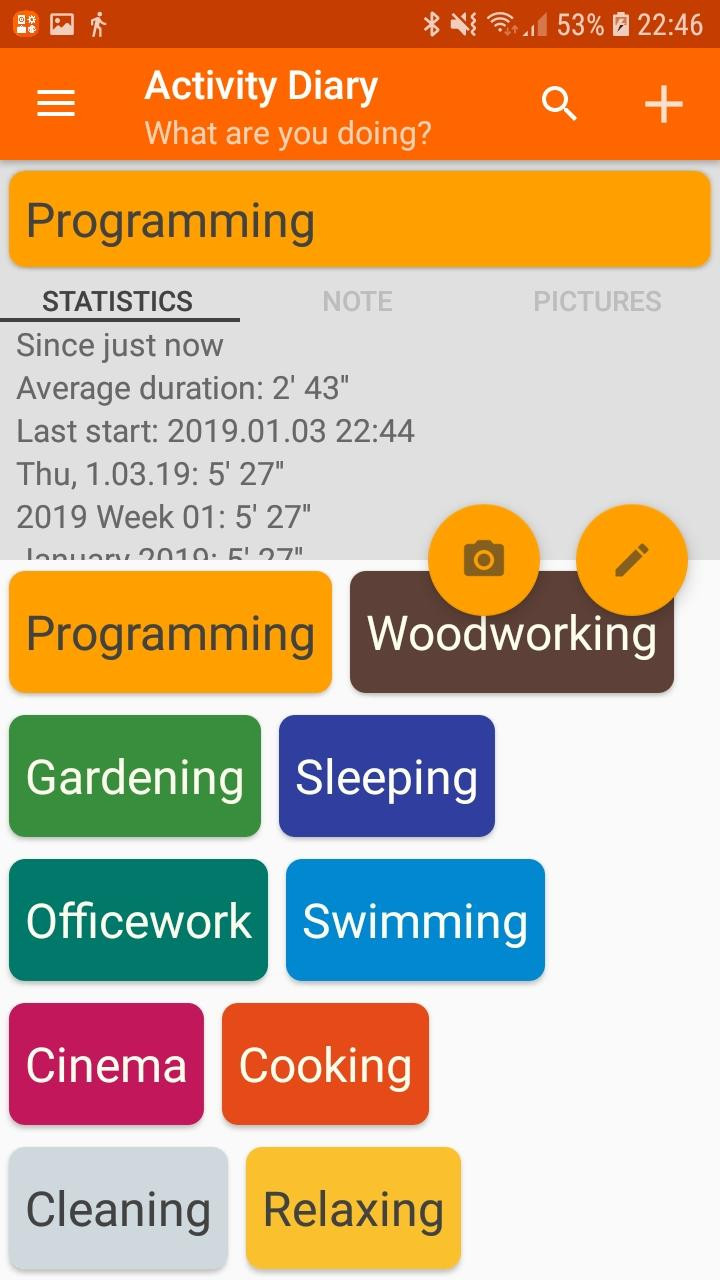
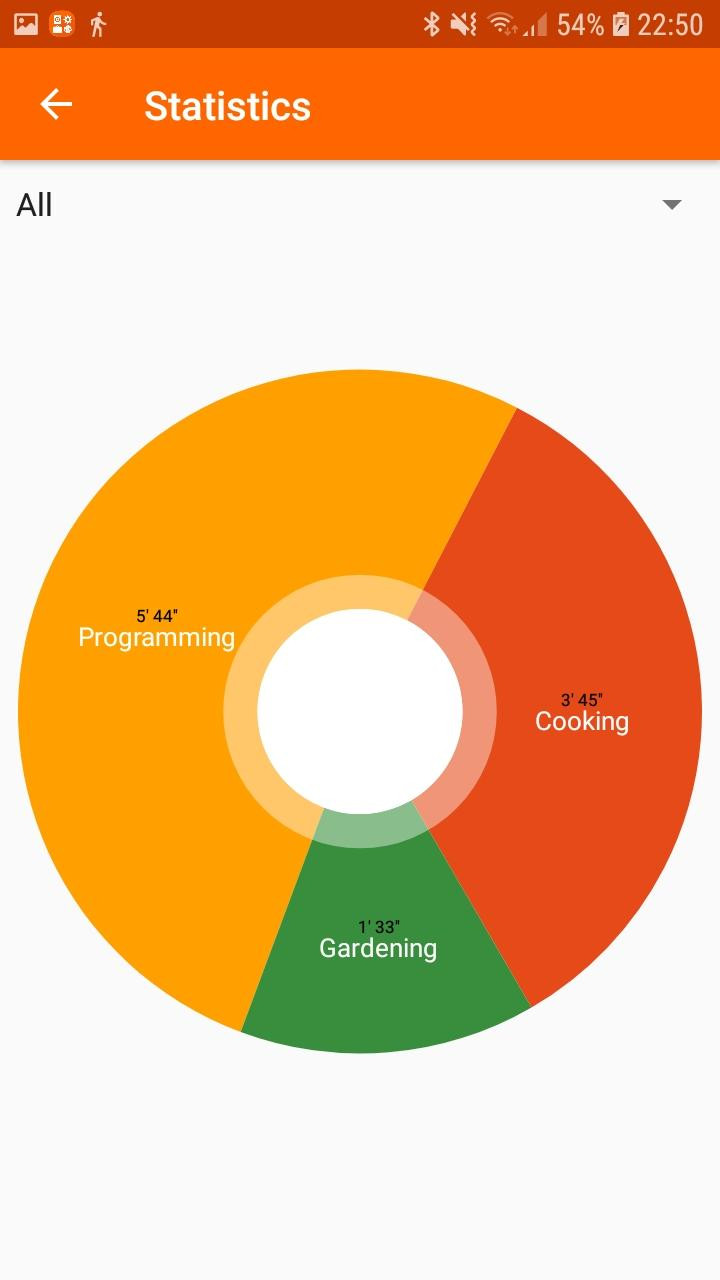
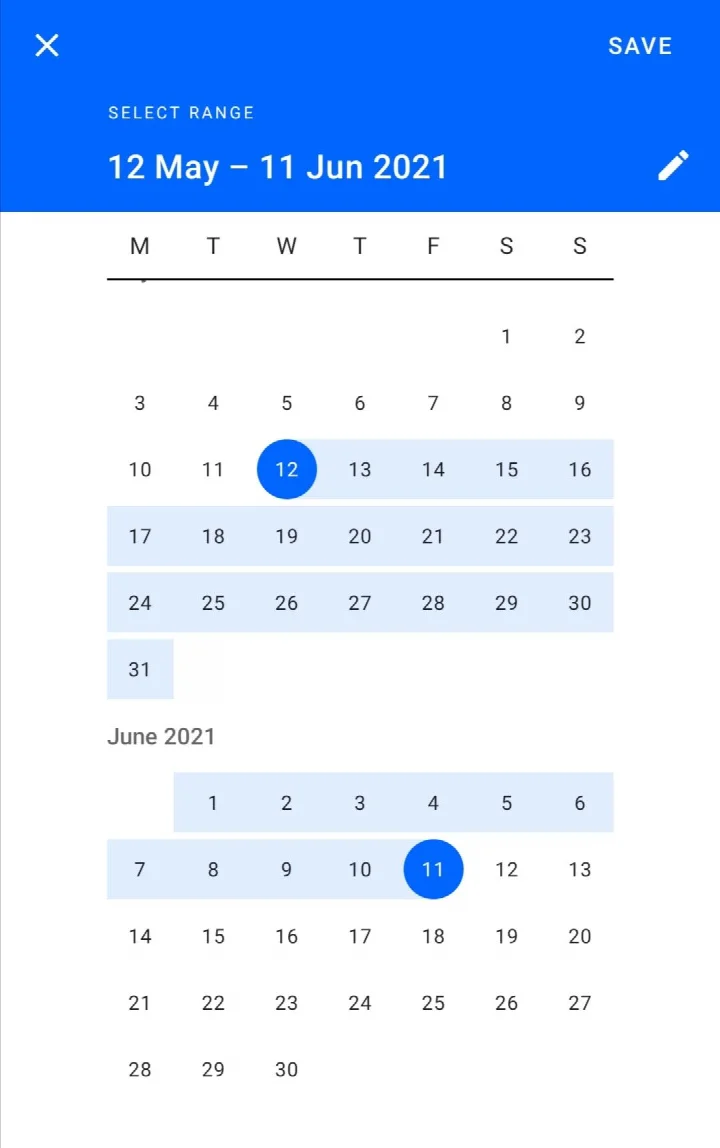
In daily use, you create your own set of icons, one per activity or event type you care about. Touching an icon starts a record; you can type notes and attach photos to it, and once you switch on background location capture, the place is stored automatically without you doing anything. Later you can scroll your history, look at statistics rendered as charts, follow the timeline of a single event type, or see the places you have passed through. What makes the app practical rather than just a logbook is that these views are linked: pick a slice of a pie chart and jump to its timeline, tap a point on the timeline and read the history around it, select a period and see the geography tied to it, then return from a map dot to the matching entries.
Your entries stay on your own device, and an internet connection is only used when free map tiles need to be fetched on demand. The current build is version 2.2.4, published on 2026-10-12, following the earlier 2.2.1 and 2.2.2 releases from October 2022. It installs on Android 7.0 and above and the download is 3.7 MB, so it fits comfortably on modest phones and older hardware without taking much storage.
Key features
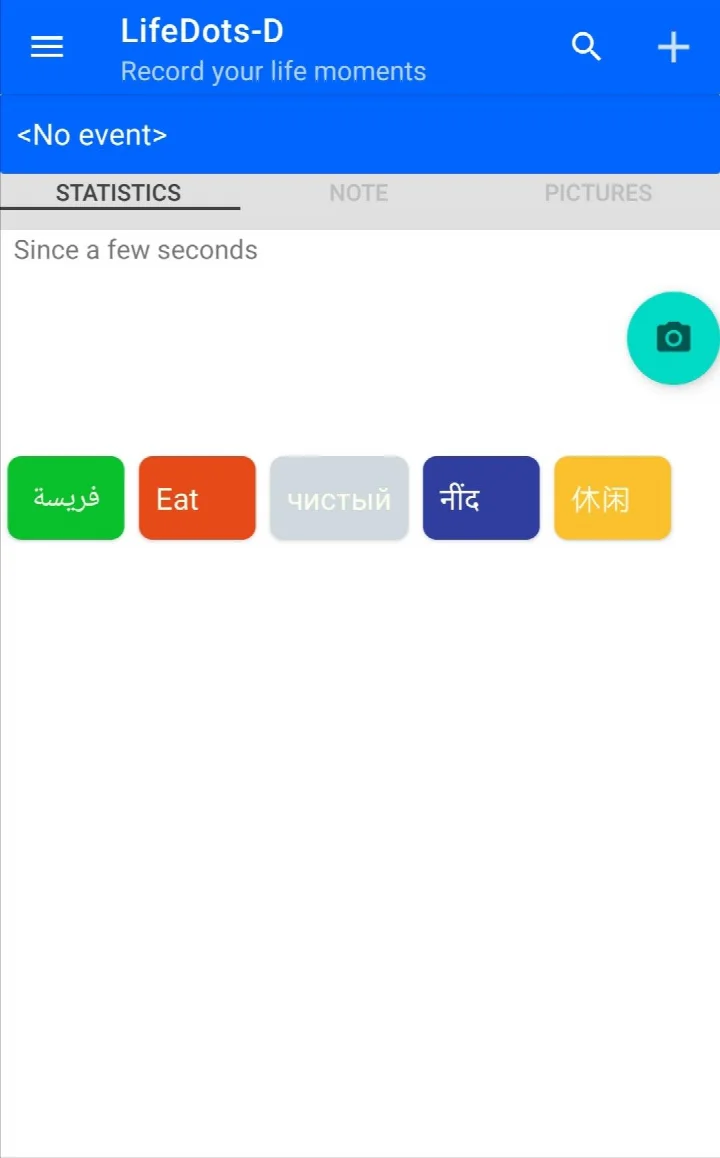
- Create custom event icons and start a record with a single touch
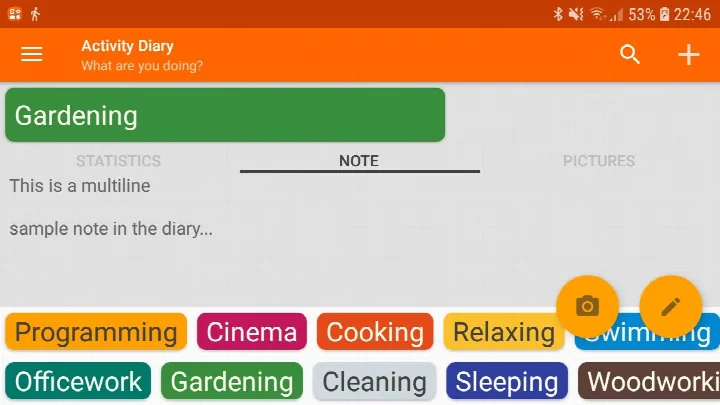
- Attach written notes and photos to any entry
- Automatic background location logging once you enable it
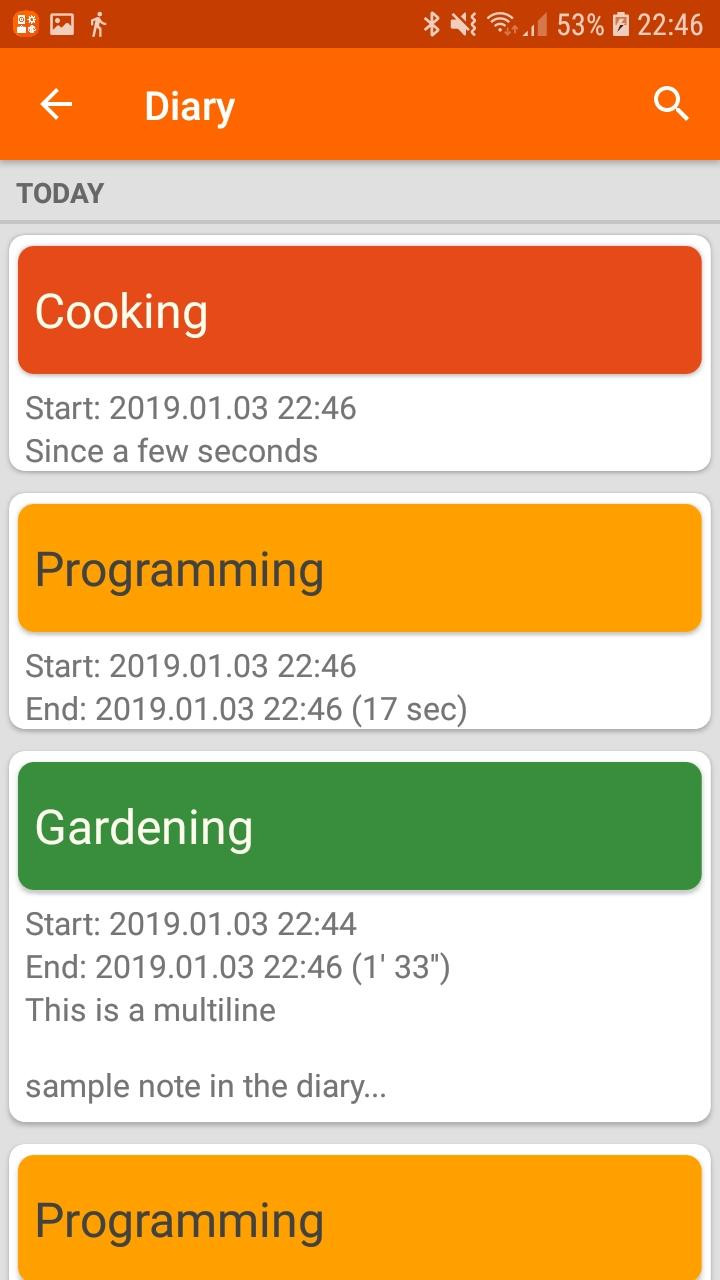
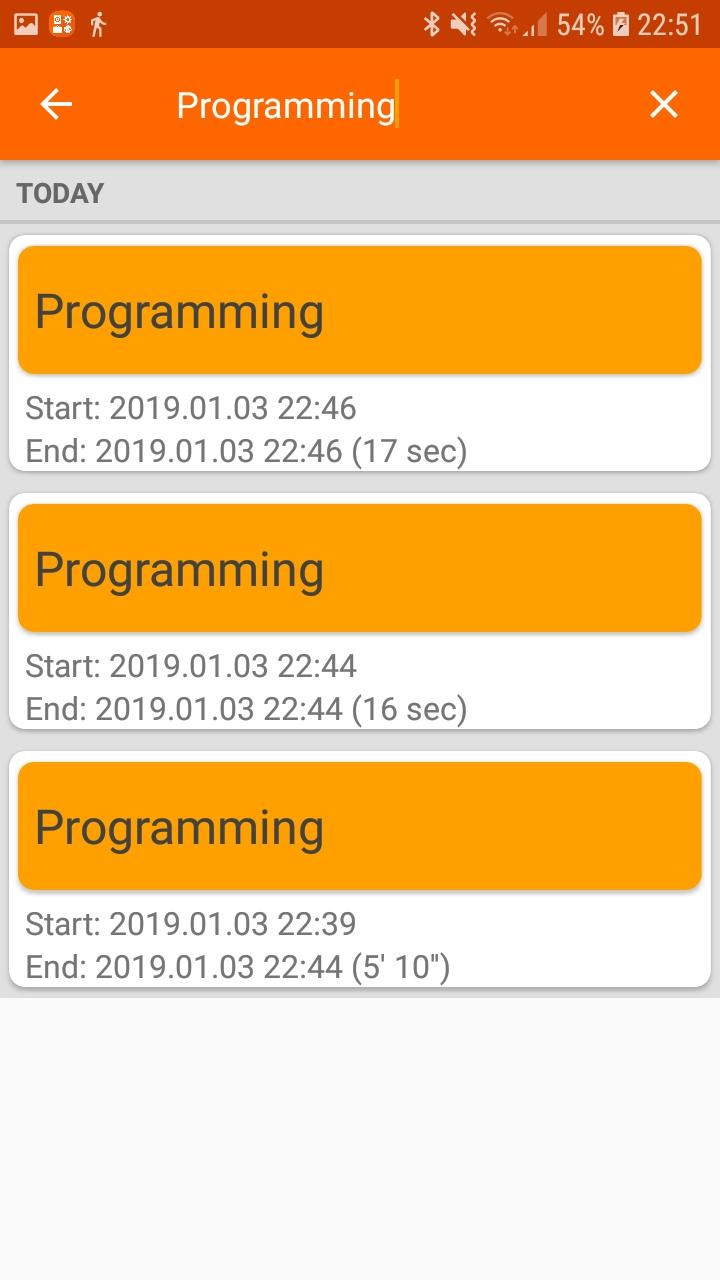
- Browse your full history and review past entries over time
- Statistics shown as charts for a quick read on how time is spent
- Timeline view for any single event type
- Map view of your past geographical locations
- Interconnected analysis: jump from a chart slice to its timeline, from a timeline dot to related history, and from a map point back to matching entries
- Free and open-source, with no advertising and no purchases
- Data kept on your own device; internet used only to fetch free map tiles when needed
How to install
- Tap the download button on this page to get the 3.7 MB APK file.
- When Android asks for permission, allow your browser or file manager to install apps by enabling the "Install unknown apps" setting for that app.
- Open the downloaded APK file from your notifications or your file manager's Downloads folder.
- Tap Install and wait for the process to finish.
- Open the app and set up your first event icons, then enable background location capture if you want places recorded automatically.
- Check that your device runs Android 7.0 or newer before installing.
Pros
- No ads and no in-app purchases at all
- Open-source code, so the project's behavior can be inspected
- All personal data stays on the device
- Location capture works in the background once activated
- Linked charts, timelines and maps make patterns easier to spot
- Very small download that suits older or low-storage phones
Cons
- Takes some setup effort to build a useful set of event icons
- Automatic location logging depends on granted permissions and can be disabled by battery-saving behavior
- Map views need a connection to fetch tiles
- No account or cloud sync, so moving data between devices is on you
Version history
| Version | Size | Requires Android | Updated |
|---|---|---|---|
| 2.2.4 | 3.7 MB | 7.0 | Oct 12, 2026 |
| 2.2.2 | 3.3 MB | 5.0 | Oct 26, 2022 |
| 2.2.1 | 3.3 MB | 5.0 | Oct 15, 2022 |
People who want a lightweight personal log of how their days are actually spent; anyone curious about the link between activities and the places they happen in; and users who prefer open-source software that keeps their records on their own phone rather than in a cloud account.
Set up only a handful of icons at first — five or six covering your main activities — and add more once logging becomes a habit. It is easier to stay consistent with a short list than with twenty categories you have to think about.
Frequently asked questions
How do I install the LifeDots APK on my Android device?
Download the APK file and open it on your Android phone. If prompted, allow installation from unknown sources in your settings, then follow the on-screen steps. The app requires Android 7.0 or newer.
What is the current version of LifeDots and when was it released?
The current version is 2.2.4, released on October 12, 2026. Earlier versions include 2.2.2 from October 2022 and 2.2.1 from October 2022.
Does LifeDots include ads or require any purchases?
No. LifeDots is free and open-source software with no advertising and no purchase requirements of any kind. You can use all its features without paying.
Can I use LifeDots offline, and where is my data stored?
Yes, you can use it offline. All your data stays on your own device. An internet connection is only needed when you want to download free map tiles for location features.
What are some alternatives to LifeDots in the productivity or time-tracking category?
If you're looking for similar tools, consider other diary, journaling, or time-tracking apps available for Android. Many offer note-taking, event logging, and analytics, though features and privacy policies vary.
What dimensions of life can I record with LifeDots?
LifeDots lets you record events across eight dimensions, including time, event type, location, notes, and photos. You can create custom icons, attach notes and images, and review your history through charts and timelines.
A tidy, privacy-respecting tracker for anyone who likes reviewing life through numbers and places rather than a plain journal. It asks a little setup work and rewards it with connected views of your time, notes and movements.
Similar apps




Updated: Nov 6, 2026