
Password Safe and Manager: Offline Vault
Password Safe and Manager is a free productivity app by Robert Ehrhardt that stores passwords, passkeys and 2FA codes in an encrypted vault on your phone.
Get APKPassword Safe and Manager is a free productivity app by Robert Ehrhardt with a 15 MB download and Android 6.0 or newer required. The listing shows in-app purchases and no ads, and the app has been available since July 2012. People who want an encrypted place for logins, PINs and one-time codes are the intended audience.
Screen gallery
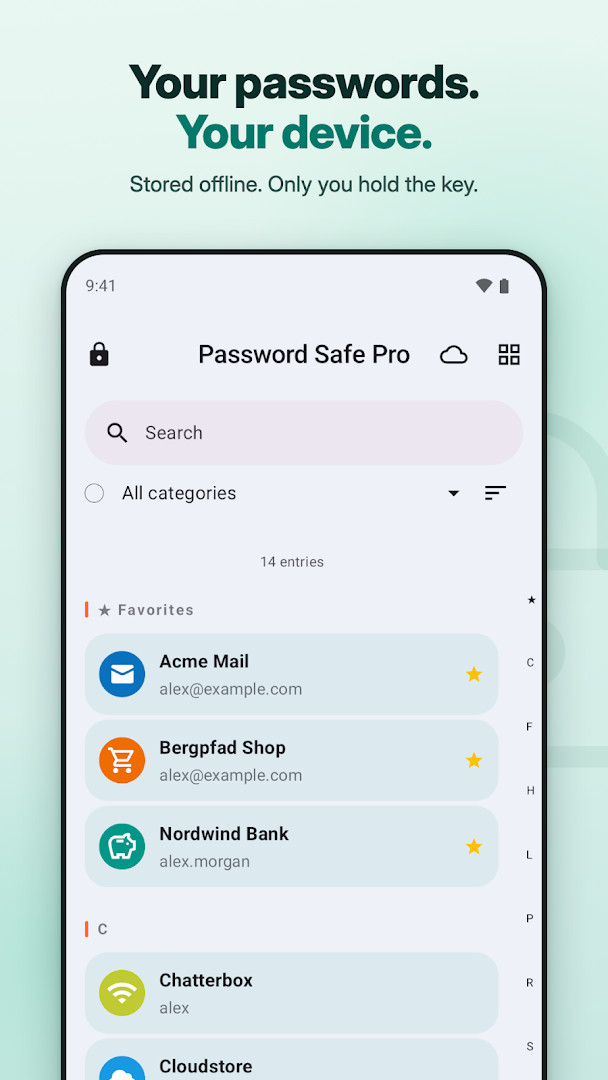
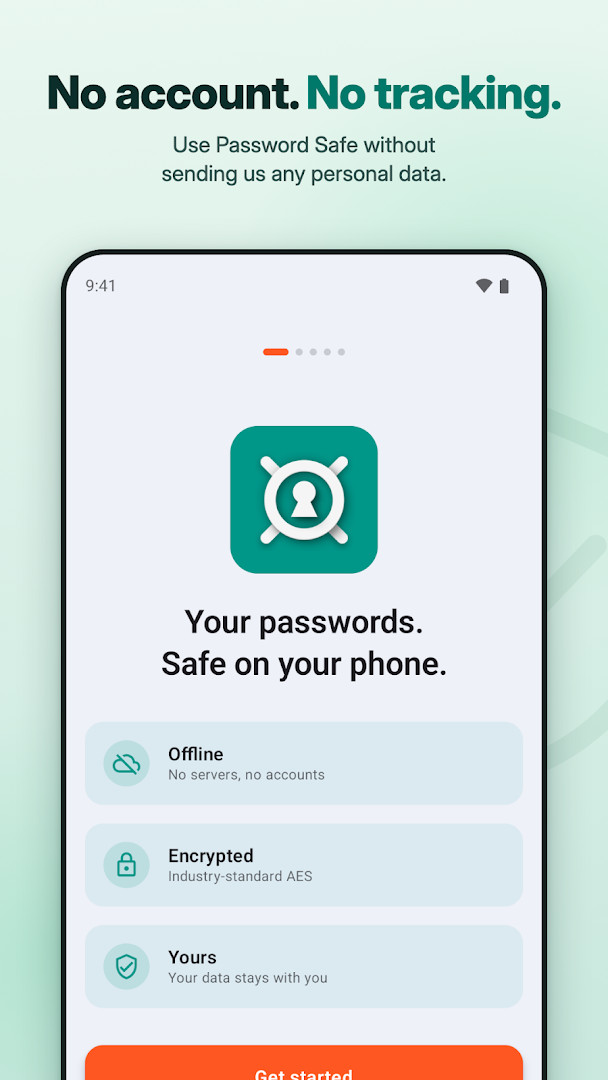
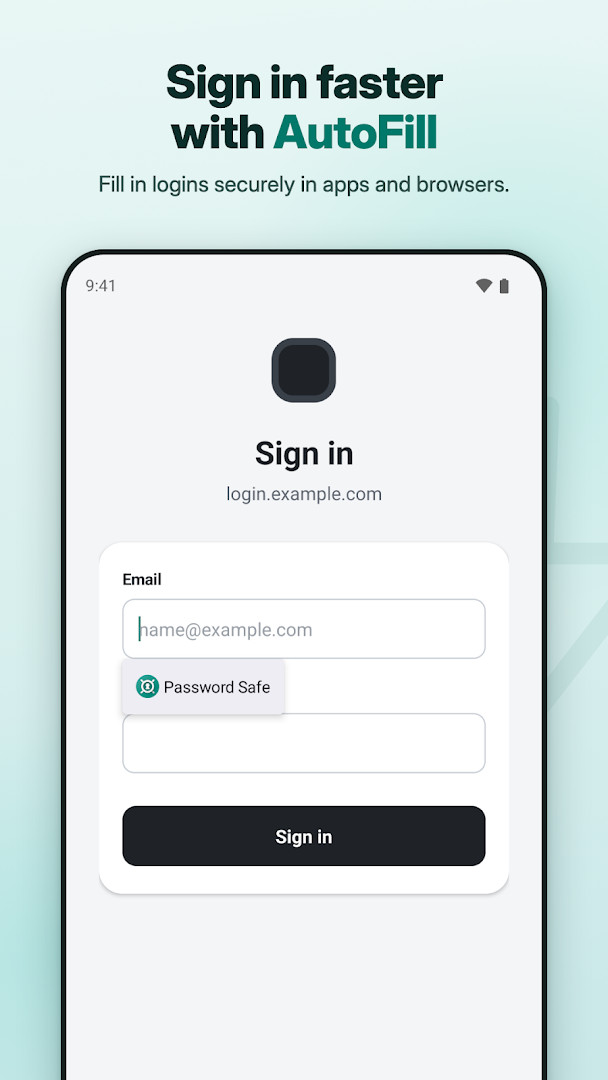
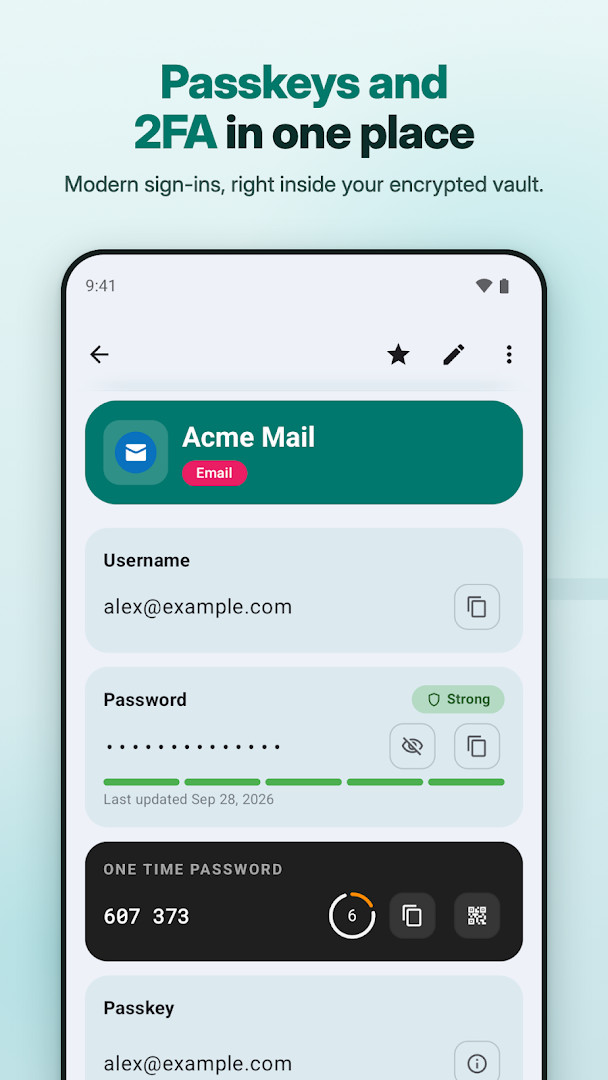
- Size
- 15 MB
- Requires Android
- 6.0
- Updated
- Nov 6, 2026
- Installs
- 1M+
- Rating
- ★ 4.62 (58,977)
- Category
- Productivity
- Developer
- Robert Ehrhardt
- Content rating
- Everyone
- Package
- com.reneph.passwordsafe
- Free
- ✓ · In-app purchases
Password Safe and Manager is an offline password manager by Robert Ehrhardt that stores your credentials, passkeys, and two-factor authentication codes in an encrypted vault on your device. It solves the problem of remembering dozens of passwords by letting you unlock everything with a single master password. The app uses AES-256 encryption with SQLCipher and key derivation via PBKDF2-HMAC-SHA512, and it works fully offline with no servers of its own. Optional cloud sync is off by default and uses only your personal Dropbox or Google Drive. This design aims to keep your data private and under your control.
Key features
- AES-256 encryption with SQLCipher and HMAC-SHA512, key derived with PBKDF2-HMAC-SHA512 (256,000 iterations, random salt)
- Built-in 2FA authenticator that generates TOTP codes offline and can scan QR codes
- Passkey support: create, store, and use passkeys alongside traditional logins
- AutoFill for apps and browsers, plus automatic clipboard clearing
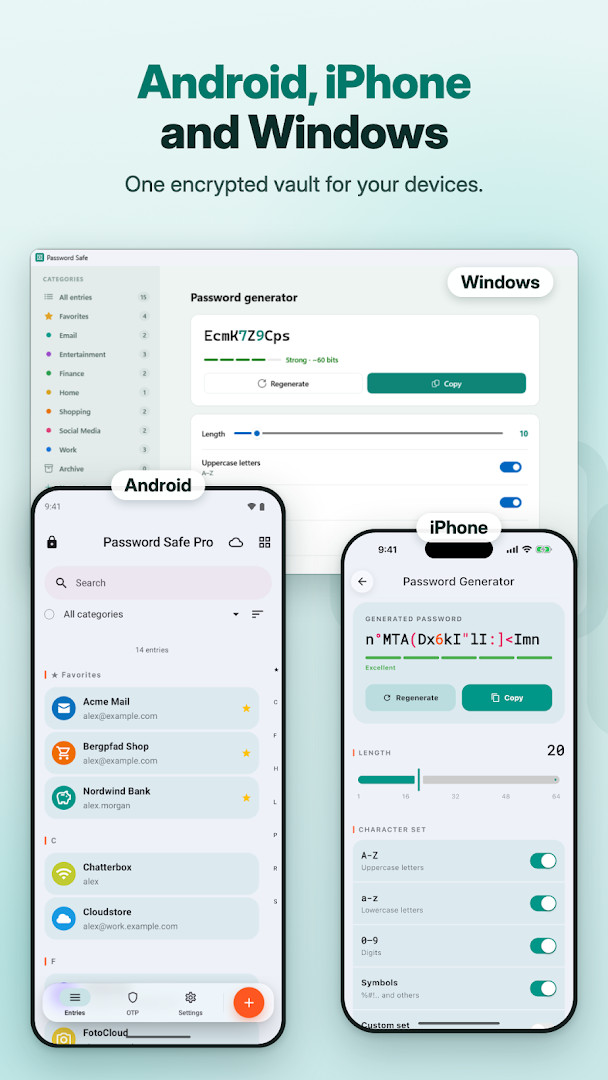
- Password generator with widgets for creating strong, unique passwords
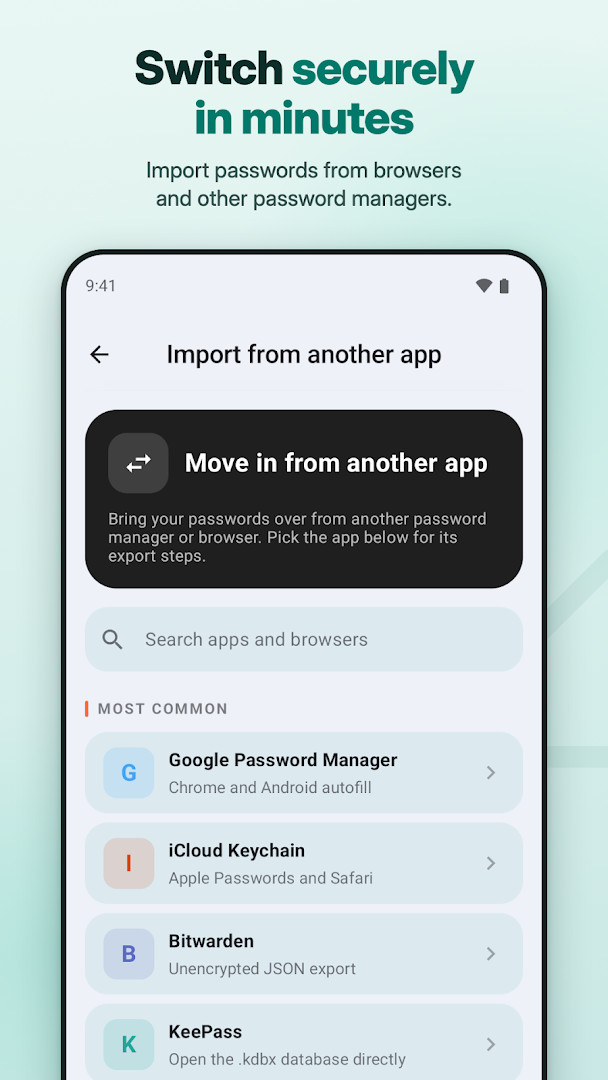
- Step-by-step import from Bitwarden, KeePass, 1Password, Enpass, SafeInCloud, Chrome, Google Password Manager, iCloud Keychain, or any CSV file
- Encrypted backup and restore, plus CSV import/export
- Custom categories, favorites, password strength indicator, and usage statistics
How to install
- Tap the download button on this page to get the APK file (15 MB).
- When Android asks, allow your browser or file manager to install apps by enabling the 'Install unknown apps' setting.
- Open the downloaded APK file from your notifications or downloads folder.
- Tap Install and wait for the installation to finish.
- Open the app from your app drawer or home screen. The minimum Android version required is 6.0.
Pros
- Offline-first design with no servers of its own, reducing exposure to data breaches
- Zero-knowledge encryption: your master password never leaves your device
- Includes 2FA authenticator and passkey support in one app
- No ads and no tracking or telemetry
- Free to use with core features; optional in-app purchases for Pro features
- Import from many popular password managers and CSV files
Cons
- Permissions for Photos/Media/Files, Storage, and Camera are requested, which may raise privacy concerns for some users
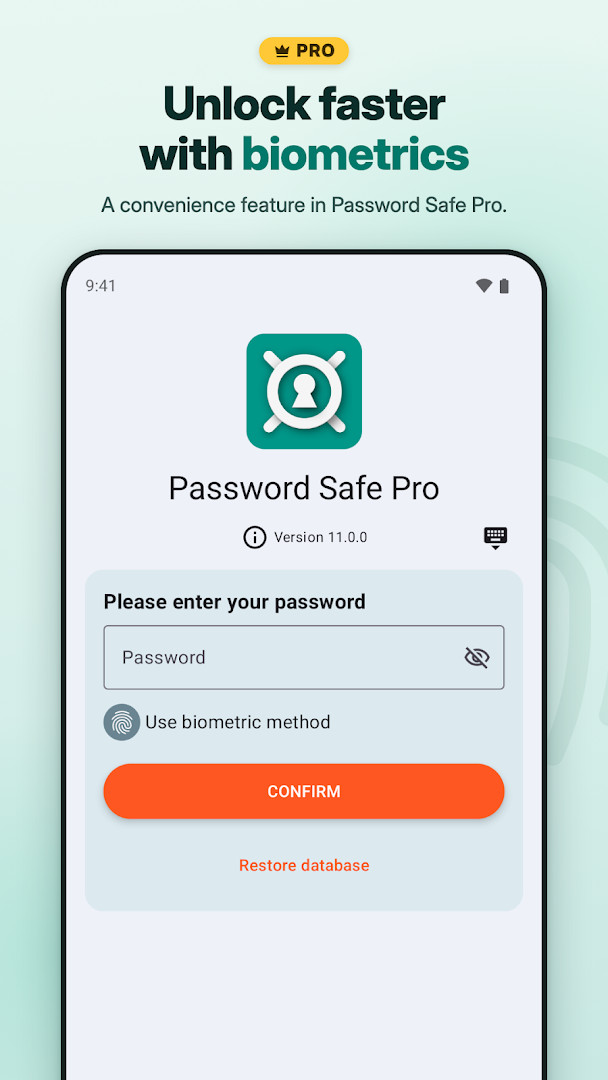
- In-app purchases are required for features like biometric unlock, cloud sync, and attachments
- Master password cannot be recovered if lost, so you must manage backups yourself
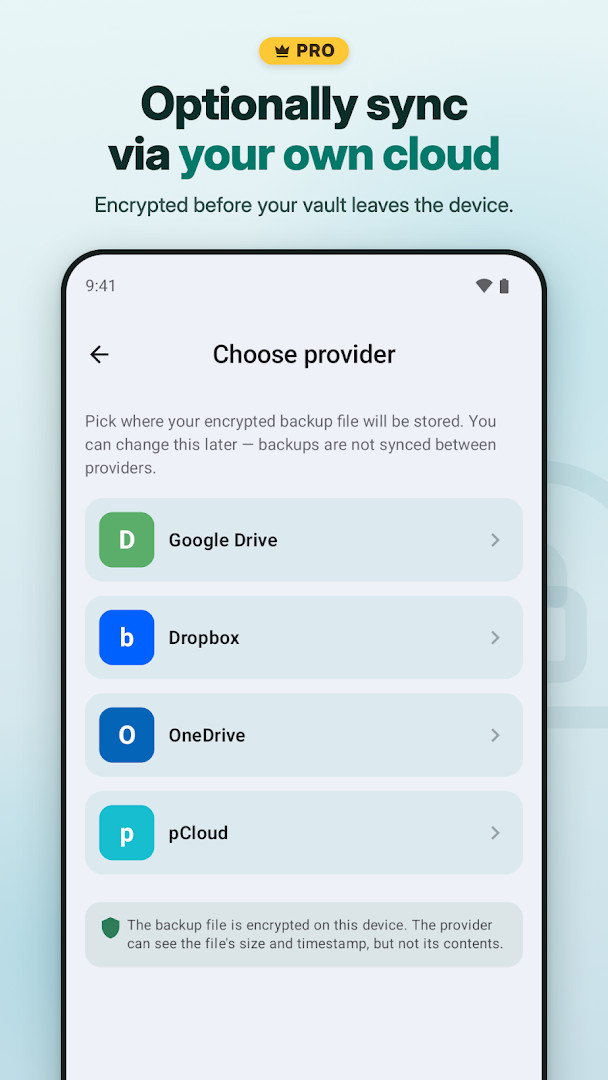
- Cloud sync is not built-in by default and requires your own Dropbox or Google Drive
What's new
The latest update to Password Safe and Manager brings a few notable additions. You can now sync your vault using OneDrive or pCloud, in addition to the existing Dropbox and Google Drive options. A new Black Theme is also available for a more personalized look. Plus, importing your existing data from other apps has been made easier, helping you switch to this offline-first, zero-knowledge password manager with less hassle.
Version history
| Version | Size | Requires Android | Updated |
|---|---|---|---|
| 7.2.0 | 15 MB | 6.0 | Apr 9, 2025 |
This app is for people who want a password manager that keeps their data on their own device and avoids cloud-based services. It suits privacy-conscious users who prefer a zero-knowledge approach and are comfortable managing their own backups. It’s also good for those who want an integrated 2FA authenticator and passkey support without needing multiple apps. The optional sync via personal cloud storage may appeal to users who already use Dropbox or Google Drive and want to control where their encrypted data goes. It’s not ideal for those who expect cloud sync to be automatic or who want a service that can recover a forgotten master password.
Choose a strong, memorable master password and consider enabling local encrypted backups regularly. If you use the optional sync, make sure your Dropbox or Google Drive account is secure and that you understand the sync is encrypted before leaving your device. Test the import feature with a small CSV file first to ensure your data comes over correctly.
Permissions
Frequently asked questions
How do I install the APK on Android?
Download the APK file from this page, then open it from your device's file manager. If prompted, allow installation from unknown sources, then follow the on-screen instructions.
What is the current version of the app?
The latest version listed is 7.2.0, released on April 9, 2025.
Does the app contain ads or require purchases?
No ads are present. The base app is free, but it offers optional in-app purchases for Pro features.
Can I use the app completely offline?
Yes, the app is offline-first. Your vault is stored on your device and encrypted with AES-256. Optional cloud sync uses your own Dropbox or Google Drive, and it is off by default.
Are there similar apps in the productivity category?
Yes, there are other password managers on Android, but this one stands out because it is offline-first and requires no account. You can compare features like encryption and autofill before choosing.
What permissions does the app request?
It requests access to photos, media, files, storage, and the camera (for scanning QR codes). These are used for attachments and the built-in 2FA authenticator.
Password Safe and Manager offers a solid, offline-first approach to password management with strong encryption and a focus on user privacy. It’s a practical choice for those who want control over their data, though you’ll need to manage backups and consider the Pro upgrade for advanced features.
Similar apps




Updated: Nov 8, 2026