AR Drawing - Paint & Sketch: AR Tracing & Anime Art
AR Drawing - Paint & Sketch is a free art app by LOGICLABS LIMITED that lets you trace images with augmented reality and create anime sketches.
Get AR Drawing · v1.7.0AR Drawing - Paint & Sketch requires Android 7.0 or higher and includes ads, with no in-app purchases. The app offers over 1000 templates, AR projection tracing, and tools for pencil and tattoo art. It suits beginners and experienced artists who want to draw on paper using their phone as a guide.
Screen gallery
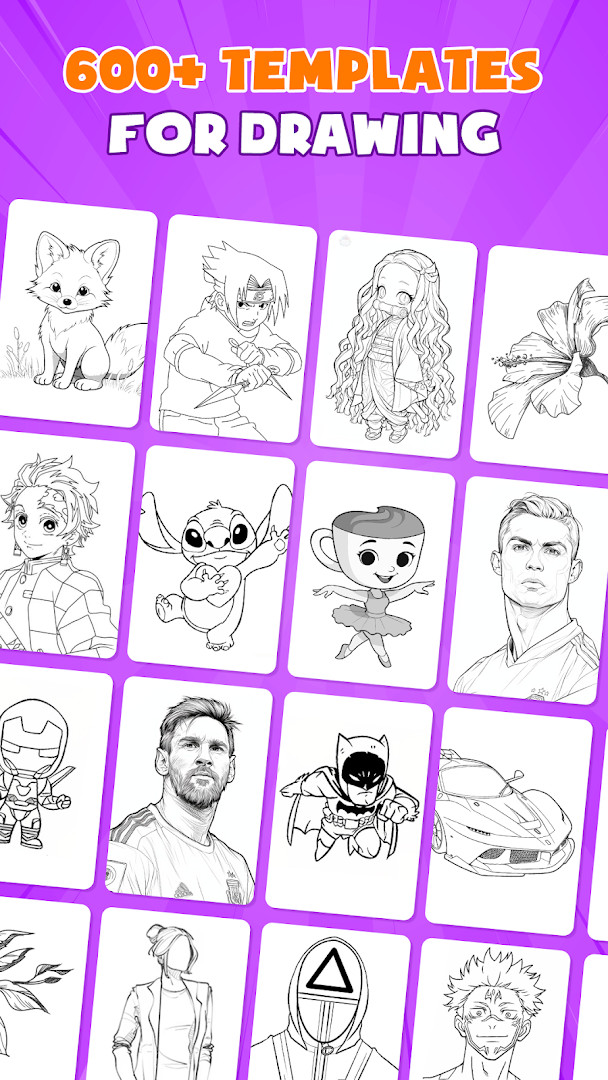
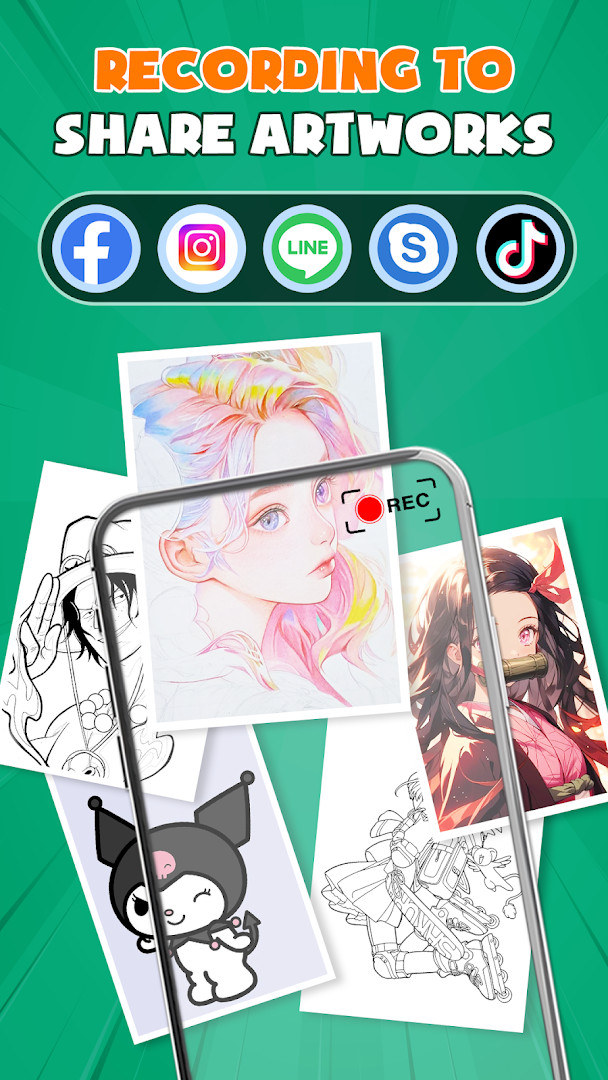
- Version
- 1.7.0
- Requires Android
- 7.0
- Updated
- Oct 14, 2026
- Installs
- 1M+
- Rating
- ★ 4.28 (19,854)
- Category
- Art & Design
- Developer
- LOGICLABS LIMITED
- Content rating
- Everyone
- Package
- ar.drawing.anime.paint.sketching.tracing.draw.apps
- Free
- ✓ · Contains ads
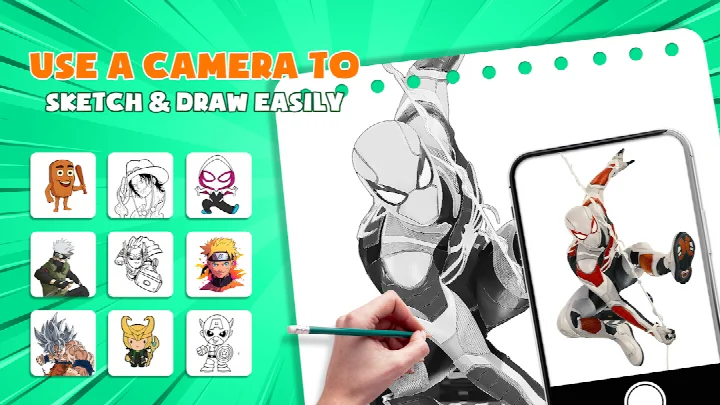
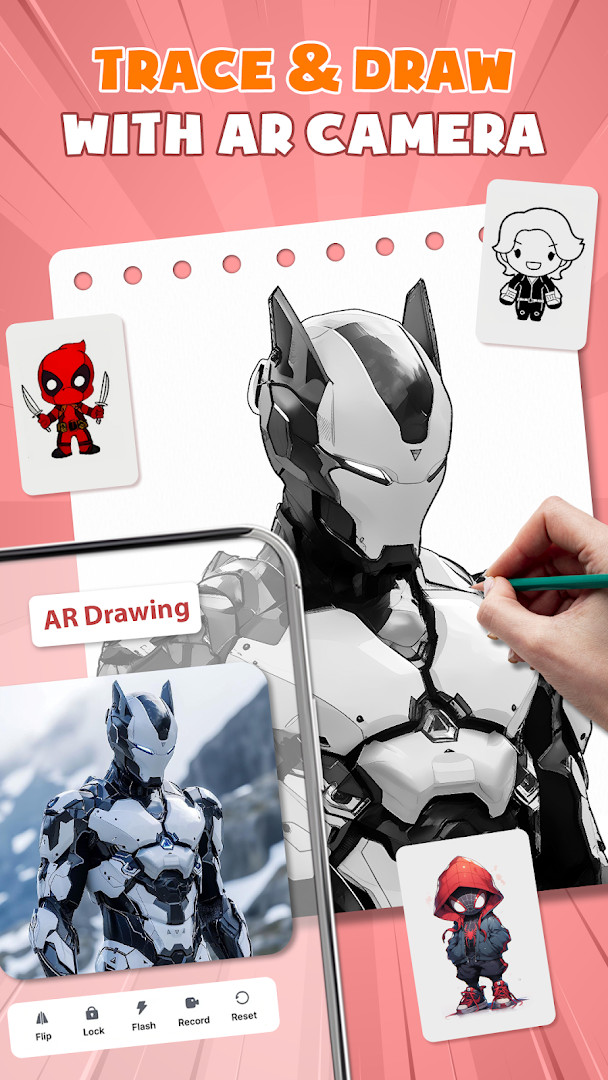
AR Drawing - Paint & Sketch is an art and design app by LOGICLABS LIMITED that uses augmented-reality projection and tracing to help you draw on real paper or canvas. It layers a chosen image over your camera view so you can follow the outlines while your hand works on the physical surface.
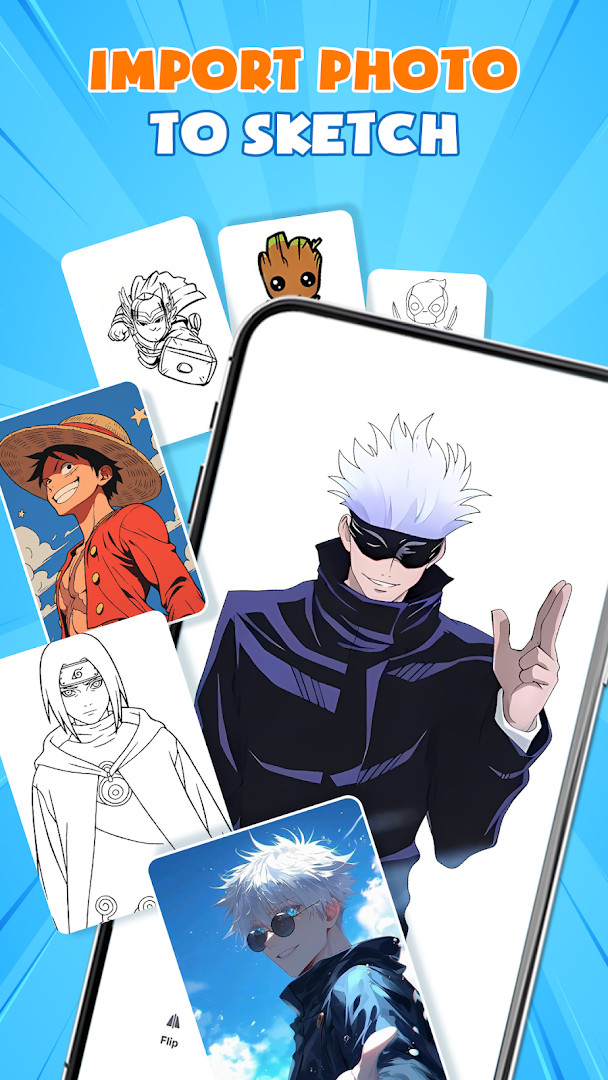
The app combines a tracing engine with painting tools and an anime-focused studio. You can import a photo from your gallery or pick from a built-in template library, then adjust the size, position and transparency of the overlay in AR view before switching to paint mode to color and finish the artwork. Finished pieces can be saved, exported or shared, and a community area lets you post creations and follow other artists.
This release is version 1.7.0, updated on 2026-10-14, and it was first released on 2025-08-19. It is a free download that carries advertising, has no in-app purchases, is rated for Everyone, and requires Android 7.0 or newer. The listing shows a 4.28 rating from 19,854 ratings and more than 1,000,000 installs.
For an experienced user weighing alternatives, the draw here is the combination of projection-based tracing, a large template library and anime-oriented presets in one package. The trade-offs are the ad-supported model and a permission set that reaches beyond drawing, including camera, microphone, storage and Wi-Fi connection information.
Key features
- AR projection and tracing that turns the device into a mobile projector for following outlines on paper
- Sketch and color tools, including pencil-style shading and vibrant brushes for finishing work
- Anime studio with tutorials, guides, presets, sketch effects and overlays for drawing anime
- A free template library with over 1000 drawing samples and traceable outlines
- Art games and drawing games, including tournaments, contests and sketching missions
- Picture importer that pulls images from the gallery and lets you tune opacity for direct tracing
- Dedicated tattoo and pencil art modes for realistic tattoo designs and detailed pencil sketches
- Community features for sharing creations, following artists and receiving feedback
How to install
- Tap the download button on this page to get the APK file; the file size is not specified in the listing.
- When Android asks, allow your browser or file manager to install apps by enabling the "Install unknown apps" setting for that app.
- Open the downloaded APK file from your notifications or file manager.
- Tap Install and wait for the package to finish installing.
- Open the app. It requires Android 7.0 or newer to run.
Pros
- Combines AR tracing, painting and anime presets in a single free app
- Large template library of over 1000 samples reduces setup time
- Strong adoption figures: more than 1,000,000 installs and a 4.28 rating from 19,854 ratings
- No in-app purchases, so the tool set is not gated behind extra spending
- Recent update to version 1.7.0 on 2026-10-14 shows active maintenance
Cons
- Supported by advertising
- Permissions include camera, microphone, storage and Wi-Fi connection information, which is broader than tracing alone would require
- The listing does not state the download size, so you cannot plan storage ahead from the page alone
- Requires Android 7.0 or newer, which leaves older devices out
Version history
| Version | Size | Requires Android | Updated |
|---|---|---|---|
| 1.7.0 | — | 7.0 | Oct 14, 2026 |
This app suits hobbyists and beginner-to-intermediate artists who want guided tracing on real paper, plus experienced users specifically interested in anime-style drawing, tattoo concepts or pencil sketches. It is also a reasonable pick for anyone who prefers a free, ad-supported tool over a paid drawing suite and does not mind granting camera and storage access.
Start with a template that has clear outlines and lower the overlay opacity until you can still see your pencil lines underneath. Keep the phone steady or use a stand, since the projection shifts with movement. Check the permission prompts during setup and only grant what you are comfortable with, and expect ads as part of the free experience.
Permissions
Frequently asked questions
How do I install AR Drawing - Paint & Sketch on my Android phone?
Since the app is free to download, tap the download button on this page to get the APK file. Your device needs Android 7.0 or newer. Once the file is saved, open it and allow installation from your file manager if Android asks for permission, then follow the on-screen prompts. The app is rated Everyone, so it is suitable for a general audience.
What is new or notable about version 1.7.0?
Version 1.7.0 is the current release, dated 2026-10-14. It follows the original launch of the app on 2025-08-19 and keeps the same core toolset: AR projection and tracing, sketching and coloring, an anime studio, free templates, and art games. If you already use an older build, updating to 1.7.0 gives you the latest revision of those features.
Does the app show ads or charge for anything?
The app is free to download and use, and it does contain advertising. There are no in-app purchases, so you will not be prompted to buy extra content, unlock packs, or pay a subscription. Expect to see ad placements while you use it.
Can I use AR Drawing - Paint & Sketch without an internet connection?
The app requests Wi-Fi connection information and other permissions such as Camera, Microphone, Photos/Media/Files, and Storage. Tracing and painting themselves rely on your camera and stored images, but the listing does not state that every feature works fully offline. For the most predictable experience, keep a connection available for ads and any online elements.
Why does the app ask for camera, microphone, storage, and Wi-Fi permissions?
Each permission maps to a function: the camera powers the AR projection and tracing view, storage and photos/media access let you import pictures from your gallery and save or export your artwork, the microphone supports media capture where relevant, and Wi-Fi connection information is used for network-related features such as ads. Review these permissions during installation so you know what the app can access.
Are there other apps in the Art & Design category I could try instead?
Yes. The Art & Design category includes many sketching, painting, and tracing tools, and AR Drawing - Paint & Sketch is one option among them. Alternatives may differ in template libraries, brush engines, tutorial content, or how they handle ads and pricing. Compare the feature lists and permission requests of a few options before deciding which fits your workflow.
How popular and well rated is AR Drawing - Paint & Sketch?
It has been installed more than 1,000,000 times and holds a rating of 4.28 from 19,854 ratings. It is developed by LOGICLABS LIMITED, released on 2025-08-19, and last updated on 2026-10-14 with version 1.7.0. Those figures give a reasonable picture of how much feedback the app has received so far.
AR Drawing - Paint & Sketch pairs projection-based tracing with painting tools, a large template library and anime-focused presets at no cost. Version 1.7.0 needs Android 7.0 or newer, and the trade-offs are ads and a fairly broad permission set. If guided tracing on real paper is what you want, it is worth trying.
Similar apps





Updated: Oct 25, 2026