Canva: AI Photo & Video Editor – Design & Edit
Canva: AI Photo & Video Editor is a free design tool by Canva that lets you create photos, videos, and graphics with AI tools and templates.
Get Canva · v2.381.0Canva: AI Photo & Video Editor requires Android 8.0 or higher, shows no ads, and offers in-app purchases. The app has been downloaded 500 million times and holds a 4.78 rating from 27.3 million ratings. It serves personal users, entrepreneurs, students, teachers, and social media managers with templates and editing features.
Screen gallery
- Version
- 2.381.0
- Requires Android
- 8.0
- Updated
- Oct 7, 2026
- Installs
- 500M+
- Rating
- ★ 4.78 (27,363,752)
- Category
- Art & Design
- Developer
- Canva
- Content rating
- Everyone 10+
- Package
- com.canva.editor
- Free
- ✓ · In-app purchases
Canva: AI Photo & Video Editor is a graphic design and multimedia creation app by Canva that combines photo editing, video editing, and AI-powered design tools in one free package. It serves as a versatile workspace for producing social media posts, presentations, flyers, logos, collages, and short videos, all from a mobile device. The app leans heavily on generative AI features, such as text-to-image creation and object removal, to reduce the manual effort traditionally associated with design work. The latest update, version 2.381.0 from October 2026, focuses on refreshing content and applying minor bug fixes, with the developer noting that larger improvements are still in the pipeline. For new users, the core experience remains unchanged: you can start from a blank canvas or choose from a vast library of templates, then use built-in editing tools to refine images, add text, layer audio, and export finished pieces. Privacy-conscious users should note that the app requests access to photos, storage, camera, microphone, and Wi-Fi connection details, which are typical for an editor that imports media and syncs projects. The app is free to install with no ads, though it offers optional in-app purchases for premium features like the Pro subscription. With over 500 million installs and a rating of 4.78 based on more than 27 million reviews, it has become a mainstream choice for casual and semi-professional creators alike. The minimum Android version required is 8.0, making it accessible to a wide range of devices.
Key features
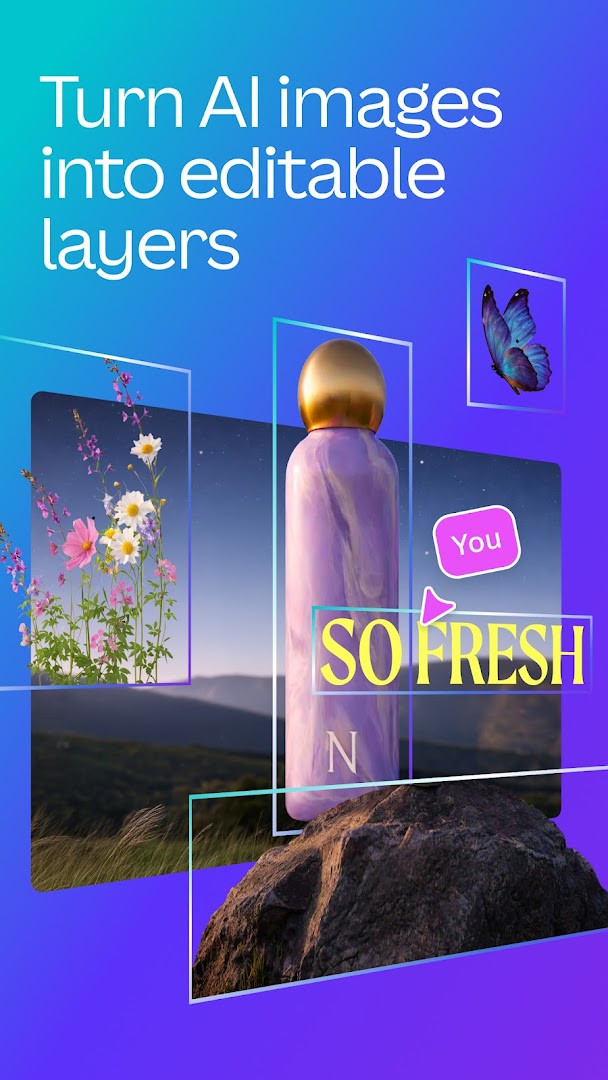
- AI image generator that turns text prompts into images within minutes
- Magic Edit to swap or add objects to existing photos
- Magic Eraser to remove unwanted items from images
- Photo editor with crop, flip, brightness, contrast, saturation controls
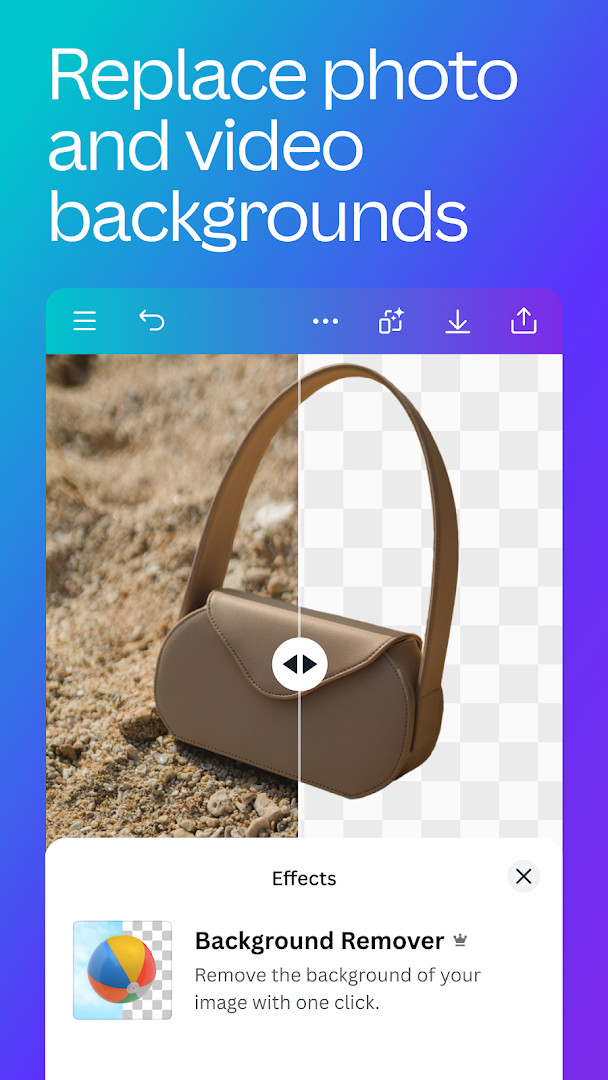
- Background eraser and blur tools for portrait-style edits
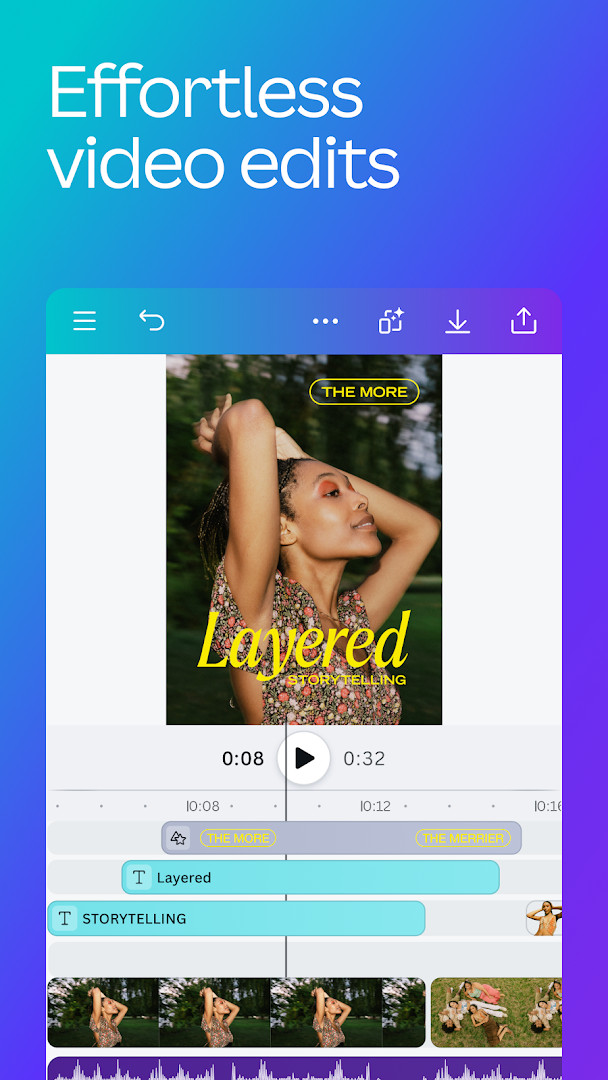
- Video editor with one-tap animations, page transitions, slow motion, and reverse playback
- Beat Sync to automatically align video edits to music tempo
- Automatic caption translation into over 100 languages
- Access to a content library with 2M+ royalty-free images, thousands of videos, and 25K+ audio tracks
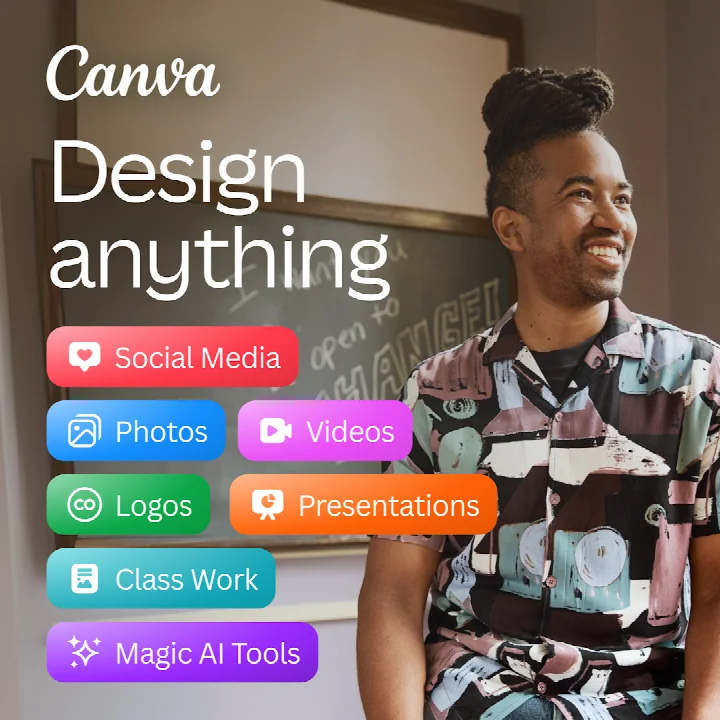
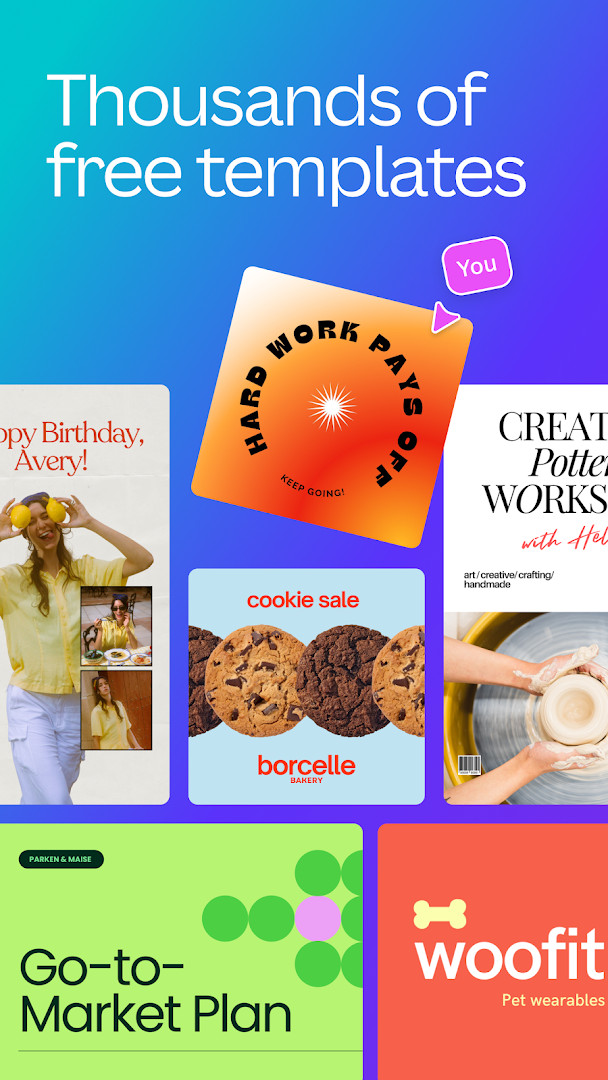
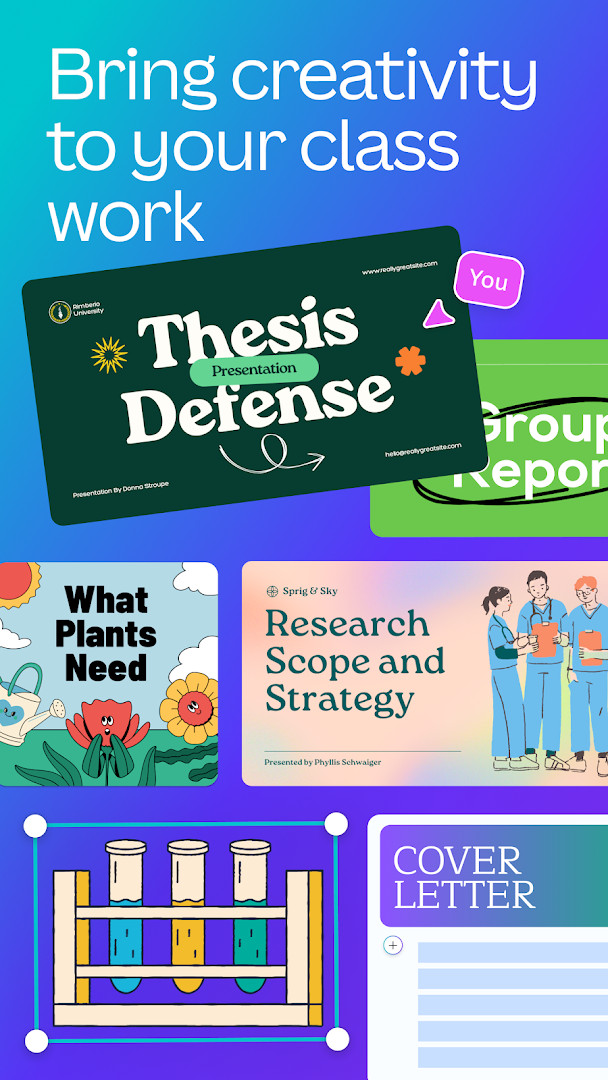
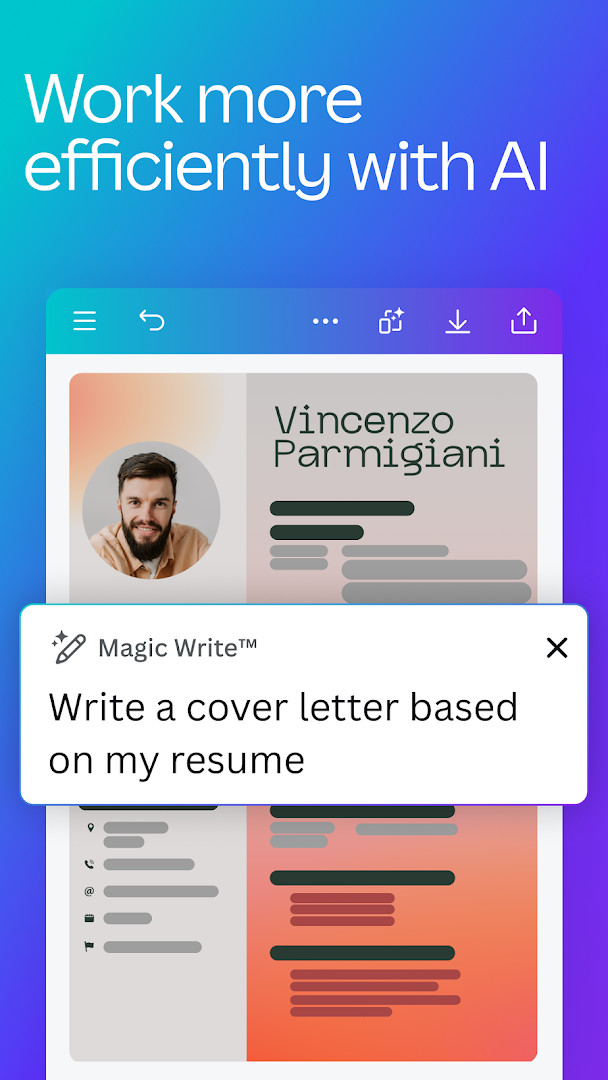
- Templates for social media posts, presentations, flyers, resumes, logos, and collages
How to install
- Tap the download button on this page to get the APK file for version 2.381.0; the file size is not specified here.
- When Android prompts, allow your browser or file manager to install apps by enabling the 'Install unknown apps' setting for that app.
- Open the downloaded APK file from your notifications or file manager.
- Tap the Install button and wait for the installation to complete; this requires Android 8.0 or higher.
- Open Canva from your app drawer and sign in or create an account to begin designing.
Pros
- Free to use with no ads and no watermarks on the basic tier
- Comprehensive toolset covering photo, video, and graphic design in one app
- Strong AI features like text-to-image and object eraser are built-in
- Huge library of templates and assets reduces the need to start from scratch
- Real-time collaboration and 5GB of cloud storage for syncing projects
Cons
- Requests several sensitive permissions, including camera, microphone, and full storage access
- Advanced features like scheduler and magic resize are locked behind a Pro subscription
- Some music tracks may be subject to regional restrictions
- Occasional reliance on AI tools may require an internet connection for full functionality
What's new · 2.381.0
In this release, the team has been preparing larger updates while giving the app a refresh with new content and minor bug fixes. If you have any questions, you can reach out through the help section. Happy designing!
Version history
| Version | Size | Requires Android | Updated |
|---|---|---|---|
| 2.381.0 | — | 8.0 | Oct 7, 2026 |
This app is ideal for social media managers who need to produce on-brand posts quickly, small business owners creating logos and promotional flyers, and students or teachers who want to make engaging presentations and worksheets without learning complex design software.
Before granting full storage access, consider using the app's built-in photo picker to select only the images you need for a project, which can limit the amount of personal media the app can scan.
Permissions
Frequently asked questions
How do I install the Canva APK on my Android device?
To install the APK, first make sure your device runs Android 8.0 or newer. Download the APK file from the download button on this page, then open it. If prompted, allow installation from unknown sources in your system settings, and follow the on-screen steps to complete the setup.
What is the current version of Canva and when was it updated?
The current version is 2.381.0, which was released on October 7, 2026. The update includes fresh content and minor bug fixes.
Does Canva show ads or require a purchase to use?
Canva is free to download and use, and it does not display ads. However, the app offers in-app purchases for Canva Pro, which unlocks premium templates, images, videos, and extra features like one-click background removal and Magic Resize.
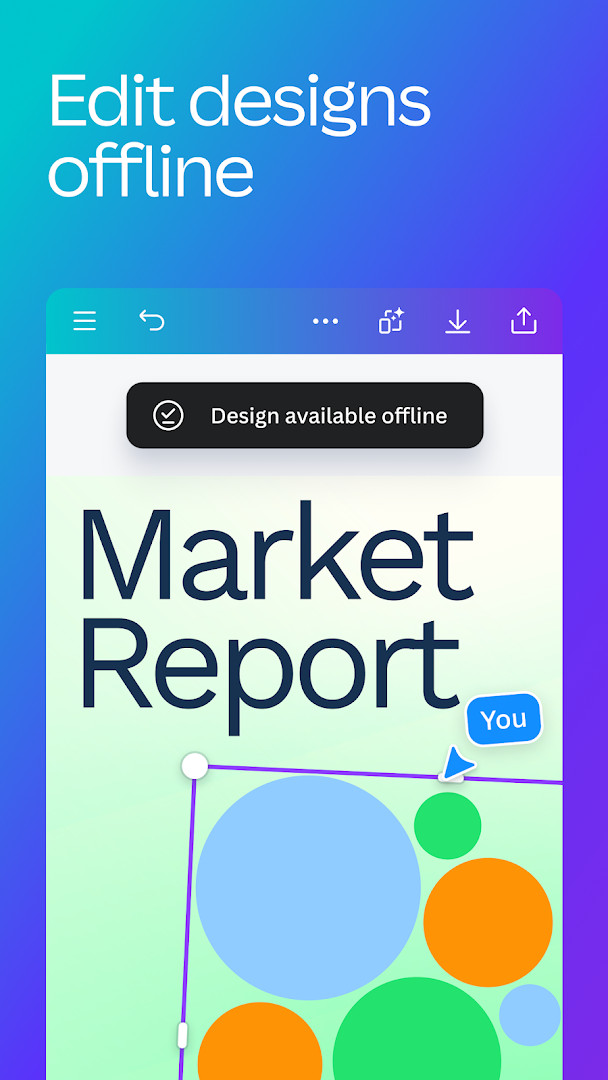
Can I use Canva offline or does it need a connection?
Canva is primarily designed for online use, as many features rely on cloud storage, real-time collaboration, and access to its library of templates and assets. While you may view saved designs with limited connectivity, a stable internet connection is recommended for full functionality.
Are there alternatives to Canva in the Art & Design category?
Yes, there are other apps in the same category that offer photo editing, collage making, and design tools. These alternatives vary in features, ease of use, and pricing, so you can explore them based on your specific design needs and preferences.
What kind of projects can I create with Canva?
You can create a wide range of projects, including social media posts, presentations, flyers, logos, resumes, photo collages, and video collages. The app includes customizable templates and built-in AI tools to help you generate images, edit photos, and produce videos quickly.
What permissions does Canva request during installation?
Canva requests access to photos and media files, storage, camera, microphone, and Wi-Fi connection information. These permissions help you import and save designs, take photos or record videos, and manage uploads while using the app.
Canva: AI Photo & Video Editor stands out as a robust all-in-one design suite that makes professional-looking content accessible to beginners, while still offering enough depth for more experienced creators. The AI-powered tools are genuinely useful and the free tier is generous, but the breadth of permissions and the presence of in-app purchases mean you should review your privacy settings and consider whether the Pro features are worth the cost. Overall, it is a dependable choice for anyone looking to streamline their creative workflow on Android.
Similar apps

Updated: Nov 4, 2026