Doodle Art: Magic Drawing App - Draw and Doodle
Doodle Art: Magic Drawing App is a free drawing app by Game Crazy Games that lets you create glowing doodle art with spirograph designs.
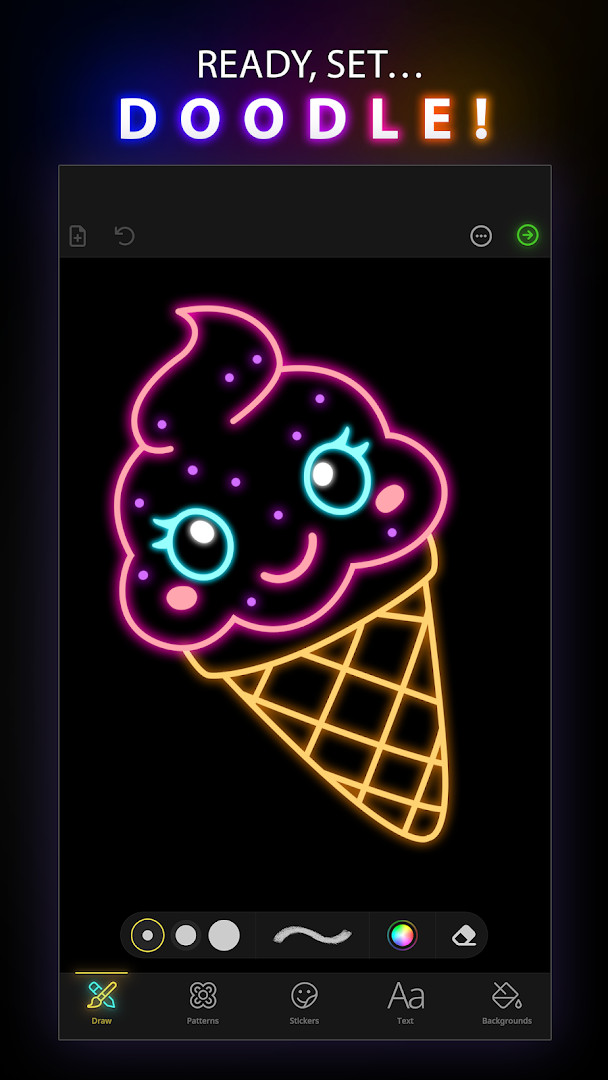
Get Doodle Art · v6.1.10Doodle Art: Magic Drawing App has no stated file size, requires Android 9 or higher, and includes ads and in-app purchases. It is suitable for Everyone and has been installed over 10 million times. The app offers a range of brushes, color palettes, stickers, and text options for creating and sharing doodle art.
Screen gallery
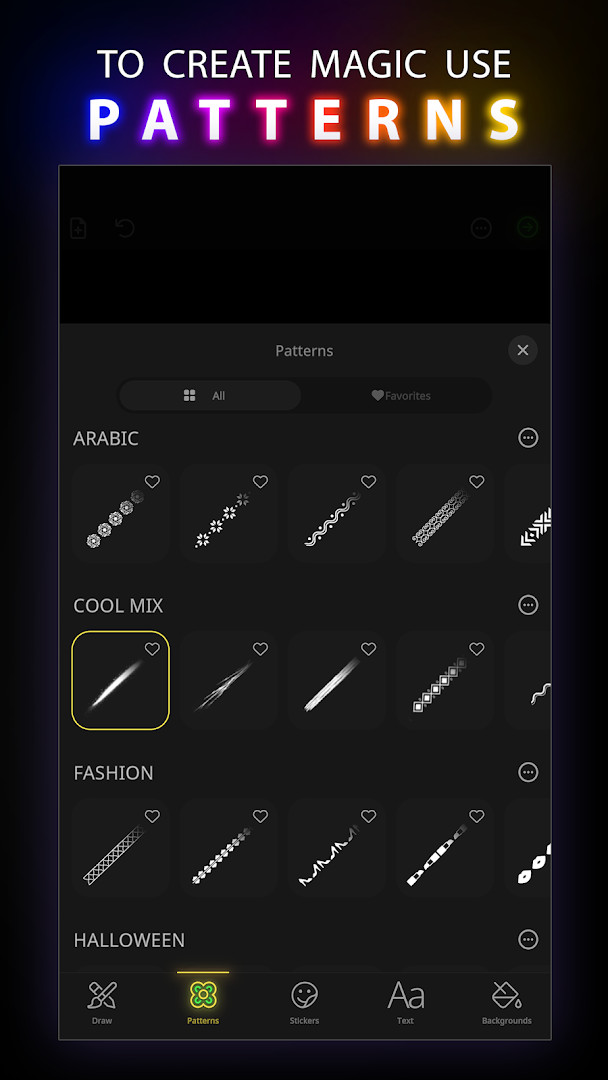
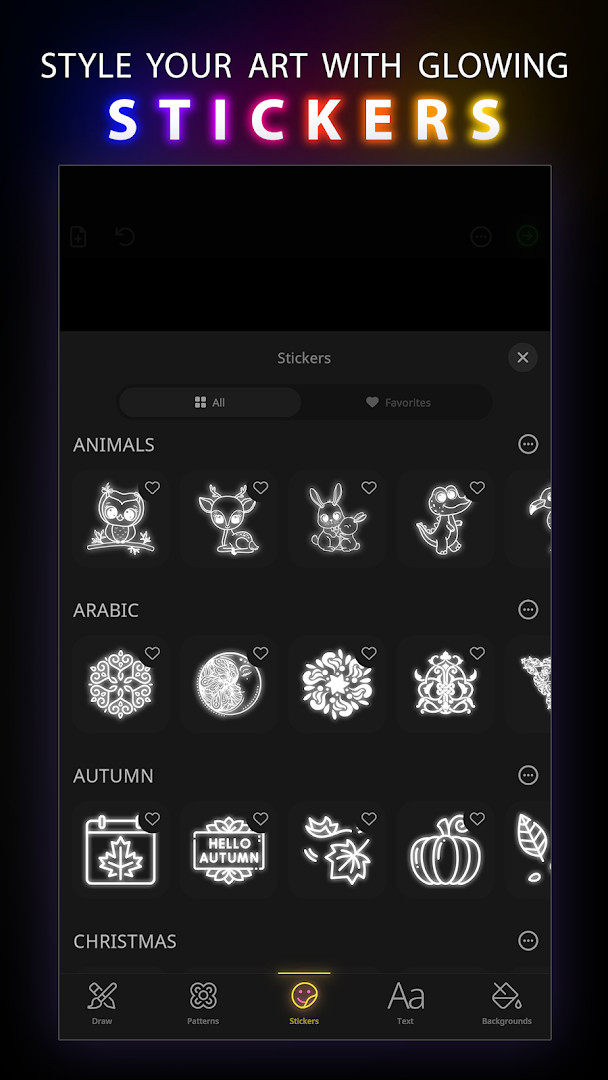
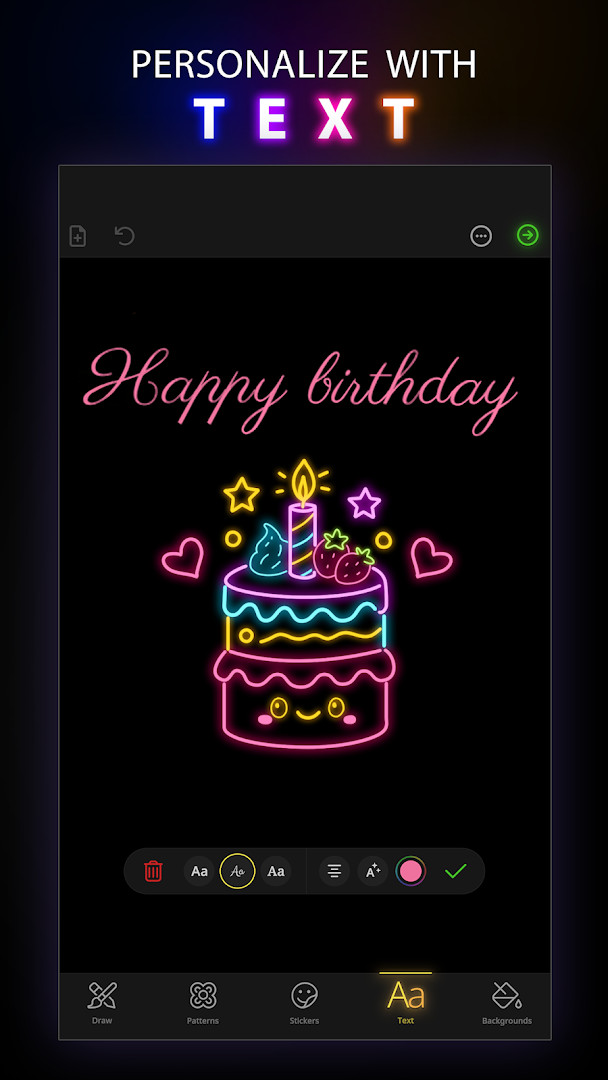
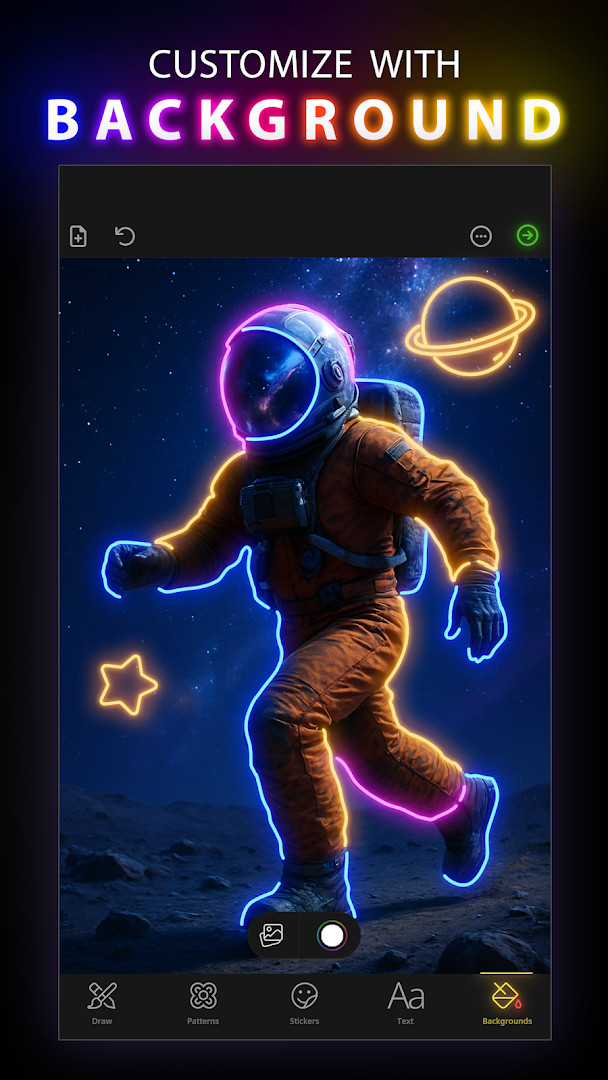
- Version
- 6.1.10
- Requires Android
- 9
- Updated
- Jul 31, 2026
- Installs
- 10M+
- Rating
- ★ 4.14 (33,275)
- Category
- Art & Design
- Developer
- Game Crazy Games
- Content rating
- Everyone
- Package
- com.magicdoodleart.quickdrawingapp
- Free
- ✓ · Contains ads · In-app purchases
Doodle Art: Magic Drawing App is a creative drawing application by Game Crazy Games that lets users turn simple doodles into colorful, glowing art pieces. It provides a digital canvas with a variety of brushes, spirograph designs, and color palettes, making it easy for anyone to produce visually striking artwork. The app is designed for quick, playful drawing sessions, offering immediate visual feedback and a range of tools to experiment with.
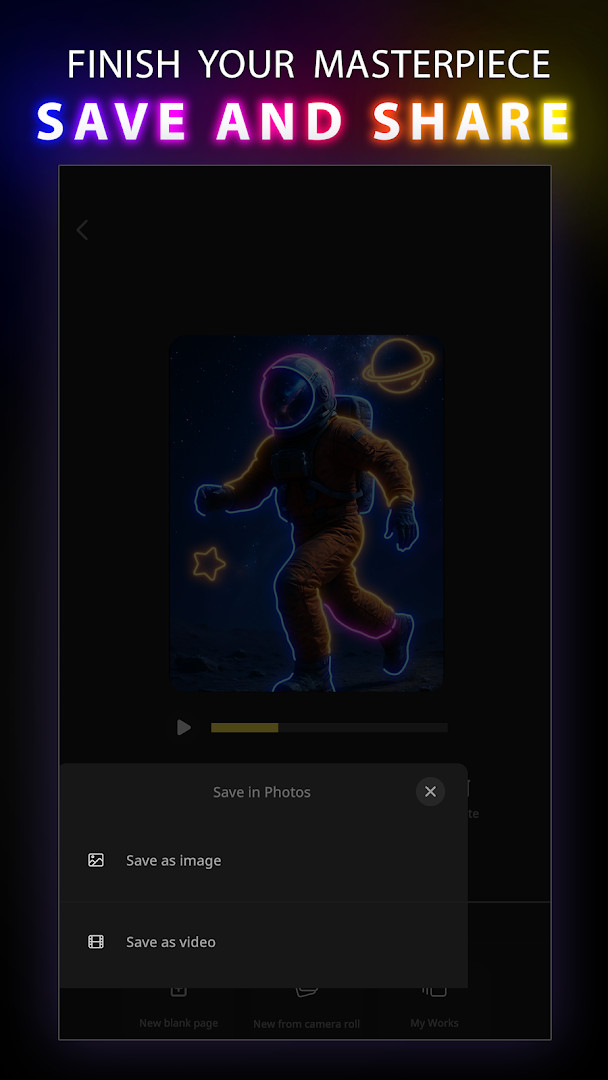
The latest version, 6.1.10, introduces new brushes, color palettes, stickers, and text tools, along with an animation feature that replays your drawing steps. It also improves line smoothing for a more fluid stroke experience. Users can save their creations to a gallery, set them as wallpapers, or share them on social media. The app includes seasonal pattern categories like Easter and Halloween, keeping the content fresh throughout the year.
Regarding privacy, the app requests access to photos, media, files, and storage to save and share your artwork, plus Wi-Fi connection information. These permissions are typical for apps that handle local files and social sharing, but you should be aware of them and consider what you're comfortable granting. The app is ad-supported and offers in-app purchases, which may be a consideration for some users.
Key features
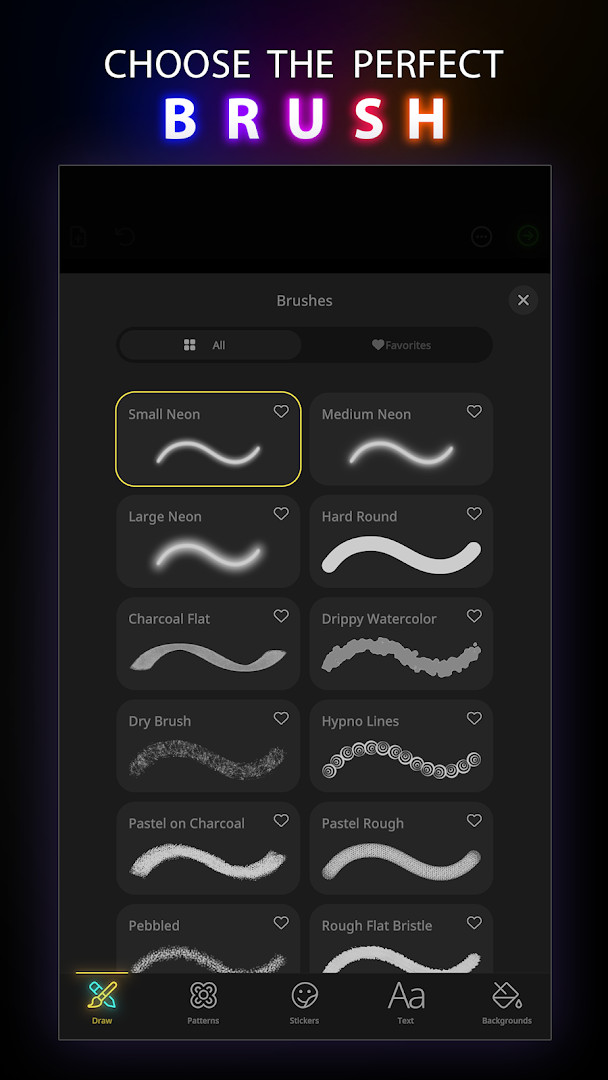
- A wide selection of brushes with adjustable thickness for varied stroke styles.
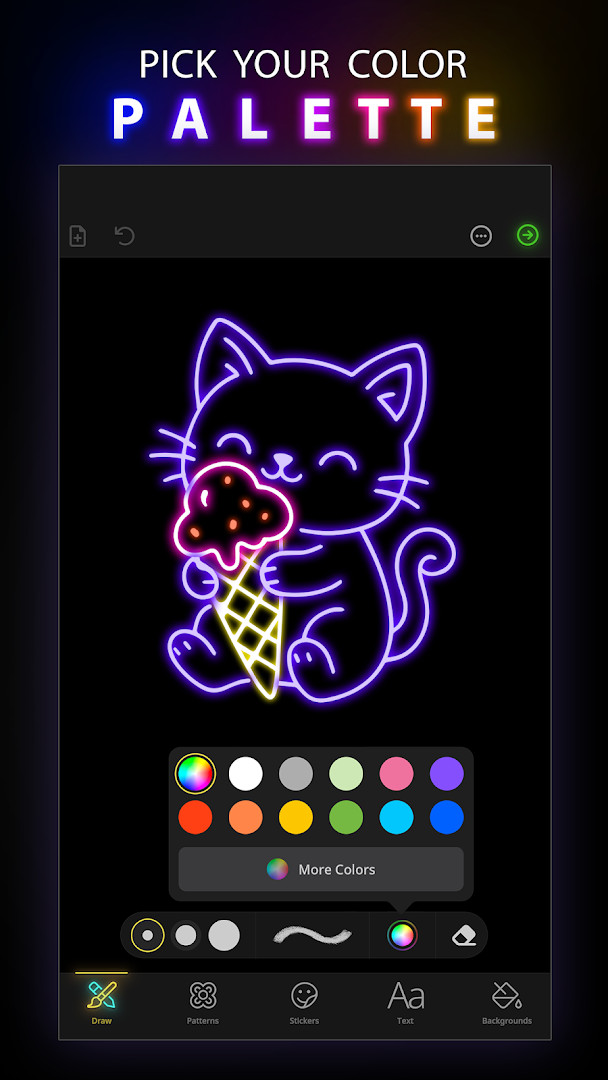
- Multiple color palettes and a spectrum, plus a custom color creator.
- Stickers organized by category, with options to resize, copy, and rotate.
- Text tool to add captions or titles with color, size, font, background, and rotation options.
- Animation feature to replay the drawing process step by step.
- Customizable backgrounds, including ready-made options or your own photos.
- Undo and eraser tools to refine your artwork.
- Gallery to save and manage all your creations.
- Set your doodle as a wallpaper directly from the app.
- Share your art on social media platforms like Facebook and Instagram.
How to install
- Tap the download button on this page to get the APK file.
- When prompted by Android, allow your browser or file manager to install apps by enabling the 'Install unknown apps' setting.
- Open the downloaded APK file from your notifications or file manager.
- Tap 'Install' and wait for the process to complete.
- Open the app from your app drawer or home screen. The file size is not specified, and the minimum Android version required is 9.
Pros
- Offers a wide range of creative tools for free.
- Smooth line improvements in the latest version enhance usability.
- Animation feature is unique and helpful for learning.
- Seasonal categories add variety and engagement.
- Saves and shares artwork easily.
Cons
- Contains ads, which can interrupt the creative flow.
- In-app purchases may be needed for advanced features.
- Requires storage and media permissions, which might raise privacy concerns.
- Limited to Android 9 and above, excluding older devices.
Version history
| Version | Size | Requires Android | Updated |
|---|---|---|---|
| 2.2.6 | 24 MB | 4.1 | Sep 15, 2026 |
| 6.1.10 | — | 9 | Jul 31, 2026 |
This app is ideal for casual doodlers looking for a fun way to relax, aspiring artists wanting to experiment with glow art and spirograph designs, and anyone who enjoys creating shareable, colorful content for social media.
To get the most out of the app, start with simple patterns and gradually incorporate stickers and text. Use the animation feature to review your strokes, which can help you improve your technique over time.
Permissions
Frequently asked questions
Is Doodle Art: Magic Drawing App free to download and use?
Yes, the app is free to download and use. It does include ads and offers optional in-app purchases, but no payment is required to start doodling.
What Android version do I need to run the app?
The app requires a minimum Android version of 9. If your device runs Android 9 or newer, it should be compatible.
Does the app require me to create an account?
No, you do not need an account to use Doodle Art: Magic Drawing App. You can start creating and saving your doodles right after installation.
What permissions does the app request?
The app asks for access to your photos, media, and files, as well as storage and Wi-Fi connection information. These are typically used to save your artwork and manage device connectivity.
How do I update the app to the latest version?
To update, simply download the newest version available on this page and install it over your current version. The latest listed version is 6.1.10.
Can I save and share the doodles I create?
Yes, the app includes a gallery where you can save your doodle art on your phone. You can also set your drawings as wallpaper and share them on platforms like Facebook and Instagram.
Doodle Art: Magic Drawing App is a versatile and enjoyable drawing tool that balances creativity with ease of use. While ads and in-app purchases may be drawbacks for some, the free features and regular updates make it a worthwhile choice for casual artists. Just be mindful of the permissions you grant, as they are tied to saving and sharing your work.
Similar apps

Updated: Oct 25, 2026