WOMBO Dream - AI Art Generator: AI art creation app
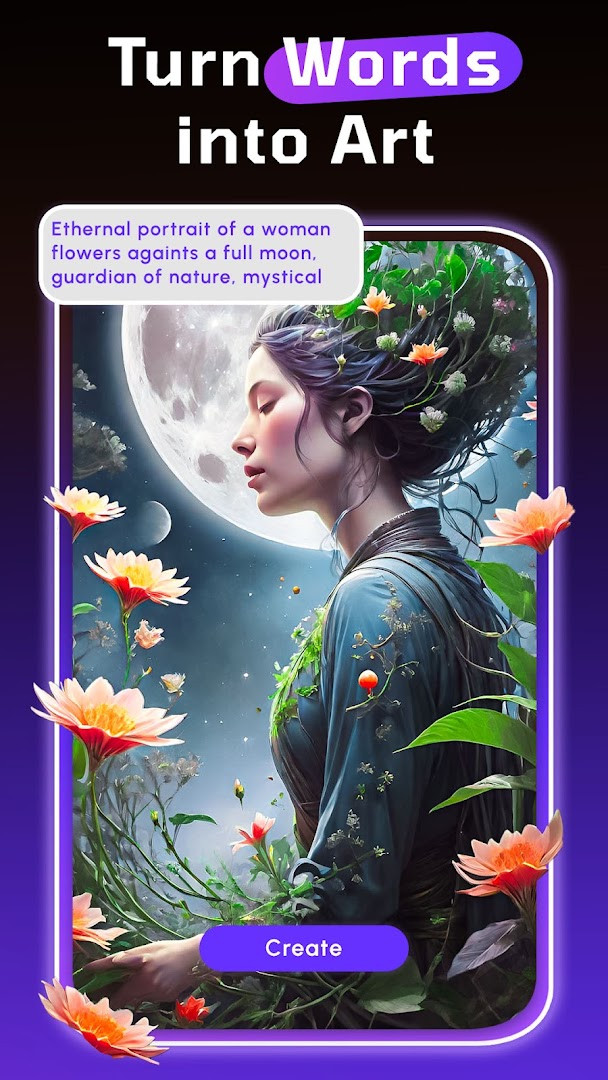
WOMBO Dream - AI Art Generator is an AI art creation app by Wombo Studios Inc that turns text prompts into images in seconds.
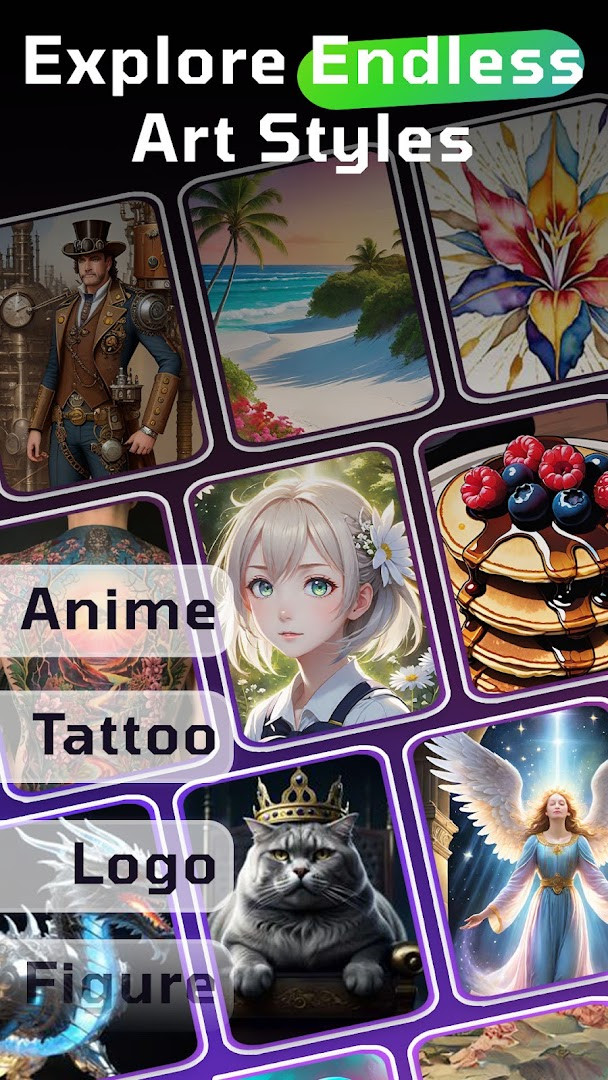
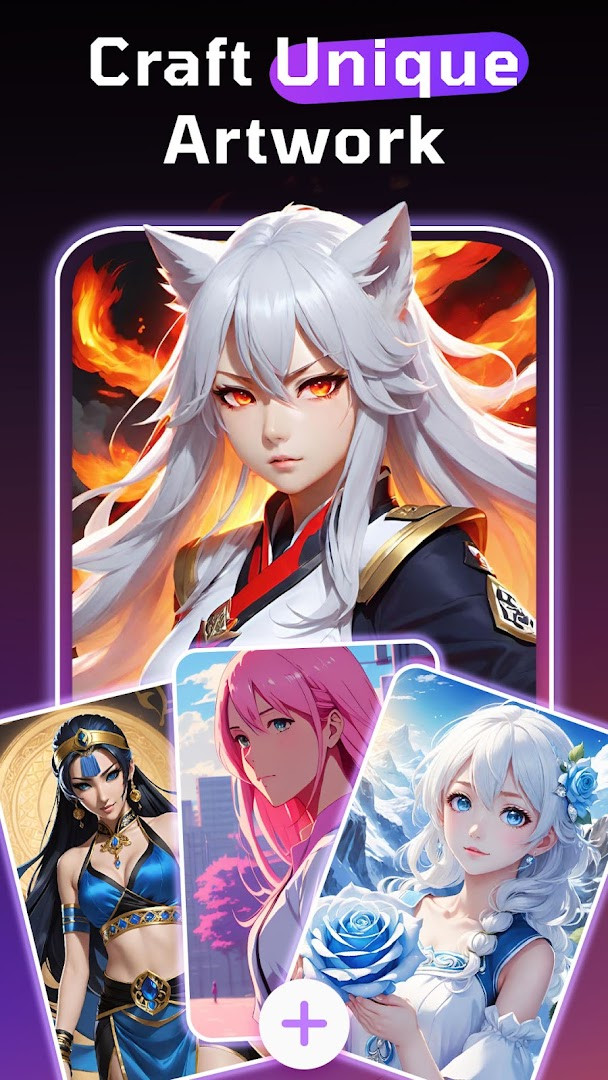
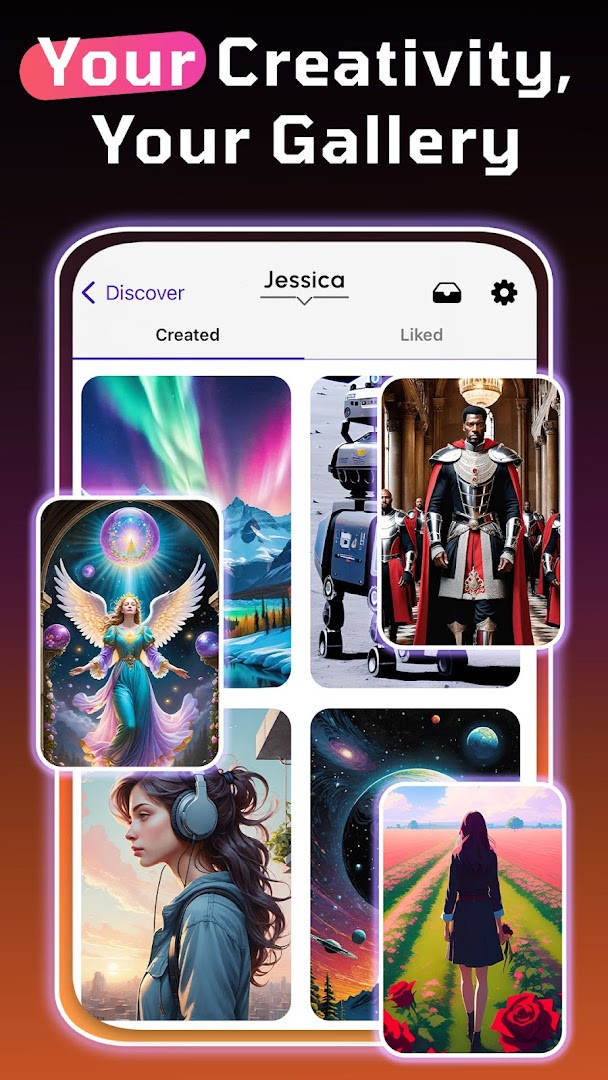
Download WOMBO Dream · v7.0.9WOMBO Dream - AI Art Generator lets users create AI paintings, drawings, and pictures from text or photos, offering dozens of styles such as anime, cartoon, and realistic. It suits anyone who wants to make wallpapers, logos, avatars, or portraits without drawing skills.
Screen gallery
- Version
- 7.0.9
- Requires Android
- 7.0
- Updated
- Apr 16, 2026
- Installs
- 10M+
- Rating
- ★ 3.66 (526,981)
- Category
- Art & Design
- Developer
- Wombo Studios Inc
- Content rating
- Everyone
- Package
- com.womboai.wombodream
- Free
- ✓ · In-app purchases
WOMBO Dream - AI Art Generator is an art and design application by Wombo Studios Inc that turns text prompts into AI-generated paintings, drawings, and pictures. It solves the problem of needing artistic skill or traditional art supplies by letting anyone type a description, choose a style, and receive a finished image within seconds. The app uses advanced AI technology to interpret prompts across dozens of visual styles, from anime and cartoon to realistic and abstract, and also supports editing existing images with text instructions or transforming uploaded photos into new artwork. With over 100 million users reported by the developer and a content rating of Everyone, it positions itself as a mobile-friendly alternative to desktop AI image tools, offering a straightforward creative studio experience directly on a phone. The current version is 7.0.9, updated on 2026-04-16, and it has been available since 2021-10-20, with a rating of 3.66 based on over half a million ratings.
Key features
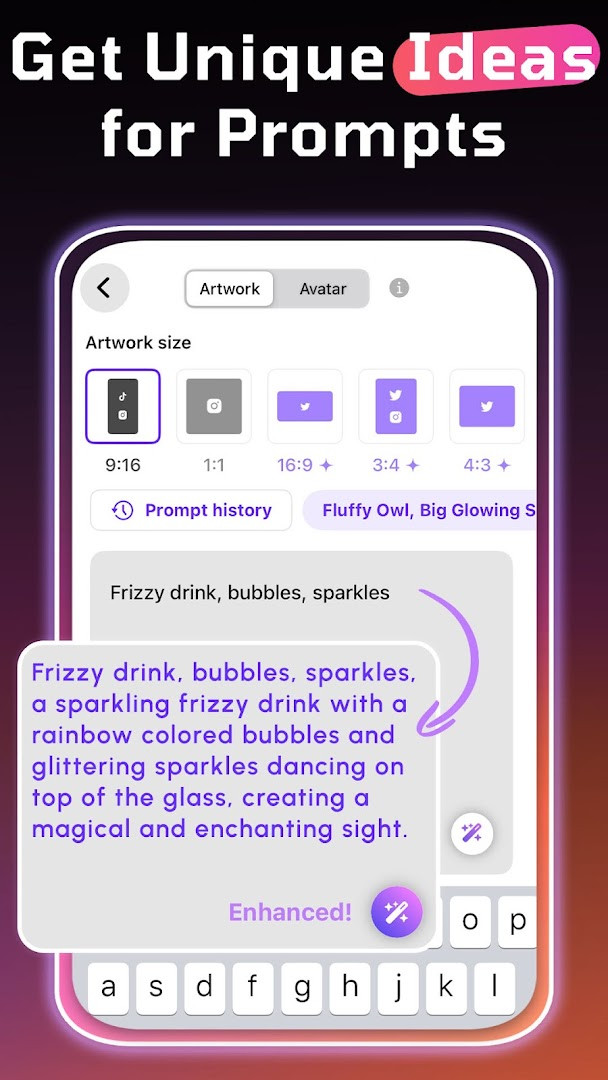
- Generate images from text prompts by typing a description and selecting an art style
- Choose from dozens of styles including realistic, anime, fantasy, cartoon, and avatar looks
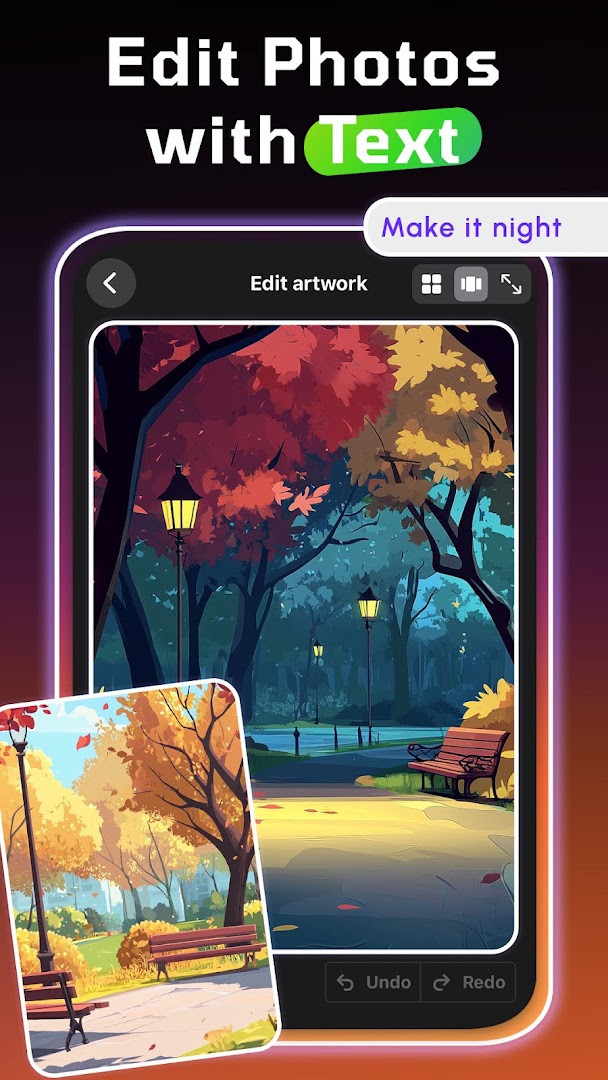
- Edit AI pictures with simple text instructions to change hair color, add backgrounds, or adjust lighting
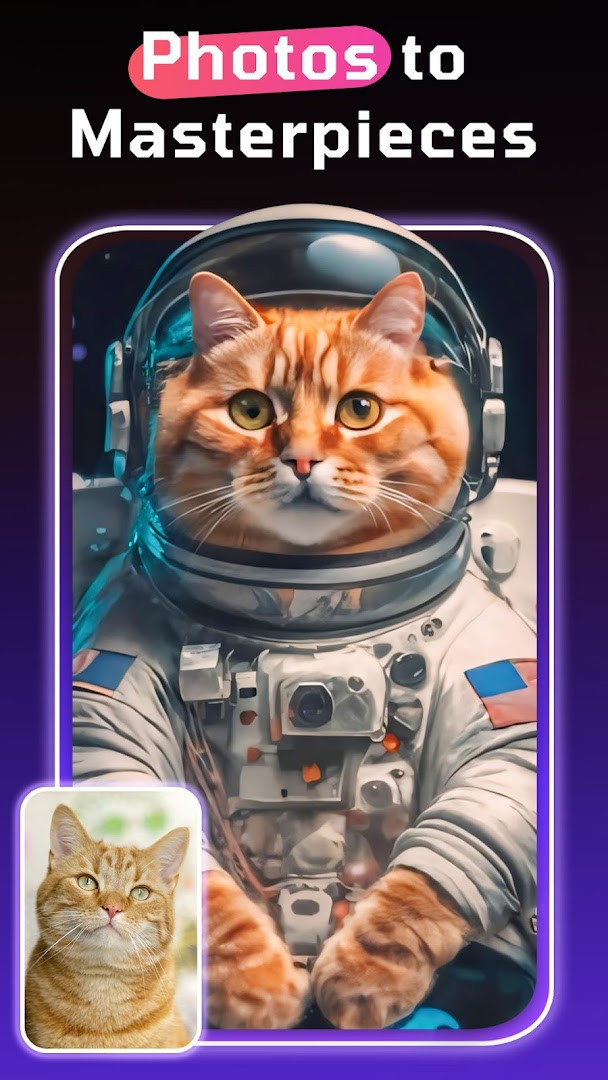
- Upload a photo to use as a visual base and transform it into paintings, cartoon versions, or portraits
- Create AI art for wallpapers, logos, tattoo ideas, profile pictures, and avatars
- Share finished AI artwork directly with friends or on social media platforms
- Revamped interface with cleaner design and updated fonts for smoother navigation
- Upload multiple images to generate a brand-new image with exact edits you define in one place
How to install
- Tap the download button on this page to get the APK file for WOMBO Dream version 7.0.9.
- When Android prompts you, allow your browser or file manager to install apps by enabling the 'Install unknown apps' setting for that source.
- Open the downloaded APK file from your notifications or file manager.
- Tap the Install button and wait for the installation to complete.
- Open the app and begin creating AI art; the file size is not specified, and the minimum Android version required is 7.0.
Pros
- No ads are present, so the creative experience is uninterrupted
- Free to download and use with no upfront cost
- Works on Android 7.0 and above, covering many older devices
- Offers a wide variety of art styles and editing tools for flexibility
- Includes photo-to-art conversion and text-based editing features
- Suitable for all ages with an Everyone content rating
Cons
- In-app purchases are available, which may limit some advanced features without payment
- Requests access to photos, media, files, storage, camera, and microphone, which is broad for an art app
- Ratings are moderate at 3.66, suggesting mixed user experiences
- Requires granting sensitive permissions that may raise privacy concerns for some users
What's new · 7.0.9
Version 7.0.9 of WOMBO Dream brings a refreshed interface with new fonts and a cleaner layout for a smoother experience. You can now upload multiple images and generate a brand-new picture with the exact edits you define, all in one place. Update now to try it out.
Version history
| Version | Size | Requires Android | Updated |
|---|---|---|---|
| 7.0.9 | — | 7.0 | Apr 16, 2026 |
This app is designed for anyone who wants to create visual art without traditional drawing skills, including hobbyists, social media users, content creators, and people looking for custom wallpapers, avatars, or profile pictures. It also suits those who enjoy experimenting with AI image generation and want a mobile option for quick creative projects. Because it has an Everyone content rating and no ads, it can be used by a broad audience, though the in-app purchases and permission requests mean users should be comfortable with those aspects.
Before uploading personal photos, review the permissions the app requests, especially camera, microphone, and storage access, and consider granting only what you need for the features you actually use. Since in-app purchases exist, check what is free versus paid before committing to advanced edits or styles.
Permissions
Frequently asked questions
Is WOMBO Dream free to download and use?
Yes, the app is free to download and the base version costs $0.00. It does include optional in-app purchases for additional features.
Which Android version do I need to run WOMBO Dream?
The app requires Android 7.0 or higher. If your device runs Android 7.0 or a newer version, you should be able to install and use it.
Does WOMBO Dream require an account to create AI art?
The app description does not state that an account is mandatory. You can start creating AI images by entering a text prompt and choosing an art style without needing drawing skills.
What permissions does WOMBO Dream ask for?
The app requests access to Photos/Media/Files, Storage, Camera, and Microphone. These permissions support features like uploading photos to edit and using your device's camera or audio input.
How do I update WOMBO Dream to the latest version?
To update, simply download the newest version available on this page and install it over your current installation. The latest listed version is 7.0.9, released on 2026-04-16.
Can I use WOMBO Dream to edit my own photos?
Yes, you can upload a photo as a visual base and use the AI to transform it into paintings, cartoon versions, or portraits. The app also lets you edit images with text instructions, such as changing hair color or adding backgrounds.
WOMBO Dream offers a convenient way to generate and edit AI artwork directly on your phone, with no ads and a broad range of styles. However, its extensive permission requests and in-app purchases warrant careful consideration before installation.
Similar apps

Updated: Nov 9, 2026